> ## Documentation Index
> Fetch the complete documentation index at: https://docs.gameball.co/llms.txt
> Use this file to discover all available pages before exploring further.
# How Do I Track My Referral Performance Using Gameball Analytics?
> Understand how the referral program is performing by tracking referral activity, success rates, and revenue generated from referrals.
The Referral Analytics page in the analytics section helps you evaluate the performance of your referral program. It shows how many referrals are being initiated, how many convert successfully, and the revenue impact from referred customers. With this data, you can measure how effective referrals are as a growth channel and identify your top advocates. [Learn more](/product-documentation/analytics/introduction-to-gameball-analytics)
***
## Where to Find the Referral Analytics Page
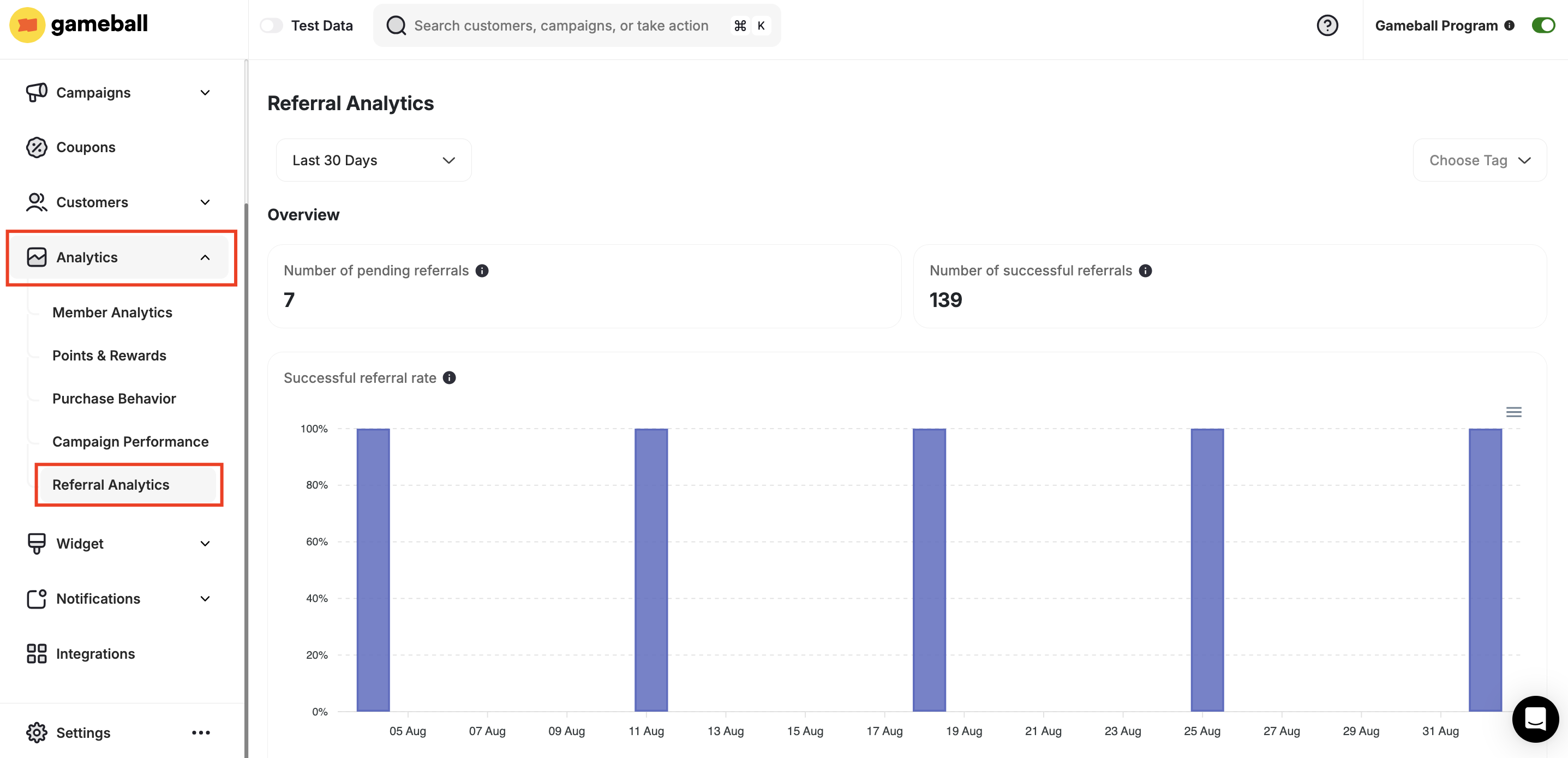
Go to **Gameball Dashboard**, and click **Analytics** from the left bar.
Click on the **Referral Analytics** page.
 ***
## What Is the Referral Analytics Page About?
Referral Analytics provides you with insights into how customers are inviting others to join your platform, how successful these invitations are, and how much revenue your referred customers are contributing.
***
## Referral Performance Metrics
Total referrals initiated but not yet converted.
***
## What Is the Referral Analytics Page About?
Referral Analytics provides you with insights into how customers are inviting others to join your platform, how successful these invitations are, and how much revenue your referred customers are contributing.
***
## Referral Performance Metrics
Total referrals initiated but not yet converted.
 This shows how many customers have been referred but have not yet completed the required referral action (such as signing up or placing their first order). A high number of pending referrals may suggest a gap in the referral funnel that needs optimization.
Total referrals that successfully converted after completing the required referral action.
This shows how many customers have been referred but have not yet completed the required referral action (such as signing up or placing their first order). A high number of pending referrals may suggest a gap in the referral funnel that needs optimization.
Total referrals that successfully converted after completing the required referral action.
 This metric tells you how many referrals turned into actual new customers. Tracking successful referrals helps you measure the true effectiveness of your referral program.
Percentage of referrals that resulted in new customers.
This metric tells you how many referrals turned into actual new customers. Tracking successful referrals helps you measure the true effectiveness of your referral program.
Percentage of referrals that resulted in new customers.
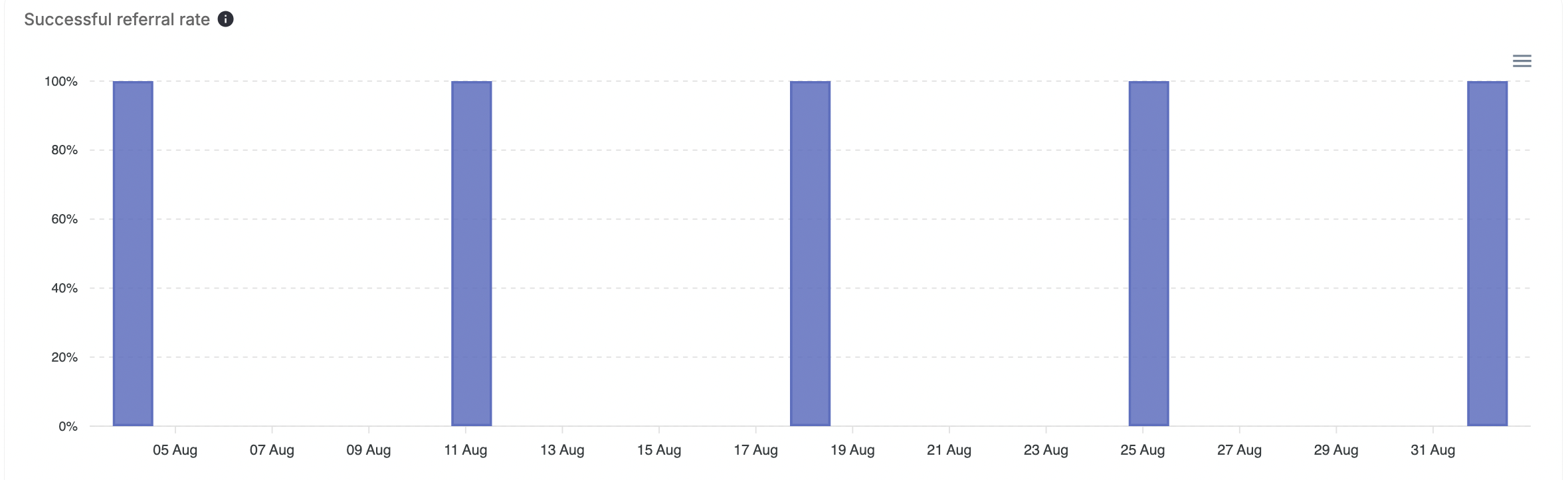 This percentage indicates how efficient your referral program is at converting referred leads. A higher rate means your program is appealing and easy for customers to complete, while a lower rate may point to friction in the process.
Total revenue granted from referred customers.
This percentage indicates how efficient your referral program is at converting referred leads. A higher rate means your program is appealing and easy for customers to complete, while a lower rate may point to friction in the process.
Total revenue granted from referred customers.
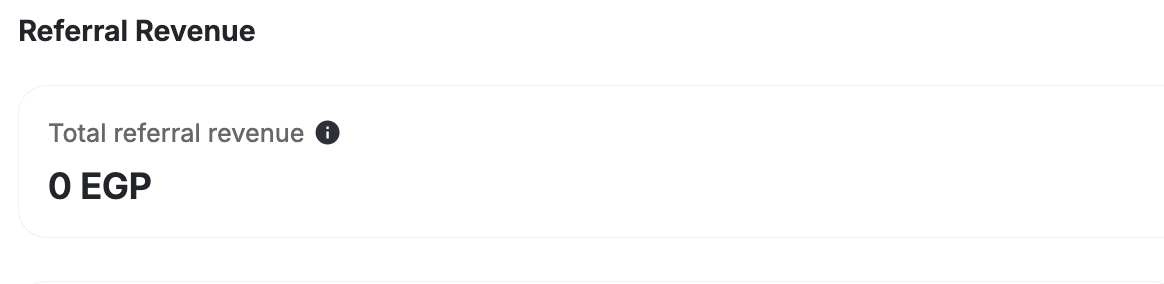 This shows how much revenue was generated specifically from customers who joined through referrals. It helps you measure the direct financial return of your referral program.
The total revenue contribution of all referred customers.
This shows how much revenue was generated specifically from customers who joined through referrals. It helps you measure the direct financial return of your referral program.
The total revenue contribution of all referred customers.
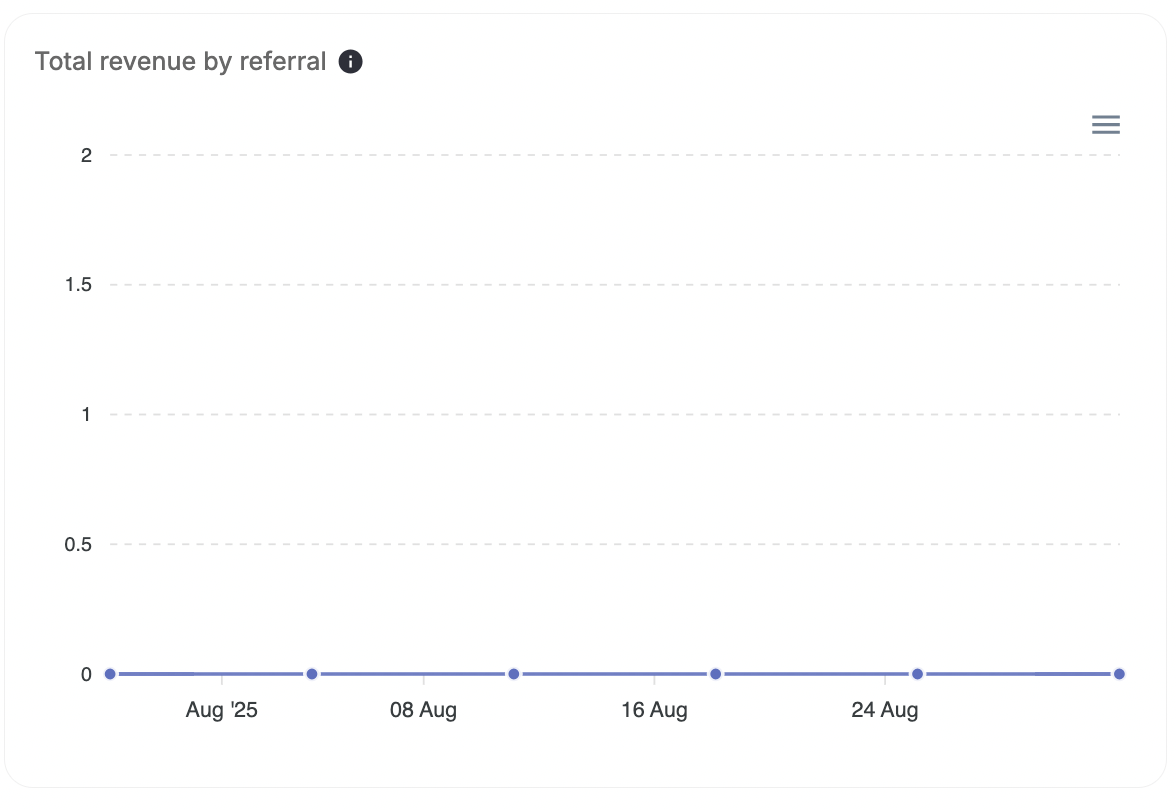 This reflects the long-term value of referred customers by showing the overall revenue they contribute, not just their initial purchase. It helps you understand if referred customers are more valuable compared to non-referred ones.
Customers who granted the highest number of successful referrals.
This reflects the long-term value of referred customers by showing the overall revenue they contribute, not just their initial purchase. It helps you understand if referred customers are more valuable compared to non-referred ones.
Customers who granted the highest number of successful referrals.
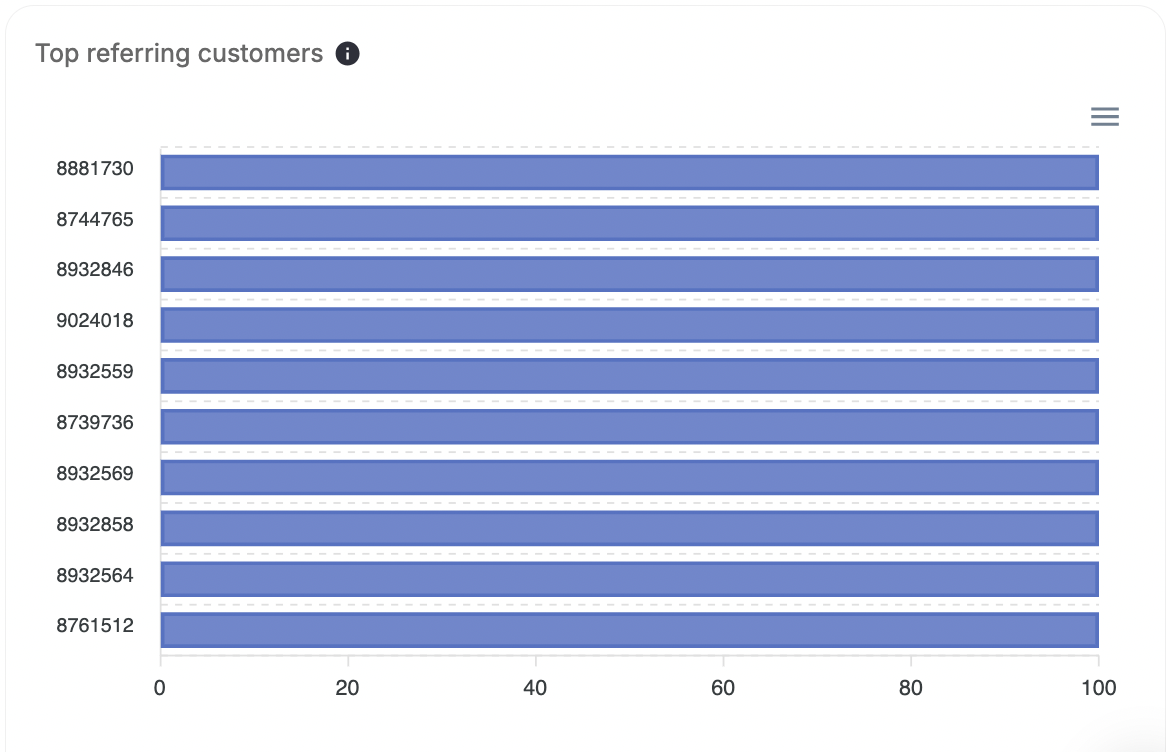 This highlights your strongest brand advocates, the customers who bring in the most new business. Identifying these top referrers allows you to reward and retain them as loyal promoters of your brand.
To look up referral activity for a specific customer — including the names, emails, and status of every friend they referred — use the [Get Customer Referrals API](/api-reference/customers/progress/get-customer-referrals). The response includes each referred friend's status: `Active` (referral completed) or `Pending` (friend hasn't completed the required action yet).
You can also segment customers by referral status using the `referral_status` attribute — available in Segmentation, Automation Campaigns, Reward Campaigns, and Conditional Splits.
***
## What's Next?
Learn how to navigate and use the analytics section.
Analyze customer spending, order values, and purchase frequency.
Measure campaign reach, engagement, and rewards distribution.
Set up and configure your referral program.
This highlights your strongest brand advocates, the customers who bring in the most new business. Identifying these top referrers allows you to reward and retain them as loyal promoters of your brand.
To look up referral activity for a specific customer — including the names, emails, and status of every friend they referred — use the [Get Customer Referrals API](/api-reference/customers/progress/get-customer-referrals). The response includes each referred friend's status: `Active` (referral completed) or `Pending` (friend hasn't completed the required action yet).
You can also segment customers by referral status using the `referral_status` attribute — available in Segmentation, Automation Campaigns, Reward Campaigns, and Conditional Splits.
***
## What's Next?
Learn how to navigate and use the analytics section.
Analyze customer spending, order values, and purchase frequency.
Measure campaign reach, engagement, and rewards distribution.
Set up and configure your referral program.