> ## Documentation Index
> Fetch the complete documentation index at: https://docs.gameball.co/llms.txt
> Use this file to discover all available pages before exploring further.
# How Do I Enable Opening Gameball Widget Through Inline links Using Deep-links?
> Allow your guests and customers to access any section of your widget through any interactive element on your website, or email.
If Gameball's traditional widget button does not match your theme, or you don't have a space for it, you no longer have to depend on Gameball's button to let your customers and guests access the Gameball loyalty widget. You can [hide and replace the button](/product-documentation/customer-widget/start-configuring-profile/hide-widget-button), or add new elements that allow your customers to quickly access any section of the widget from any part of your platform.
***
## Understanding Deep Links
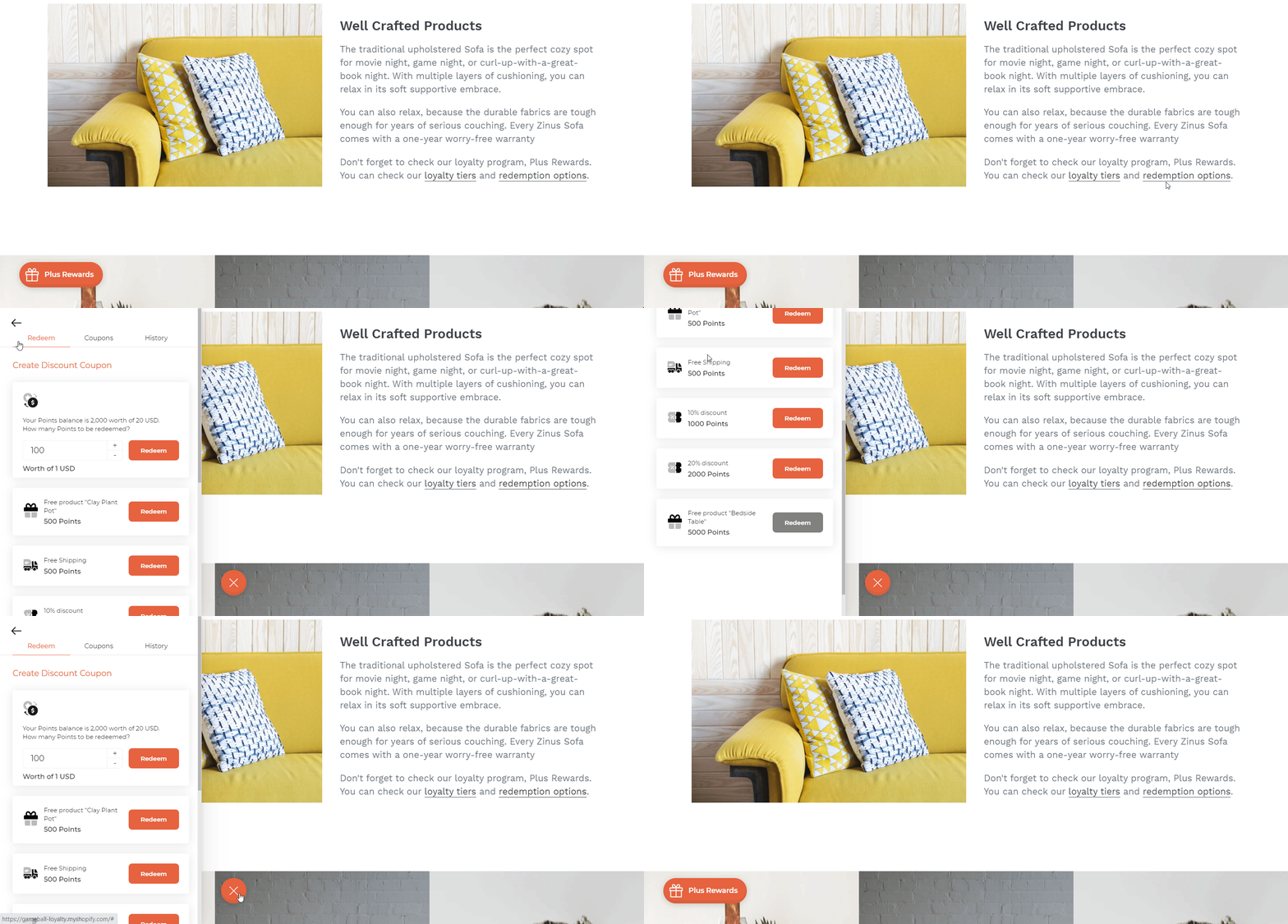
Deep links are URLs or hyperlinks that take users directly to a specific section of the Gameball widget. This allows for a more seamless user experience by providing quick access to the desired content without navigating through the entire widget.
You can use deep links with any element that can hold a hyperlink, such as text, images, menu items, or buttons. You can also include these hyperlinks in automated emails or SMS campaigns. For example, if a customer clicks a button labeled "Check your earned points now!" in an email, they will be redirected to your website and see the widget section displaying their points.
***
## Available Gameball Deep Links
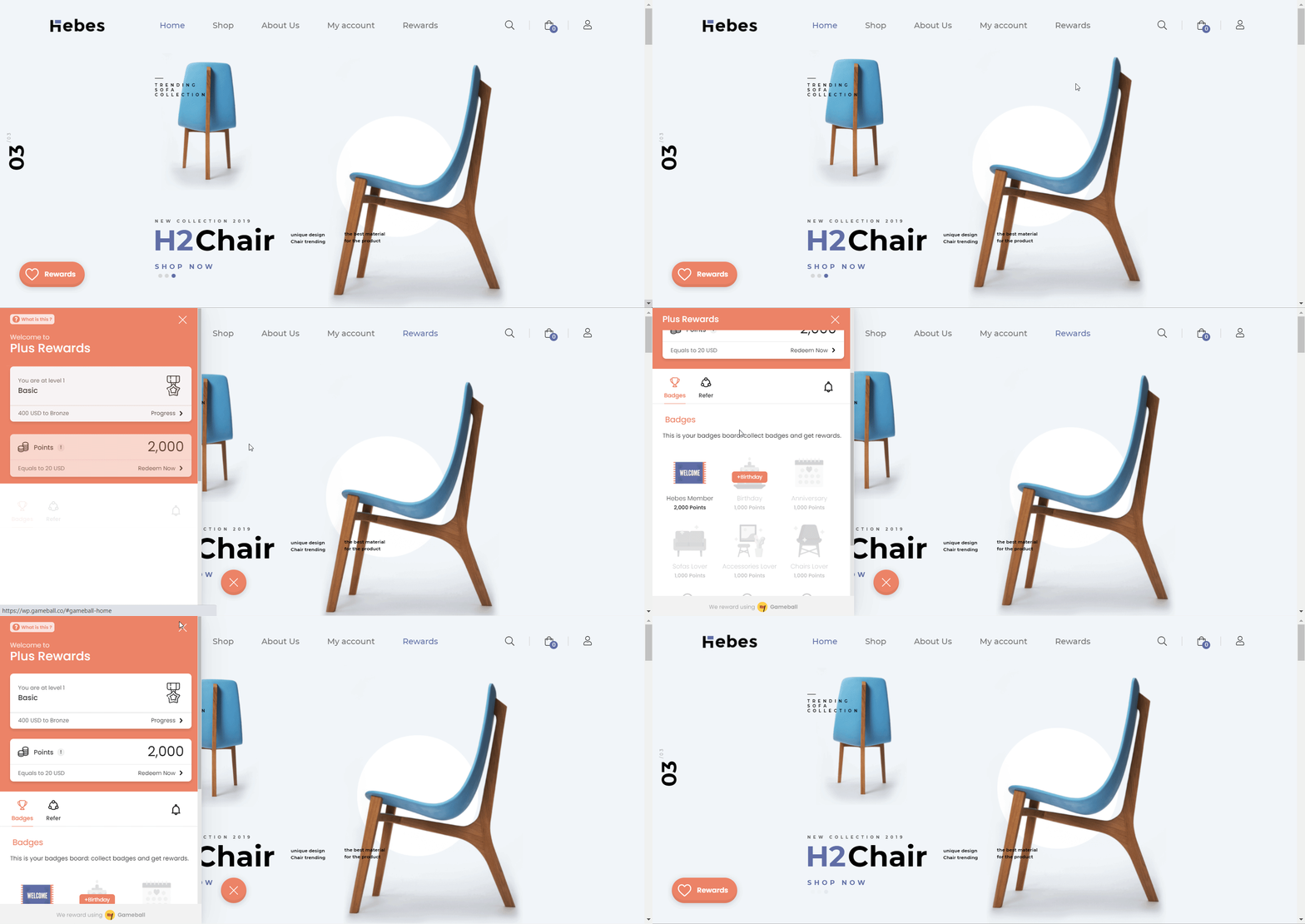
Takes customers to the home section and guests to the sign-up section.
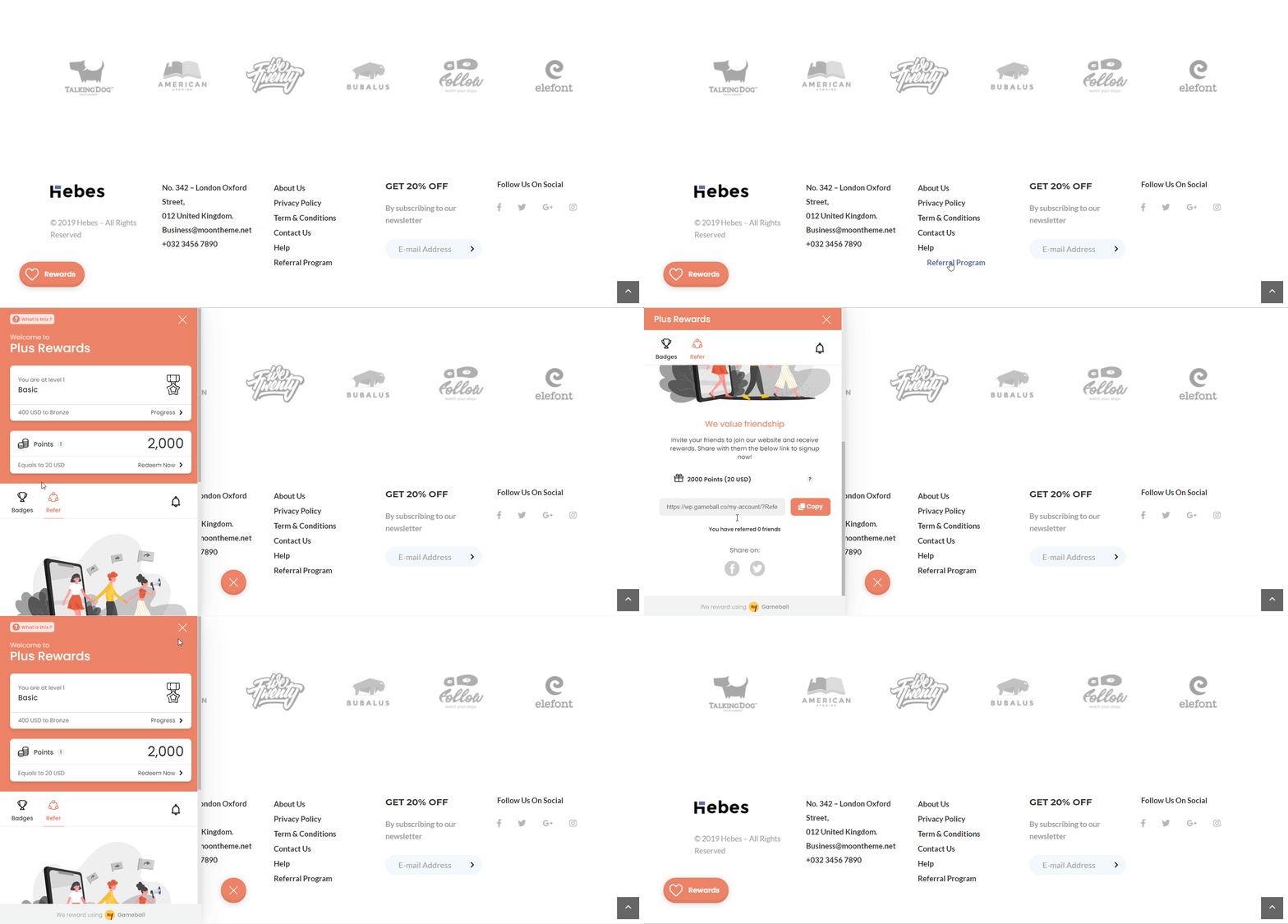
Directs customers to the referral tab and guests to the home section.
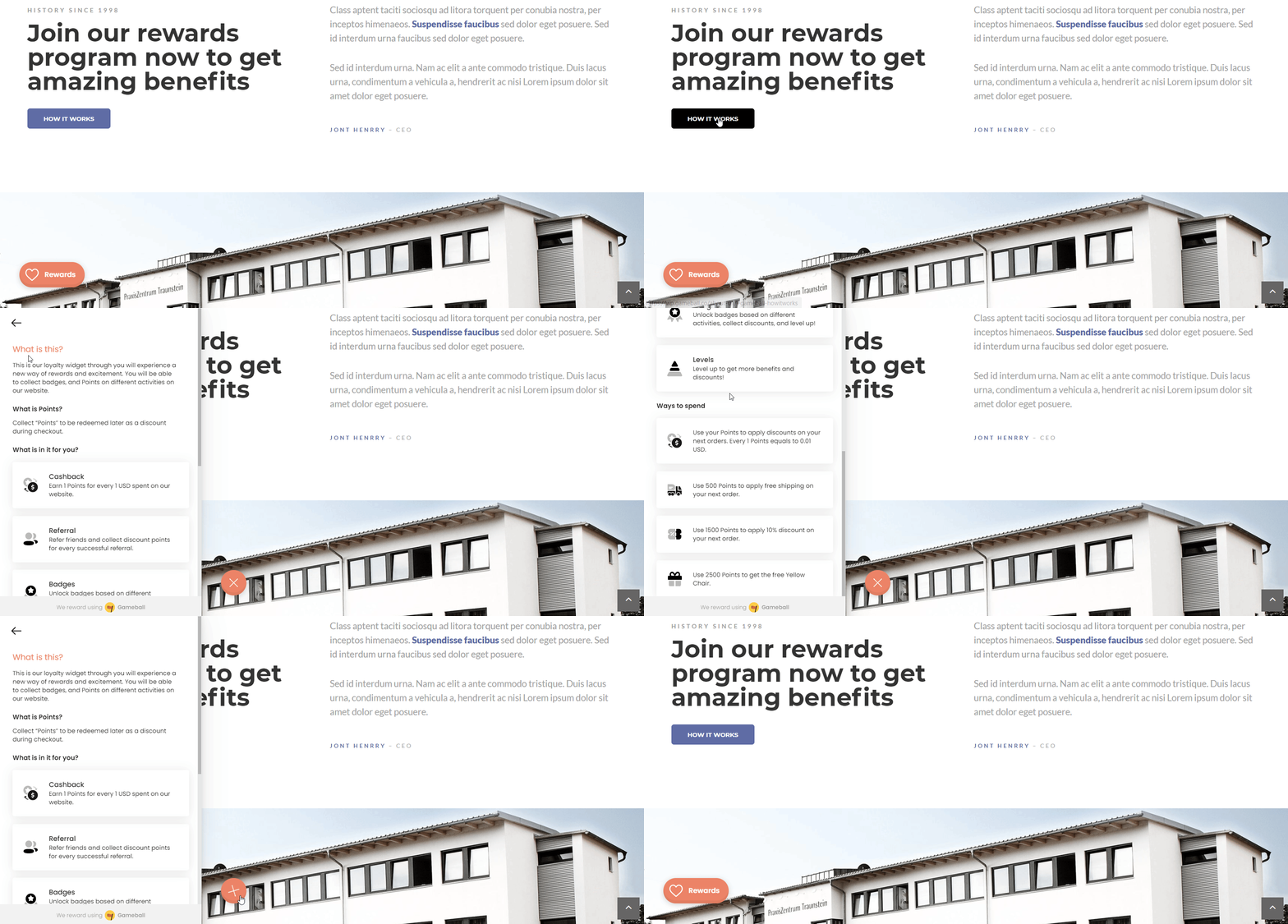
Opens the "FAQ" section for both customers and guests.
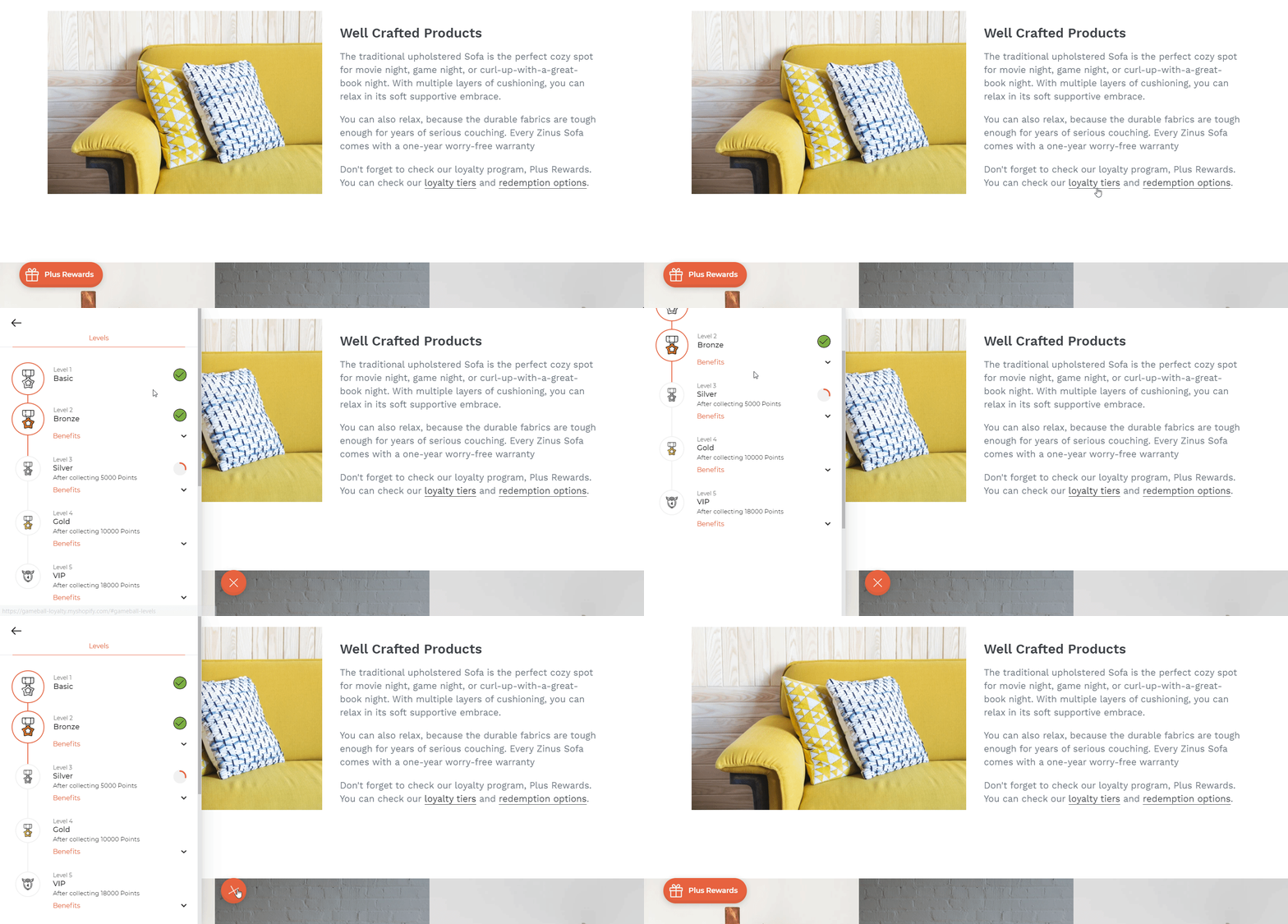
Shows customers the levels progress tab and guests the levels program section.
Leads customers to the redemption tab and guests to the "How to Redeem" section.
Opens the "Spin the Wheel" page for customers.
Opens the "Slot Machine" page for customers.
Opens the widget directly in the Customer History section.
When embedding any widget page to a button on the menu bar, use the deep link in this format: `#gameball-home`. Do not use the full URL format like `https://(home page)/#gameball-home`.
***
## Using Deep Links in Emails and SMS Campaigns
To redirect users from an email or SMS to your website and open the Gameball widget to a specific section, you need to use a query string. Combine your website link with the Gameball widget deep link.
| Destination | Link Format |
| ------------------------- | ----------------------- |
| Website URL | `www.shop-name.com` |
| Widget Home Section | `/#gameball-home` |
| Widget Referral Section | `/#gameball-referral` |
| Widget FAQ Section | `/#gameball-faq` |
| Widget Levels Section | `/#gameball-levels` |
| Widget Redemption Section | `/#gameball-redemption` |
For example, if you want your customer to press a button on the link that takes them to the homepage of your website and opens up Gameball's referral section, the link would be as follows: [www.shop-name.com/?gameball-deep=referral](http://www.shop-name.com/#gameball-referral)
***
## Triggering the Gameball Widget Using JavaScript
You can also open or toggle the Gameball widget programmatically using the JavaScript function:
```javascript theme={null}
GbSdk.toggle();
```
This function can be attached to a button's `onclick` event, like in the example below:
```html theme={null}
```
***
## Related Articles
Learn how to hide the default launcher button and rely on deep links instead.
Control the shape, position, icon, and visibility of your loyalty launcher button.