> ## Documentation Index
> Fetch the complete documentation index at: https://docs.gameball.co/llms.txt
> Use this file to discover all available pages before exploring further.
# What Is Contact Our Customer Support Team?
> Learn how to reach a customer support agent through few clicks.
Our customer support team is always there for you. If you have any inquiries but do not know how to directly contact any of our customer support agents, check the following steps. There are three channels where you can easily reach any of our agents and simply send your inquiry.
Contact support directly while working inside your Gameball dashboard.
Reach support from the main Gameball website.
Find answers or contact an agent through the Gameball help center.
Review your past conversations with the support team.
***
## How to Contact Customer Support on Any Gameball Channel
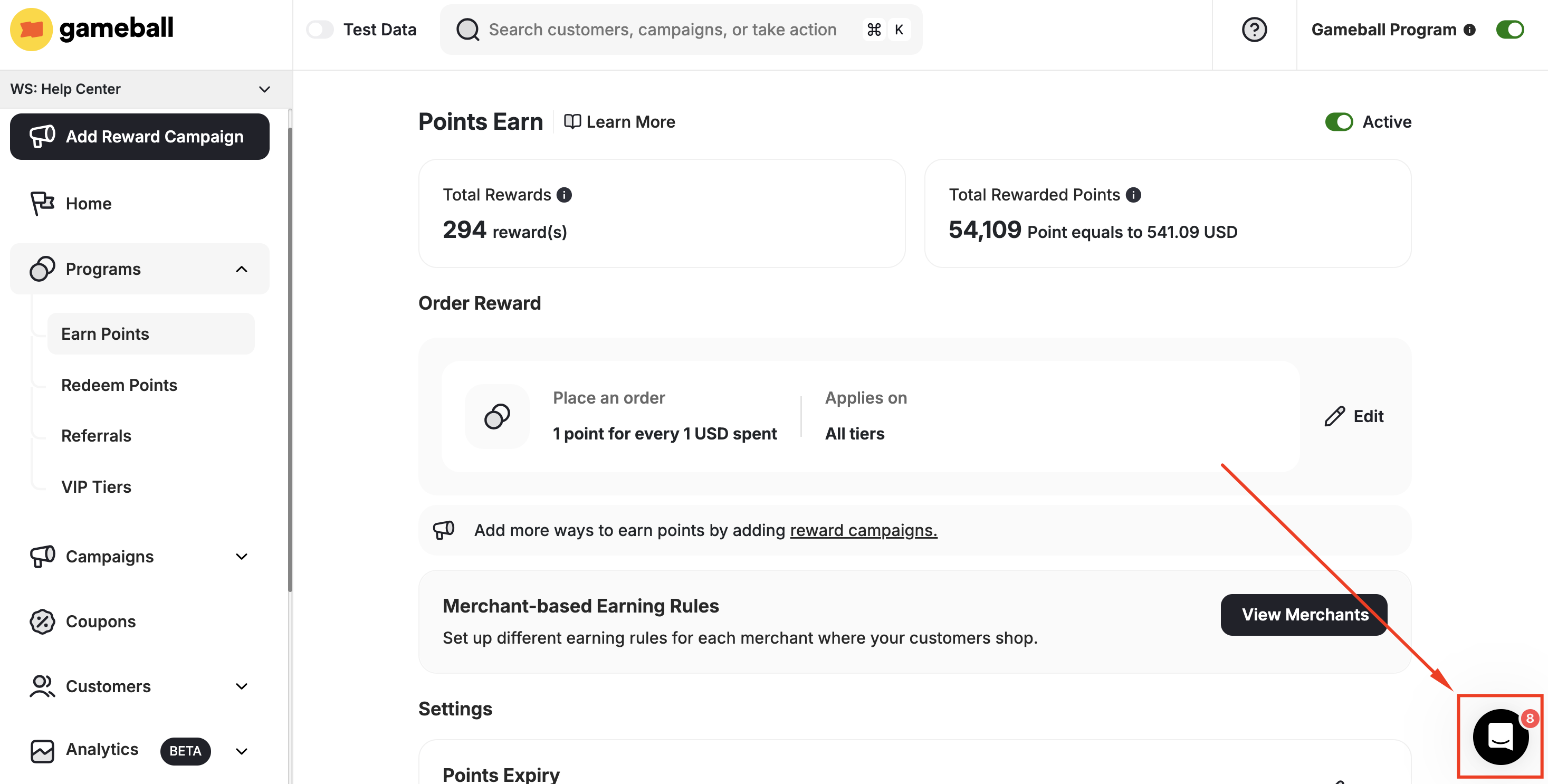
If you are at any Gameball channel, you will always find a blue circle with a message-like icon. Click on the **circle**.
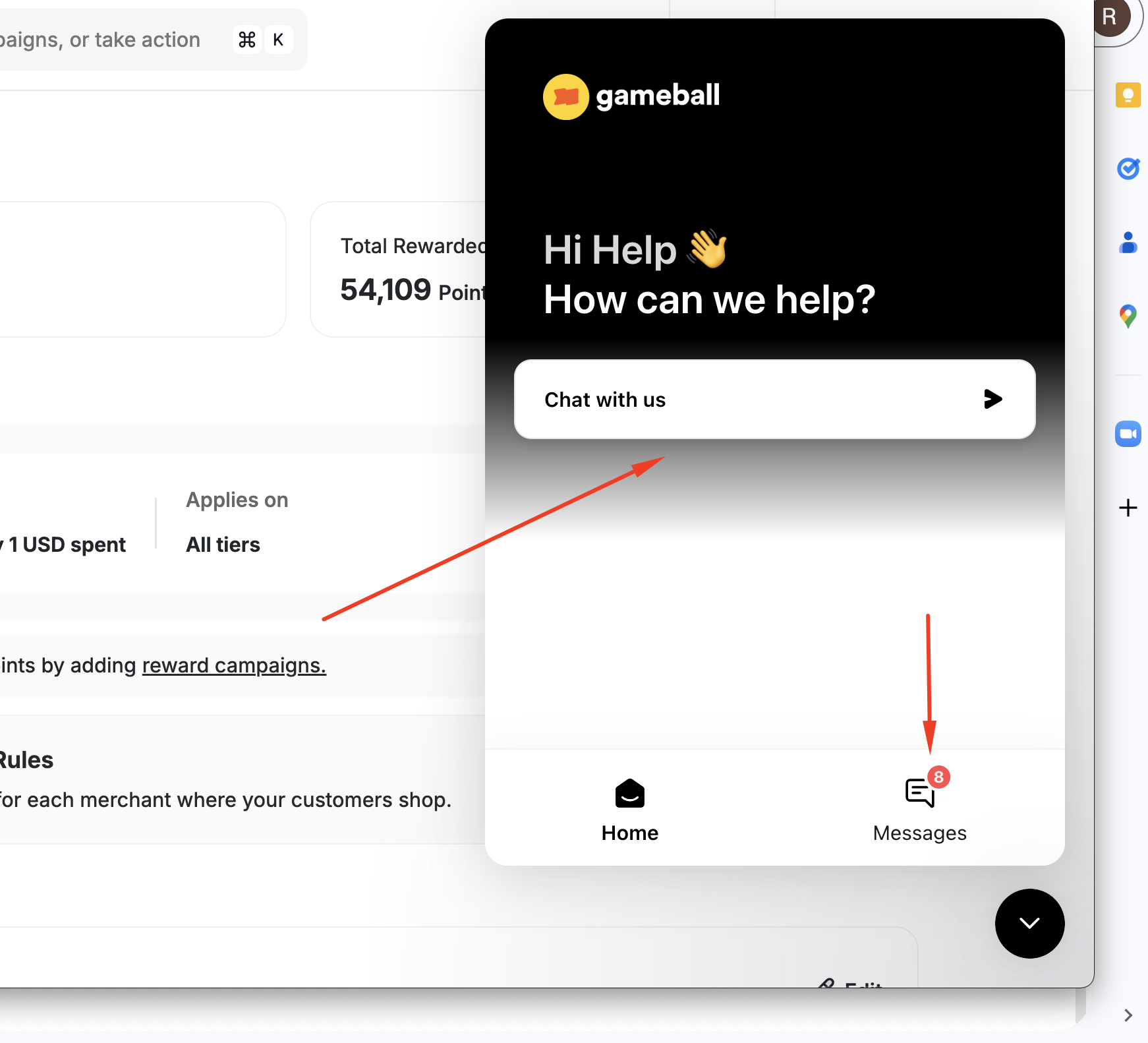
 Then choose to either **chat with us** or check **previous messages**.
 You can always find answers through our help center by visiting: help.gameball.co
***
## Related Articles
Manage the frequency of your Gameball engagement report emails.
Find answers to common integration questions.
You can always find answers through our help center by visiting: help.gameball.co
***
## Related Articles
Manage the frequency of your Gameball engagement report emails.
Find answers to common integration questions.