> ## Documentation Index
> Fetch the complete documentation index at: https://docs.gameball.co/llms.txt
> Use this file to discover all available pages before exploring further.
# How Do I Create an Account?
| Platform | Plan |
| ------------ | --------- |
| Shopify | All Plans |
| Salla | All Plans |
| Non-Platform | All Plans |
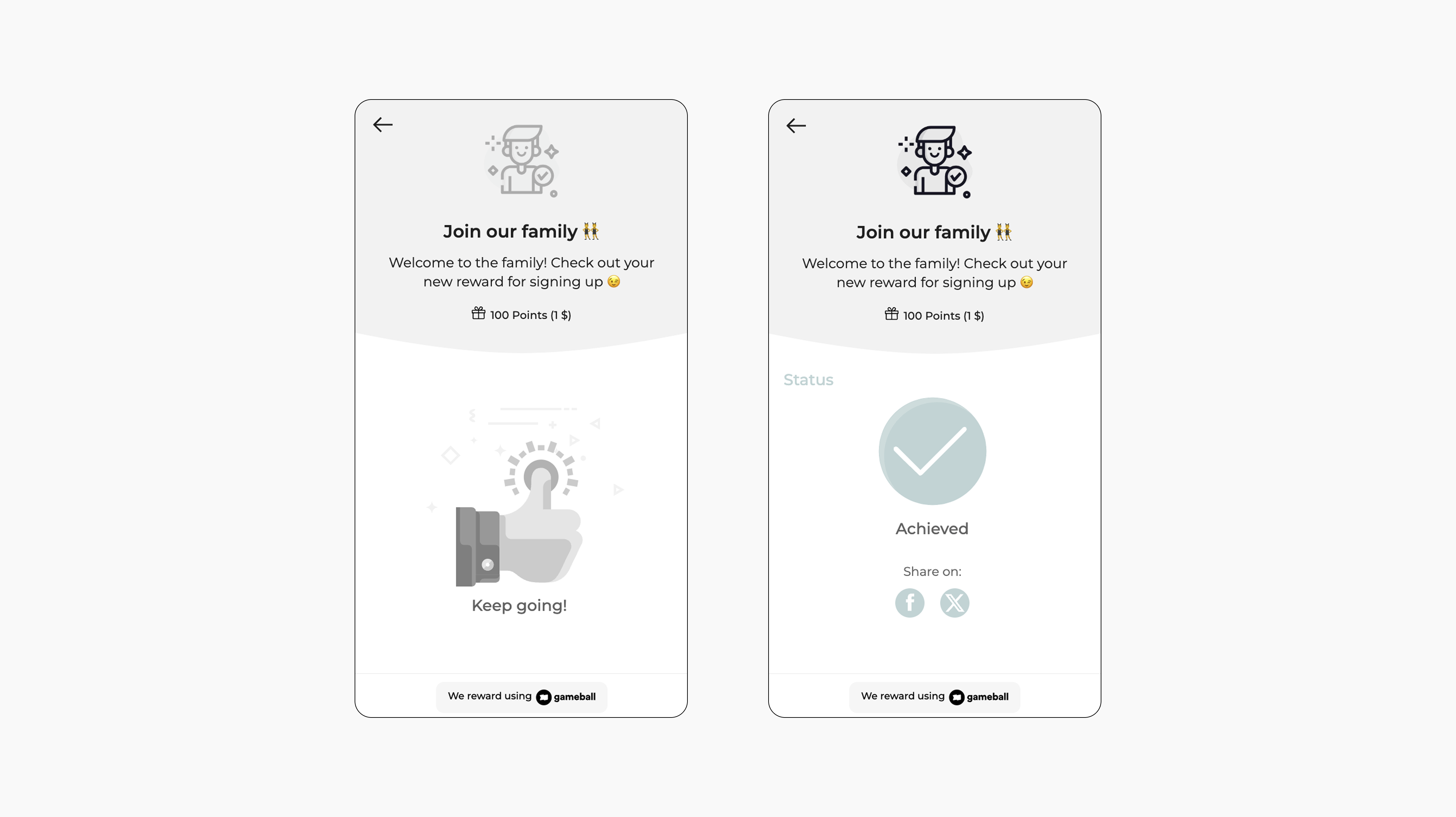
Rewarding customers for creating an account is one of the simplest and most effective ways to encourage sign-ups and kick off user engagement. This campaign is ideal for driving account registrations, reducing bounce rates, and starting the customer journey on a high note.
 ***
## How to Set Up
Log in to your Gameball dashboard.
Click **Add Reward Campaign**.
Choose the **Create account** template.
Edit the campaign's setup to match your goals.
Click **Set Live** to activate the campaign.
***
## Campaign Trigger
The customer creates an account on your platform.
This template uses the standard reward campaign setup. See the [Generic Setup Guide](/product-documentation/rewards-campaigns/start-from-scratch/setup-reward-campaign) for details.
***
## How It Works for Customers
A customer visits your platform.
When they **successfully create an account**, Gameball automatically **triggers the reward**.
The customer receives the reward immediately (points, discount, badge -- based on your setup).
The customer will be **notified** via the widget or email with the reward as per your configuration.
***
## Important Notes
**New Customers Only**
Only customers who sign up *after* the campaign is active will be rewarded.
**Old Customers**
You can manually reward customers who signed up before by going to the **Customers tab -> Reward a Campaign -> Account Created**.
**Bulk Migration**
Importing customers while the campaign is active won't trigger rewards.
**\[Shopify] New Account Creation Method**
Customers registering this way are marked as **"Member"** and will receive the reward.
**\[Shopify] Guest Checkout**
Customers who check out as guests (Legacy method on Shopify) are labeled **"Guests"** and will **not** earn the reward, even if guest rewards are enabled.
**\[Shopify] Guest to Member**
If a guest later registers with the same email, their status will be converted to **"Member,"** and they will receive the signup reward.
***
## How to Set Up
Log in to your Gameball dashboard.
Click **Add Reward Campaign**.
Choose the **Create account** template.
Edit the campaign's setup to match your goals.
Click **Set Live** to activate the campaign.
***
## Campaign Trigger
The customer creates an account on your platform.
This template uses the standard reward campaign setup. See the [Generic Setup Guide](/product-documentation/rewards-campaigns/start-from-scratch/setup-reward-campaign) for details.
***
## How It Works for Customers
A customer visits your platform.
When they **successfully create an account**, Gameball automatically **triggers the reward**.
The customer receives the reward immediately (points, discount, badge -- based on your setup).
The customer will be **notified** via the widget or email with the reward as per your configuration.
***
## Important Notes
**New Customers Only**
Only customers who sign up *after* the campaign is active will be rewarded.
**Old Customers**
You can manually reward customers who signed up before by going to the **Customers tab -> Reward a Campaign -> Account Created**.
**Bulk Migration**
Importing customers while the campaign is active won't trigger rewards.
**\[Shopify] New Account Creation Method**
Customers registering this way are marked as **"Member"** and will receive the reward.
**\[Shopify] Guest Checkout**
Customers who check out as guests (Legacy method on Shopify) are labeled **"Guests"** and will **not** earn the reward, even if guest rewards are enabled.
**\[Shopify] Guest to Member**
If a guest later registers with the same email, their status will be converted to **"Member,"** and they will receive the signup reward.