> ## Documentation Index
> Fetch the complete documentation index at: https://docs.gameball.co/llms.txt
> Use this file to discover all available pages before exploring further.
# How Do I Set Up Exceed My Highest Order Value?
> Motivate customers to increase their order value by offering rewards each time they exceed their previous highest purchase.
| Platform | Plan |
| ------------ | ------------------ |
| Shopify | Starter, Pro, Guru |
| Salla | Starter, Pro, Guru |
| Non-Platform | All Plans |
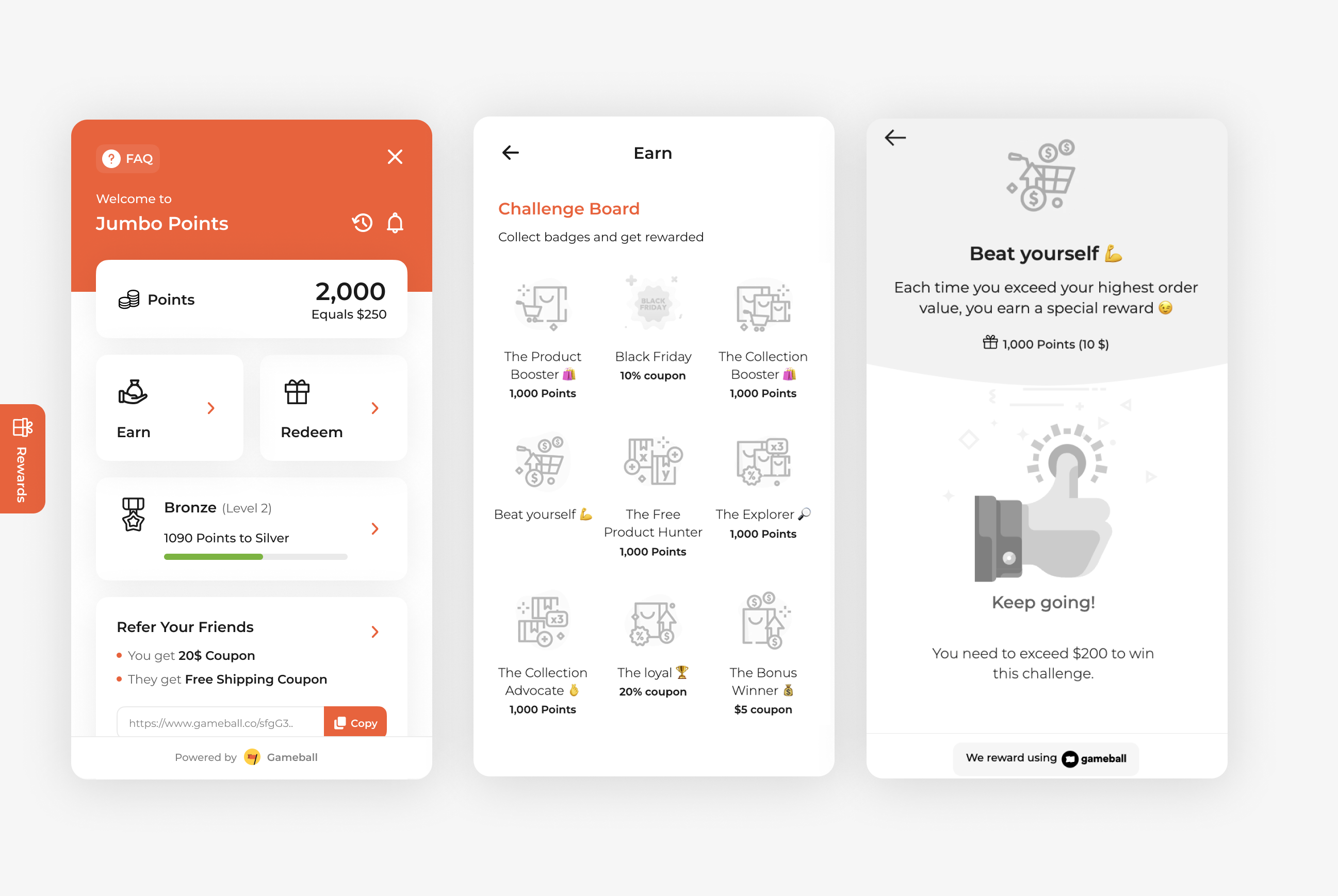
Motivate customers to increase their order value by offering rewards for larger purchases. Each time the customer exceeds their highest order value, they will earn a reward that you set up. This tactic can help boost average order value and maximize revenue per transaction.
 ***
## How to Set Up
Log in to your Gameball Admin Dashboard.
Click **Add Reward Campaign**.
Select the **Exceed your highest order value** template.
Configure your campaign's audience, rewards, and other settings.
Click **Set Live** to activate your campaign.
***
## Campaign Trigger
This campaign rewards customers for placing orders:
1. Each time a customer places an order that exceeds their previous highest order value, they earn a reward.
2. You can set a minimum order value to activate the campaign (e.g., the order must exceed a specific amount to qualify, such as \$100).
***
## How to Set Up
Log in to your Gameball Admin Dashboard.
Click **Add Reward Campaign**.
Select the **Exceed your highest order value** template.
Configure your campaign's audience, rewards, and other settings.
Click **Set Live** to activate your campaign.
***
## Campaign Trigger
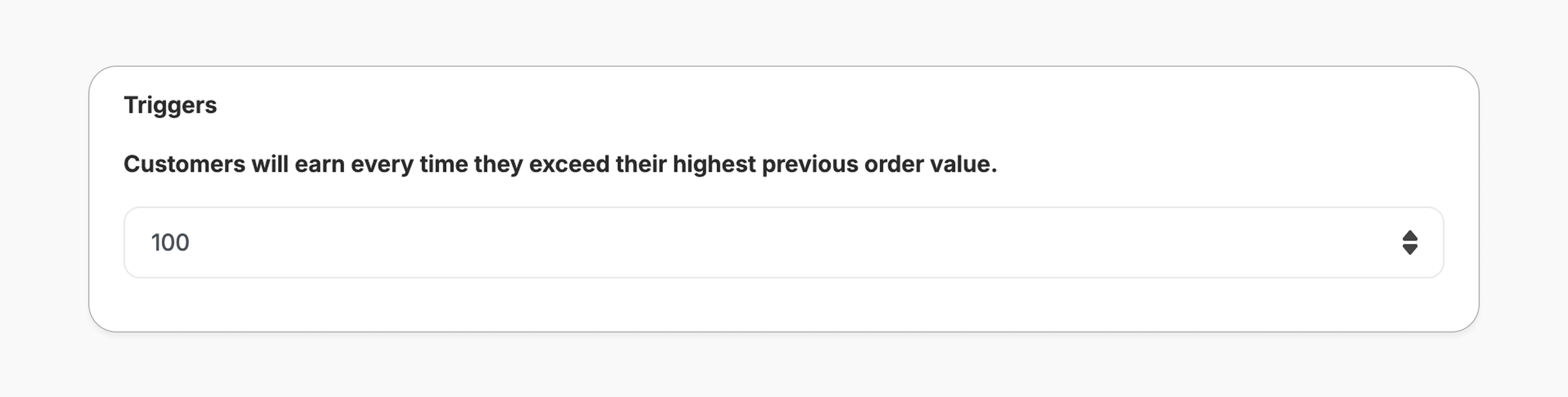
This campaign rewards customers for placing orders:
1. Each time a customer places an order that exceeds their previous highest order value, they earn a reward.
2. You can set a minimum order value to activate the campaign (e.g., the order must exceed a specific amount to qualify, such as \$100).
 **Repeatability:**
Customers can earn this reward unlimited times, as long as each new order exceeds their previous highest order value. This setting cannot be customized.
This template uses the standard reward campaign setup. See the [Generic Setup Guide](/product-documentation/rewards-campaigns/start-from-scratch/setup-reward-campaign) for details.
***
## How It Works for Customers
Customer places an order with an order value higher than their previous highest purchase.
Customer gets rewarded immediately (points, discount, badge — based on your setup).
The customer is notified via the widget or email, depending on your configuration. [Learn more](/product-documentation/rewards-campaigns/start-from-scratch/setup-reward-campaign)
***
## Important Notes
**Earning Rules**
1. This campaign only triggers on placed order events.
2. Customers can earn the reward unlimited times, as long as each new order exceeds their previous highest value.
***
## Related Articles
Learn the full setup process for creating and launching reward campaigns.
Explore the different reward types available in Gameball campaigns.
Configure how customers are notified when they earn a reward.
**Repeatability:**
Customers can earn this reward unlimited times, as long as each new order exceeds their previous highest order value. This setting cannot be customized.
This template uses the standard reward campaign setup. See the [Generic Setup Guide](/product-documentation/rewards-campaigns/start-from-scratch/setup-reward-campaign) for details.
***
## How It Works for Customers
Customer places an order with an order value higher than their previous highest purchase.
Customer gets rewarded immediately (points, discount, badge — based on your setup).
The customer is notified via the widget or email, depending on your configuration. [Learn more](/product-documentation/rewards-campaigns/start-from-scratch/setup-reward-campaign)
***
## Important Notes
**Earning Rules**
1. This campaign only triggers on placed order events.
2. Customers can earn the reward unlimited times, as long as each new order exceeds their previous highest value.
***
## Related Articles
Learn the full setup process for creating and launching reward campaigns.
Explore the different reward types available in Gameball campaigns.
Configure how customers are notified when they earn a reward.