> ## Documentation Index
> Fetch the complete documentation index at: https://docs.gameball.co/llms.txt
> Use this file to discover all available pages before exploring further.
# Customer Balance
> Display customer points balance, pending points, and expiring rewards using the Get Customer Balance API
Loyalty programs thrive when customers can easily see their rewards and understand their value. By using the [Get Customer Balance API](/api-reference/customers/progress/get-customer-balance), you can create a clear and motivating view of a customer's points balance, helping them track their earnings and see how close they are to redeeming rewards.
## Response Example
```json theme={null}
{
"totalPointsBalance": 1500,
"totalPointsValue": 75.0,
"availablePointsBalance": 1200,
"availablePointsValue": 60.0,
"pendingPoints": 300,
"pendingPointsValue": 15.0,
"currency": "USD",
"pointsName": "Reward Points",
"nextExpiringPointsAmount": 200,
"nextExpiringPointsValue": 10.0,
"nextExpiringPointsDate": "2024-12-01T00:00:00",
"totalEarnedPoints": 2500
}
```
## Display Ideas
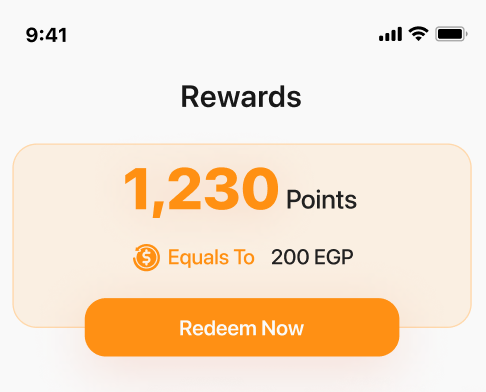
* Total Points: Highlight the total points balance and its equivalent monetary value
* Available Points: Show points available for immediate use
* Pending Points: Display points pending approval, along with their value
Emphasize available points and their redemption potential (e.g., "Redeem 1200 points to save \$60!")
Notify customers about upcoming expiring points and their expiration date
Show a progress bar or similar visual element to indicate pending or expiring points relative to the total
 ***
## Related Resources
Retrieve customer balance including available and pending points
Back to Build Your Own UI overview
***
## Related Resources
Retrieve customer balance including available and pending points
Back to Build Your Own UI overview