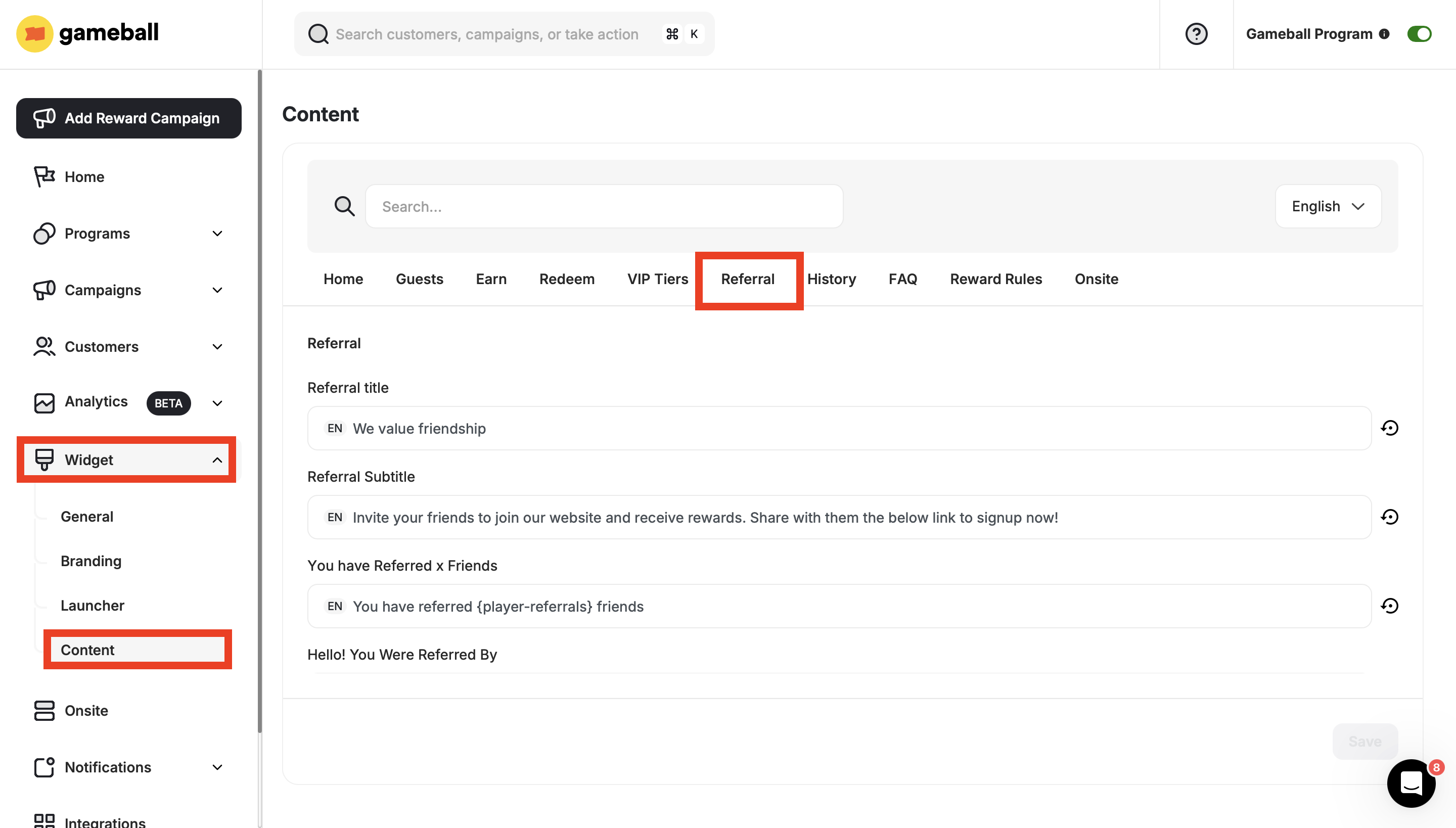
| Referral Title | The main heading displayed at the top of the referral section. |
| Referral Subtitle | A short description that supports the referral title. |
| You have Referred x Friends | Shows how many friends the customer has successfully referred. |
| Hello! You Were Referred By | Displays the name or email of the customer who referred the user. |
| Referral Extra Reward | Informs the customer about any extra reward earned for additional referrals. |
| They Get | Highlights what the referred friend will receive. |
| You Get | Highlights what the referring customer will receive. |
| You Got | Shows the reward the customer has received from past referrals. |
| Invalid Email Validation | Error message shown when an invalid email is entered. |
| Referrer Same Email Validation | Message shown when the referrer uses the same email as the referred friend. |
| Used Email Validation | Message shown when the email entered has already been used for referral. |
| Congratulations | A celebratory message shown when a referral is successful and a reward is granted. |
| Your Friend Places an Order | Indicates that the referral is only successful when the friend places an order. |
| Share Your Link | Step 1: Instructs the customer to share their unique referral link. |
| Your Friend Signs Up Using Your Link | Step 2: Indicates that the friend must sign up using the shared link. |
| Your Friend Completes the Steps | Step 3: Confirms that the friend must complete required actions to finalize the referral. |
| How It Works | Button label that navigates to an explanation of how the referral program works. |
| Referral Invites Empty State | Message shown when the customer has not sent any invites yet. |
| Referral Invites Title | Title displayed on the invite history section. |
| Completed Invites | Shows the number of friends who completed the referral process. |
| Pending Invites | Shows the number of referrals that haven’t been completed yet. |
| See Referral Invites | Button that opens the list of pending and completed referral invites. |
| Copy Confirmation on Checkout | Message shown when the customer copies their referral coupon at checkout. |
| Get | Label showing what the customer (referrer) will receive. |
| Give | Label showing what the referred friend will receive. |
| Your Coupons | Title of the section displaying all earned referral coupons. |
| Rewards | Title of the reward redemption section on the referral page. |
| See All | Button that leads to a full list of available rewards. |
| Guest – Use Referral Link and Get Rewards | Message encouraging guest users to use a referral link and earn a reward. |
| Get It Now | Call-to-action for guests to claim their gift or offer. |
| Enter Your Email | Prompt for guests to enter their email to proceed. |
| Enter Email and Get Gift | Encourages guests to submit their email in exchange for a reward. |
| As a Guest, Join Now and Complete an Action to Get Your Gift | Encourages guest users to sign up and complete an action to receive a gift. |
| Join Now | Call-to-action inviting the user to register. |
| Friend – Join Now | Message directed at the referred friend to join the platform. |
| Join Now to Get Your Gift | Invitation to register and receive a reward. |
| Join Now and Complete Action to Get Your Gift | Instructions to join and complete a task to earn a reward. |
| Join Now and Complete Action to Get Your Points Gift | Join and complete a required step to earn a gift in the form of points. |
| Join Now and Complete Action to Get Your Coupon Gift | Join and complete an action to receive a coupon-based gift. |
| Join Now and Complete Action to Get Your Points Gift (Popup) | A pop-up version of the message for getting a points-based gift. |