

place_order
Description
This event will be sent to Gameball when your customer places an order on your platform entirely. (Entirely means that the order status is Paid.)Keys
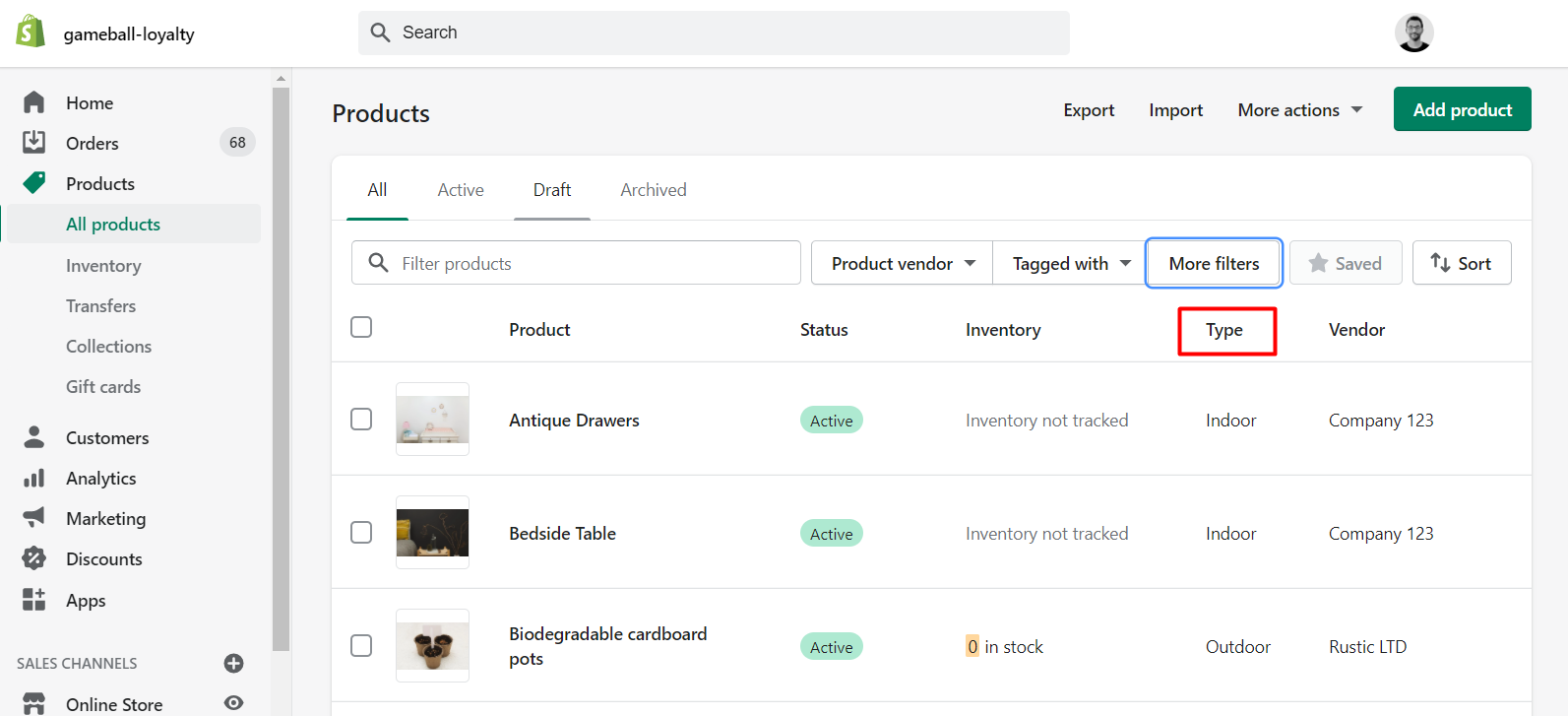
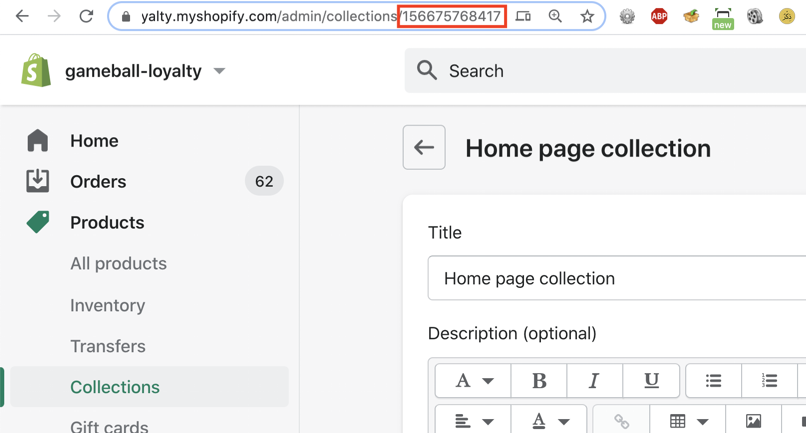
view_product_page
Description
This event should be sent when your customer views a product page on your Shopify store.Keys
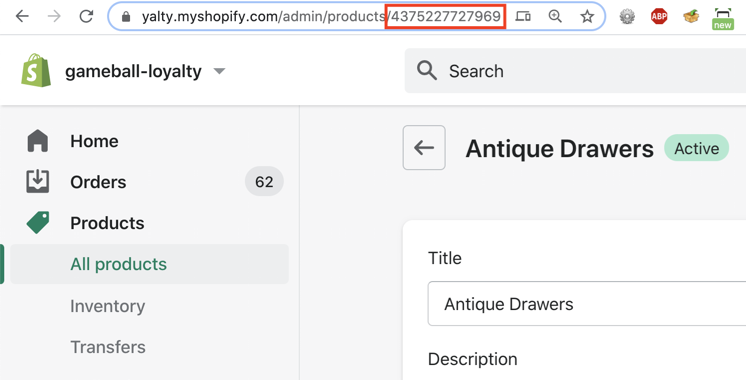
All the above events can be used in both the reward campaigns engine and while sending communication campaigns.
Friends_Referred
This event is automatically tracked when a customer successfully refers a friend through the Gameball referral program.Order_Refunded
Theorder_refunded event is automatically triggered by Gameball whenever a refund is processed through the platform.
This event is only applicable when using the V4.0 Refund APIs.
Key Benefits
Key Benefits
- Full Refund Visibility: Every refund triggers an
order_refundedevent, logging essential refund data. - Customer Transparency: Refunded orders are now visible within each customer’s activity timeline.
- Better Segmentation and Reporting: You can now segment customers based on refund behavior or integrate this event into your loyalty logic and analytics tools.
Data Included in the Event
Data Included in the Event
Related Articles
How Does the Event Rule Engine Work?
Understand how event-based triggers drive reward campaign logic.
Differentiate Reward Campaigns Through POS and Online Shopify
Use the Source key to target campaigns by sales channel.