

Gameball Couponing Engine Integration
Enable your customers to convert loyalty points into discount coupons and apply them at checkout with secure, API-driven flows. Gameball’s built-in coupon engine makes issuing, validating, and redeeming coupons easy, across both web and mobile.Why Use Gameball’s Couponing Engine?
Gameball’s native engine provides:- Unique coupon code generation (SAVE10, FREESHIP, etc.)
- Real-time coupon validation and locking to prevent misuse
- Direct coupon application at checkout via API
- Refund-safe logic (burn or release on success/failure)
- Omnichannel support, coupons work online and in-store
Implementation Overview
Gameball supports two implementation paths:Step-by-Step Integration (with Both Flows)
Step 1: Show Available Redemption Options
- Gameball Widget
- Custom UI
Handled by the widget, the customer sees eligible redemption options inside the widget.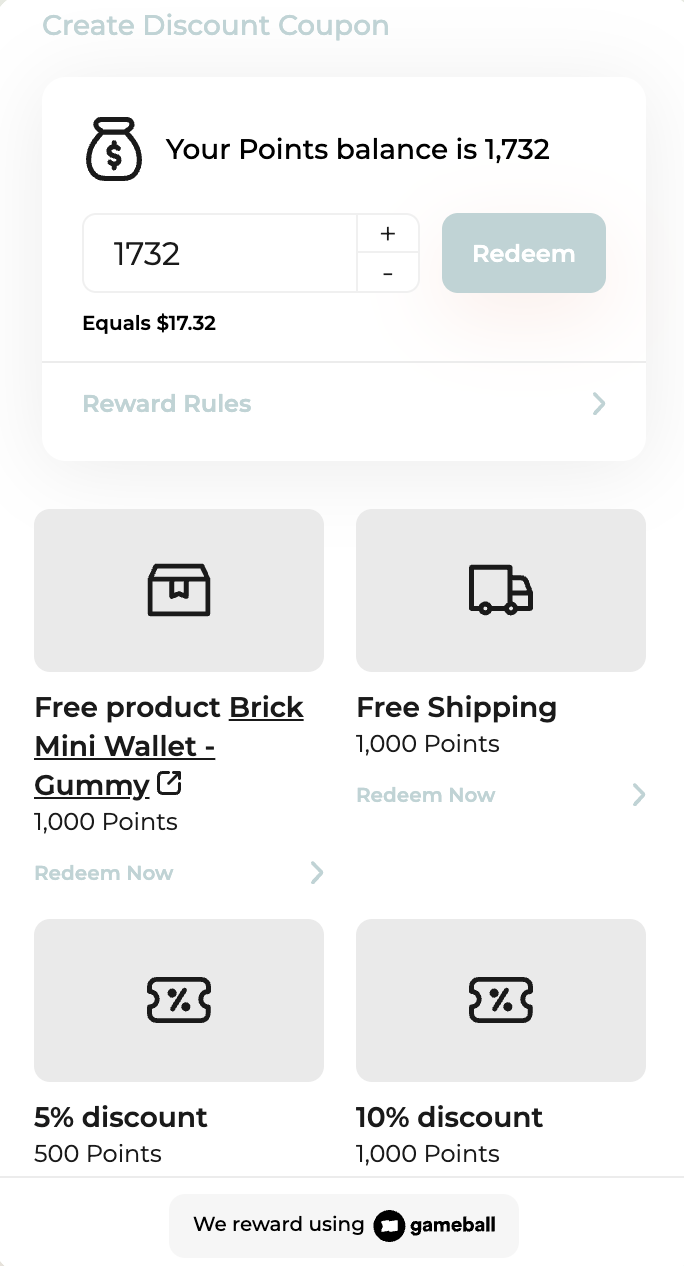
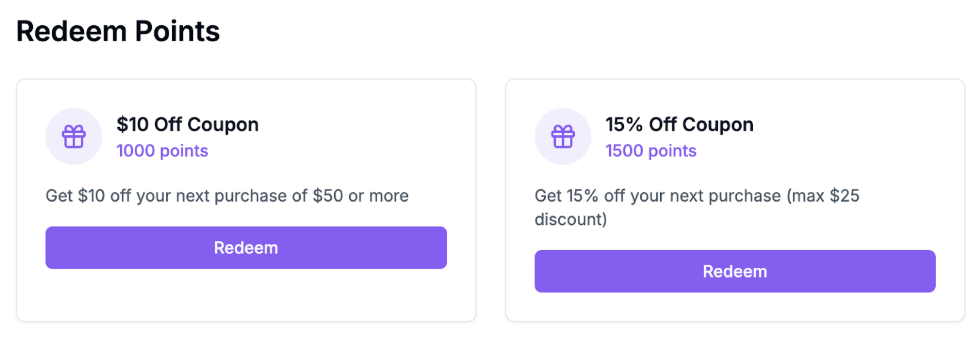
Step 2: Generate Coupon
- Gamball Widget
- Custom UI
Automatically triggered inside the widget when a redemption is made. No API call is needed.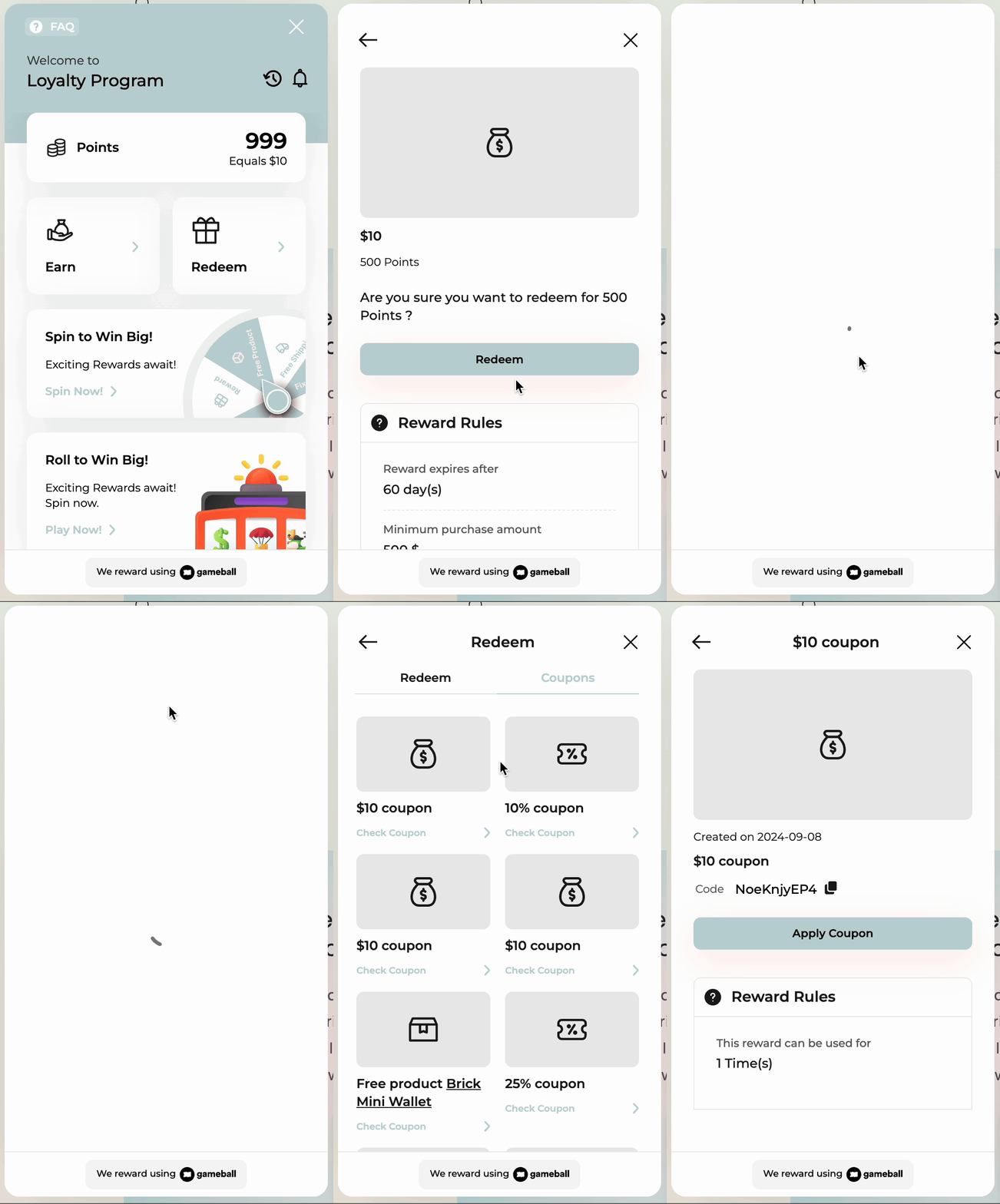
.png?fit=max&auto=format&n=aE9N_MZB2lsHVWWd&q=85&s=51a5e3b5d4b8f687e87ebce13f221c26 "Image(126) Pn")
.png?fit=max&auto=format&n=aE9N_MZB2lsHVWWd&q=85&s=125657234c5fd3e2a9681187834aa7cb "Image(125) Pn")
Step 3: Display Coupons at Checkout
- Gameball Widget
- Custom UI
Customers can open “My Coupons” inside the widget to copy and apply a coupon.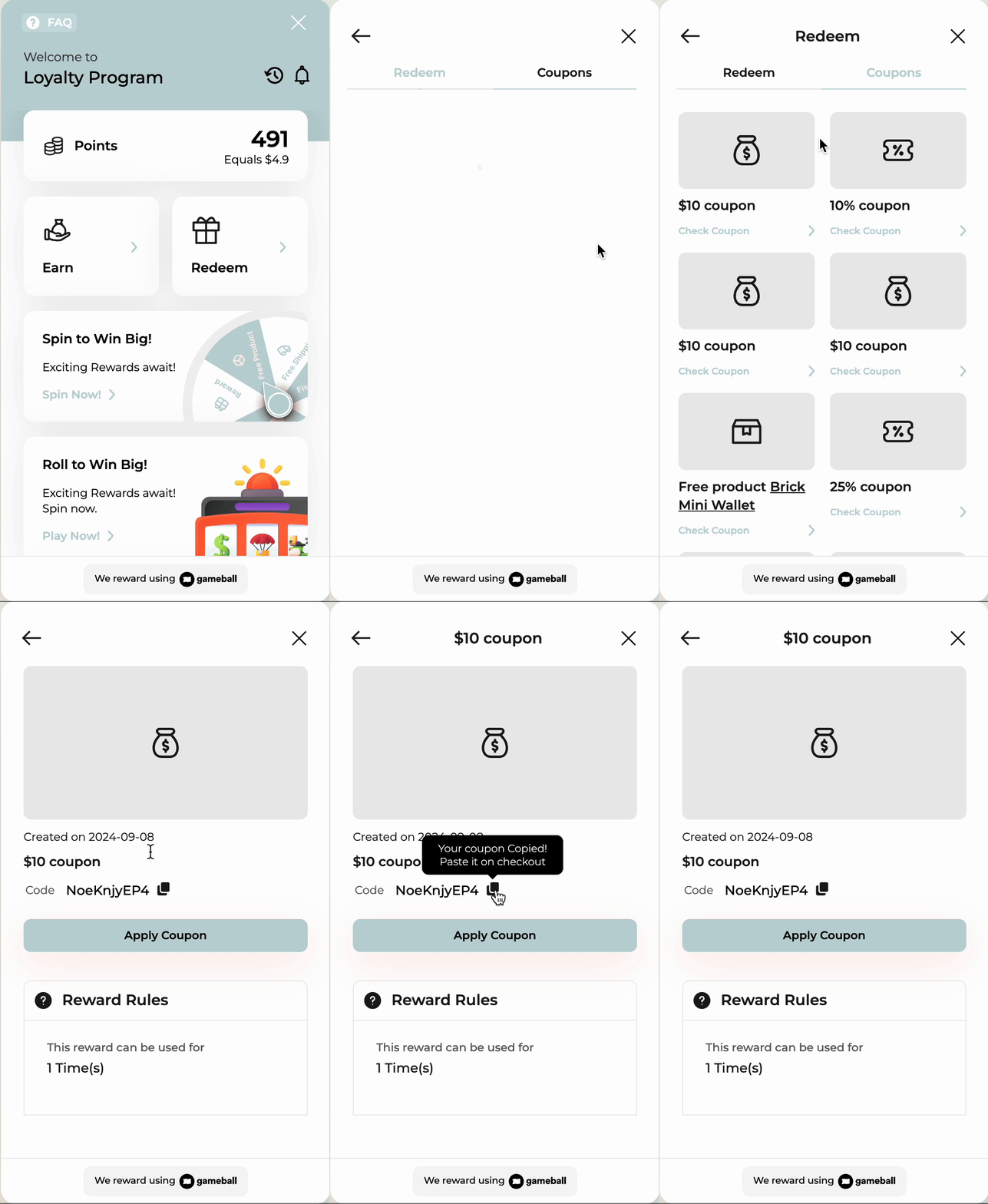
Step 4: Validate & Lock the Coupon
- Gameball Widget
- Custom UI
Not handled by widget. You must validate and lock the coupon before applying it at checkout.
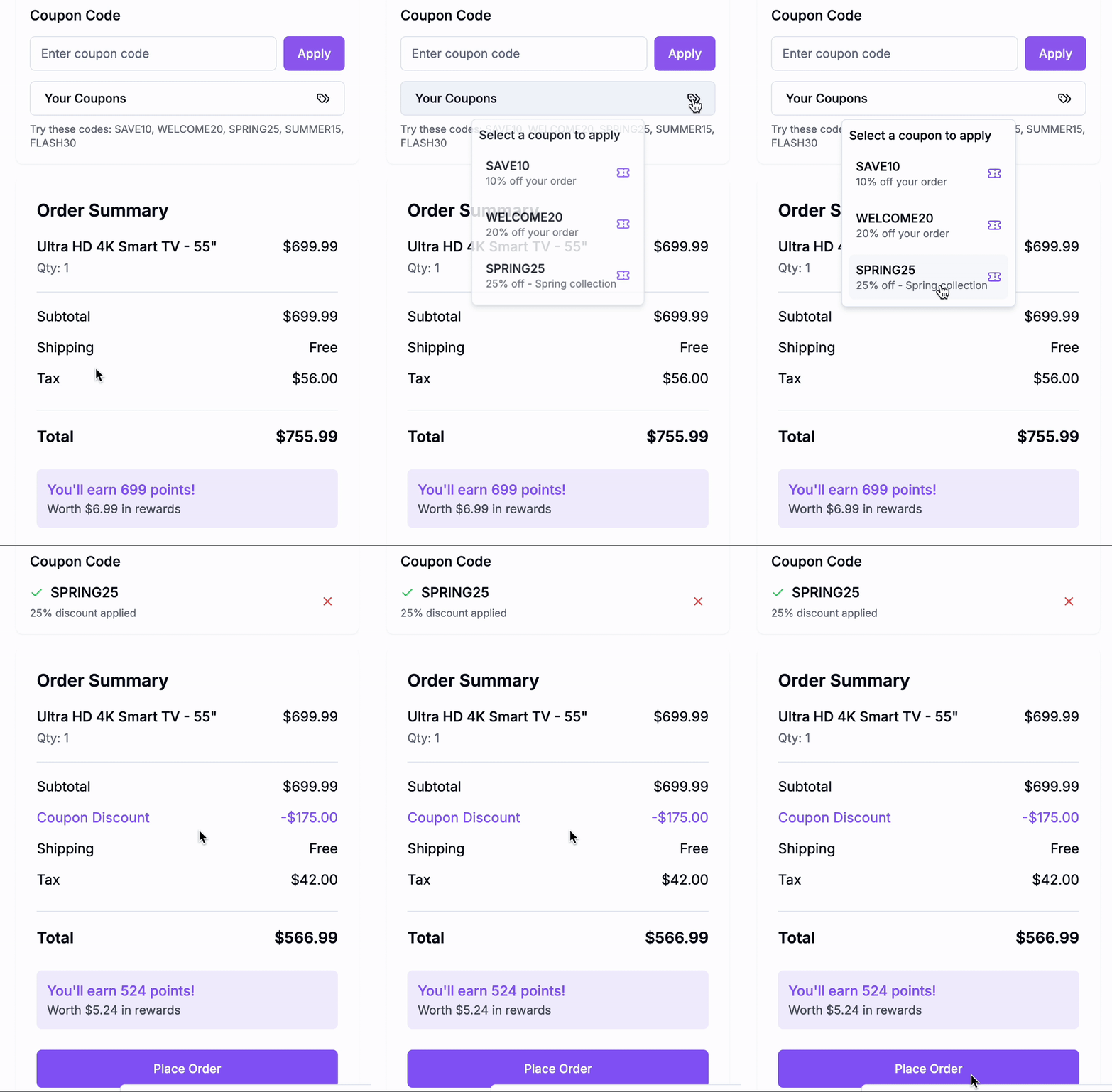
- One discount coupon: SAVE10 ($10 off)
- One free shipping coupon: FREESHIP (waives shipping fees)
- Verify that each coupon is still valid and not expired.
- Lock both coupons together so no other session can reuse them while the customer completes payment.
Save the lockReference. It is required in the next step.
Step 5: Burn (Apply) the Coupon
- Gameball Widget
- Custom UI
Not handled by the widget. You must finalize the coupon usage.
The Order API burns the coupon and logs the order in one step.
Step 6: Release Coupon (If Checkout Fails or Is Abandoned)
- Gameball Widget
- Custom UI
Not handled by widget. You must manually release or rely on timeout.
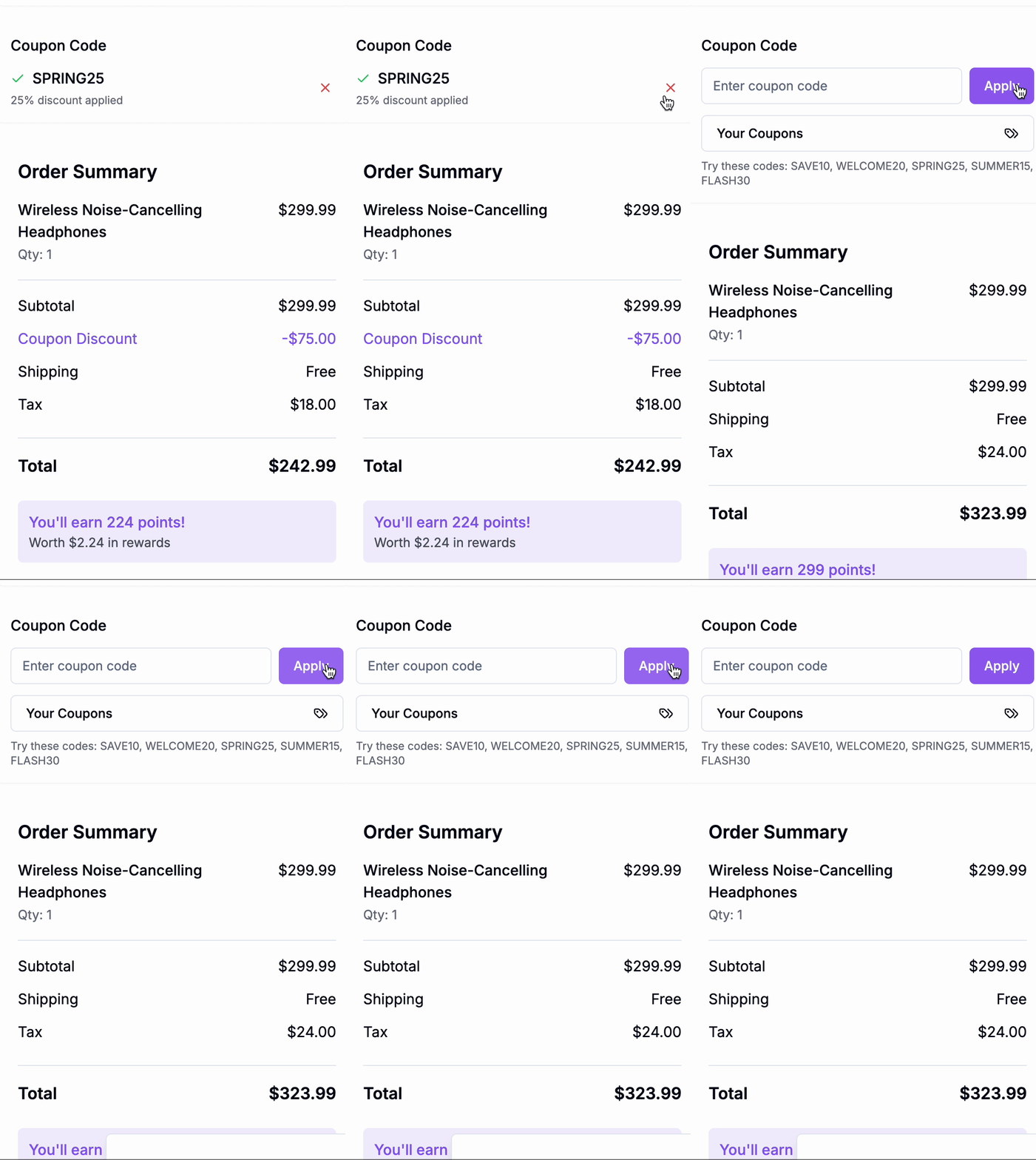
Summary Table
Related Resources
Generate Coupon API
Issue coupons from Gameball’s built-in engine
Get Customer Coupons API
Display coupons generated for a customer
Validate Coupon API
Confirm coupon eligibility before checkout
Burn Coupon API
Finalize coupon usage after successful payment