

What Does This Integration Do?
Instead of using Gameball’s native coupon engine, Gameball can send a real-time HTTP request to your system when:- A customer redeems points for a coupon reward
- A customer completes a campaign and earns a coupon
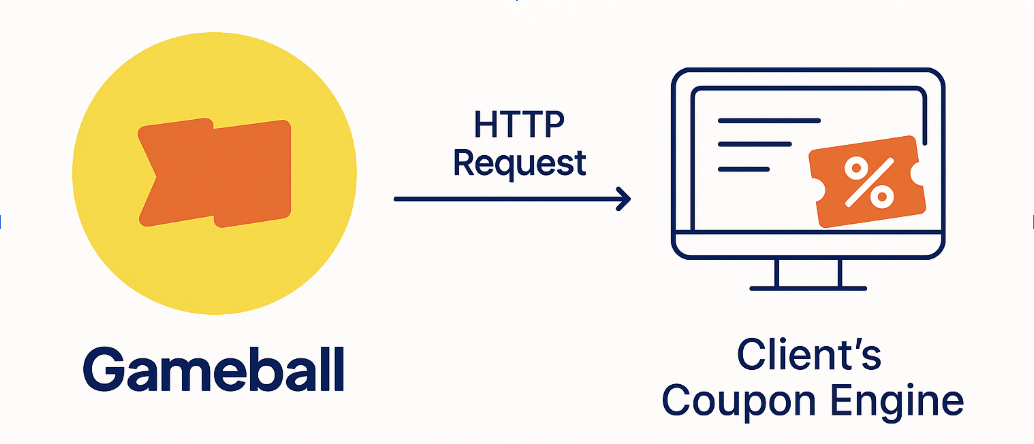
Supported Use Cases
Flow: How Gameball Communicates With Your System
1
Customer initiates a redemption (or completes a campaign)
2
Gameball sends a POST request to your specified endpoint
3
Your system generates the coupon and returns the code
4
Gameball shows the code to the user in their profile or reward message
5
Customer copies/pastes the code at checkout on your store
Implementation Guide
Step-by-Step Integration Flow
Step 1: Configure Gameball to Call Your Endpoint
Gameball needs to know how to reach your couponing engine:
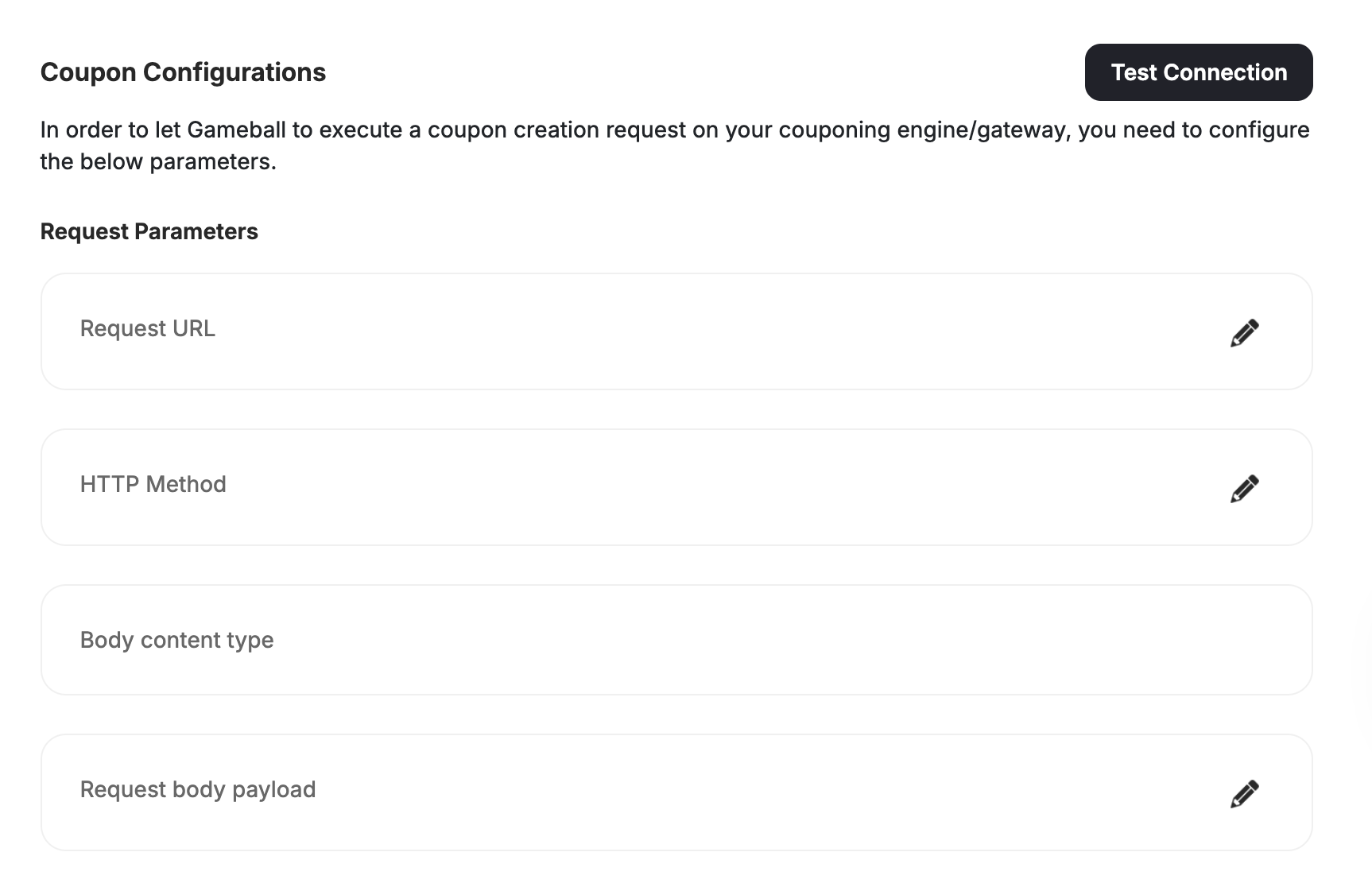
Step 2: Configure via API (Optional)
You can configure this directly via API: API: PUT /api/v4.0/integrations/configurations/coupon APIKey: YOUR_API_KEY SecretKey: YOUR_SECRET_KEY Content-Type: application/jsonStep 3: Build Your Coupon Creation Endpoint
This is your own API that Gameball will call. Example (Node.js):You must return HTTP 200 and include the coupon code in the response.
Step 4: Test the Connection
API (to retrieve config):
GET /api/v4.0/integrations/configurations/coupon
APIKey: YOUR_API_KEY
SecretKey: YOUR_SECRET_KEY
Coupon Redemption Flows
Gameball supports two primary coupon generation flows, both of which work with either the Gameball widget or your custom UI.1. Manual Coupon Redemption
Overview
Step-by-Step: Widget-Based Manual Redemption
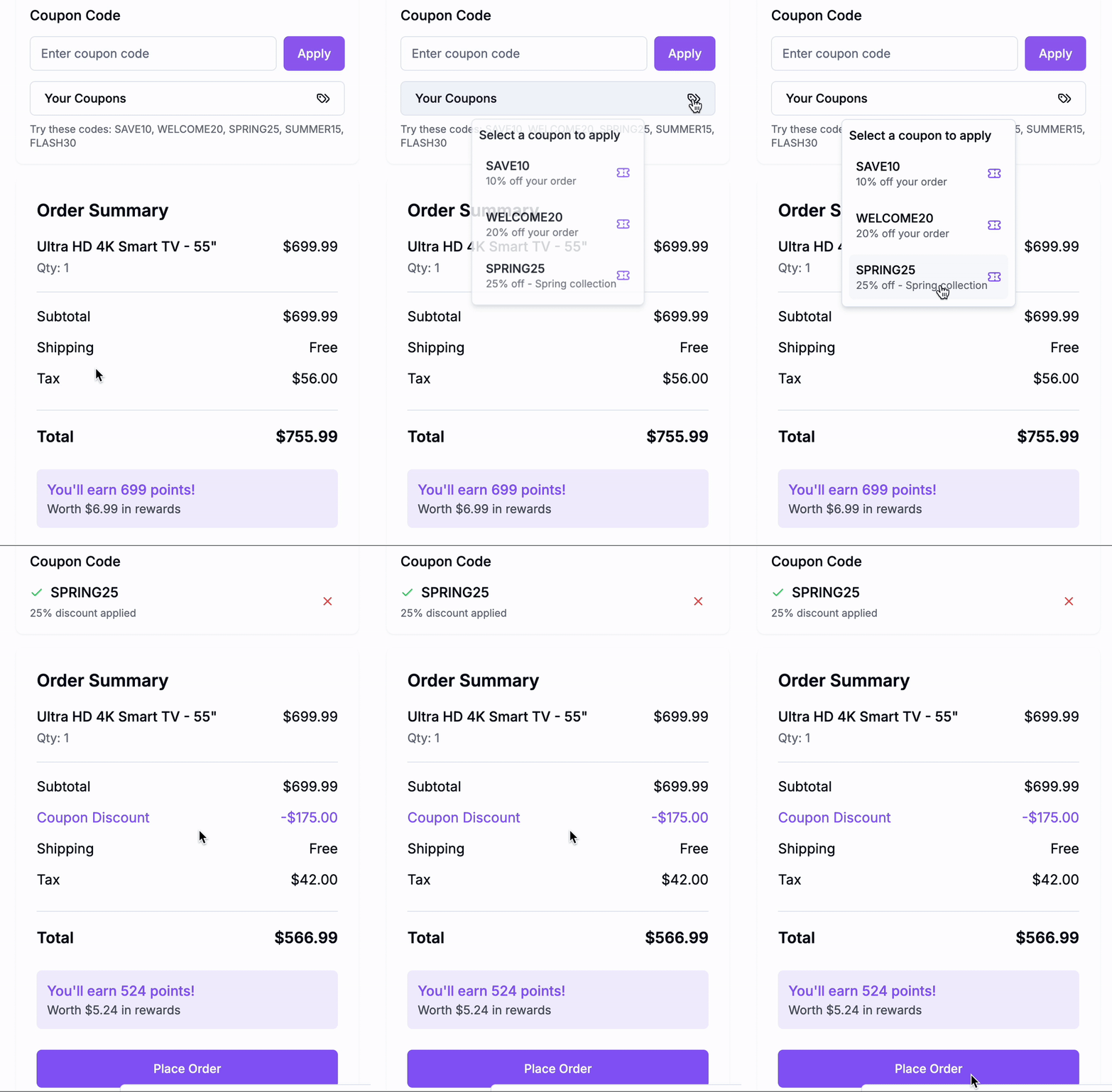
Step 1: Customer opens the widget → Gameball displays points balance and redemption options.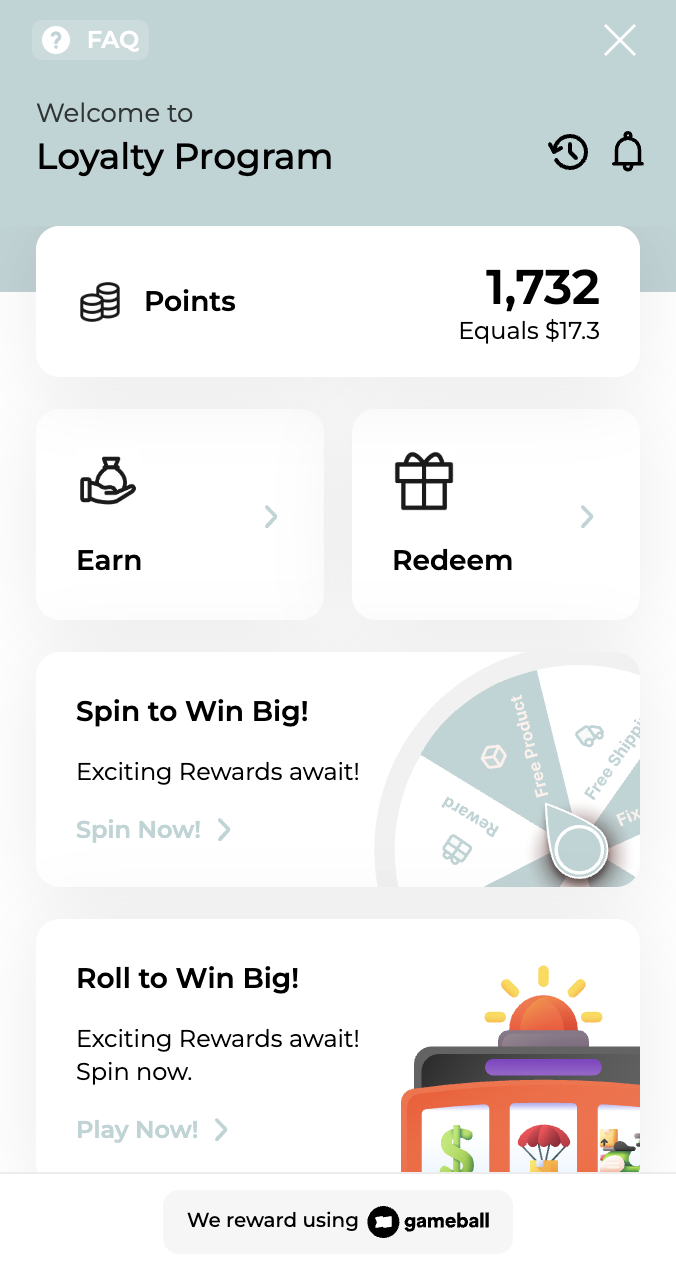
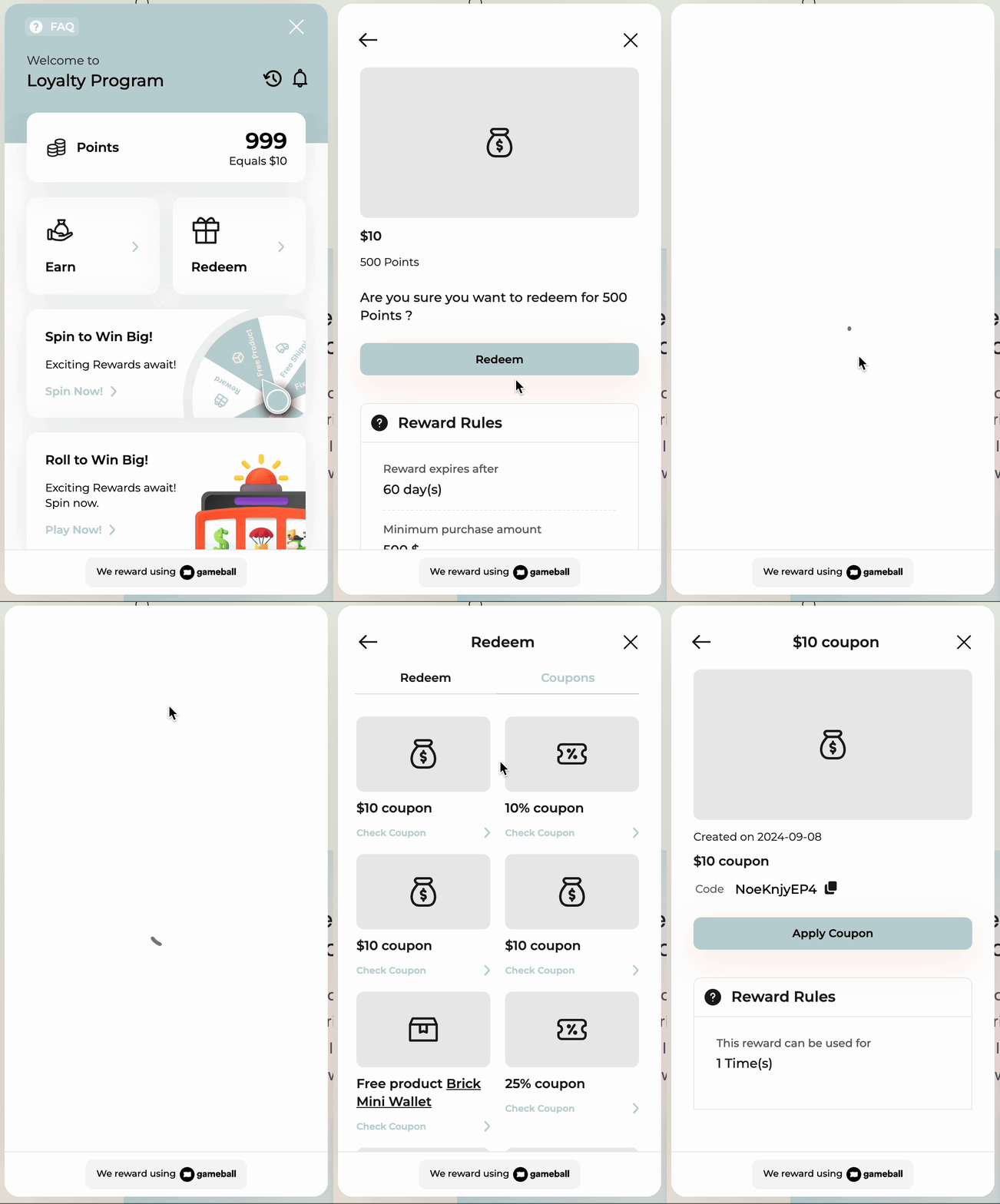
Step-by-Step: Custom UI Manual Redemption
Step 1: Fetch Redemption Options GET /redemption-configs2. Campaign-Based Coupon Rewards
- Gameball Widget
- Custom UI
Widget automatically shows campaign-earned coupons in “My Coupons”.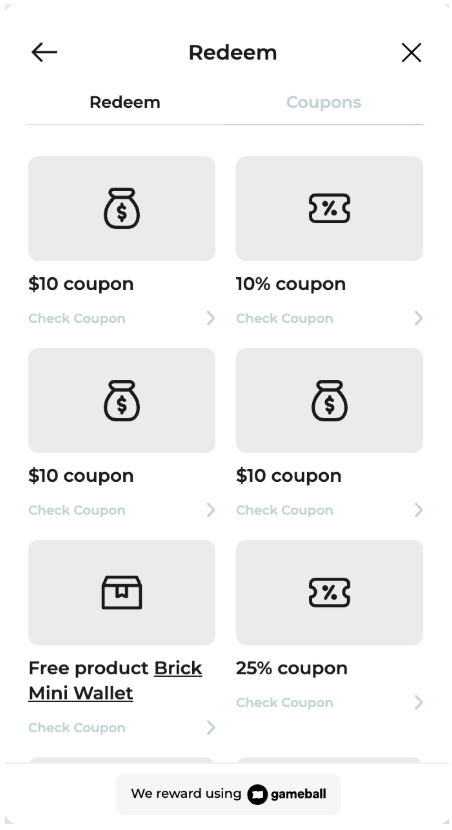
Step-by-Step: Widget Campaign Flow
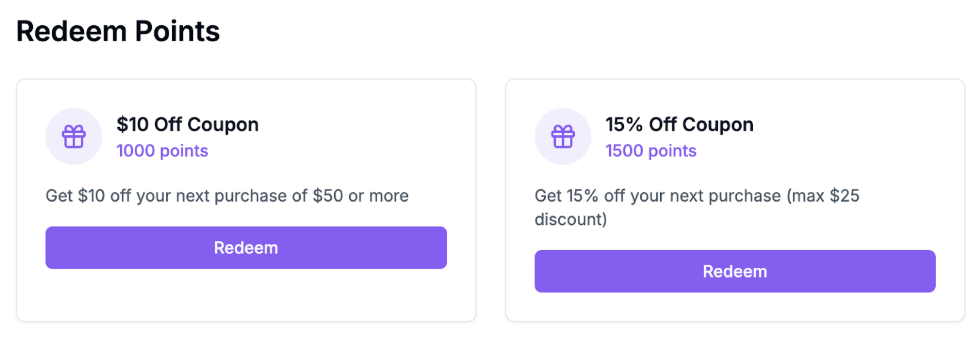
- Gameball displays the coupon in real-time once earned from a campaign.
- No API integration needed to show it.
- At checkout, use POST /order as shown earlier.
Related Resources
Redeem Points API
Convert loyalty points into coupon rewards
Generate Coupon API
Use Gameball’s engine when you don’t need custom issuance
Get Customer Coupons API
Display coupons created by your backend
Gameball Coupon Engine Tutorial
Learn the built-in alternative to custom coupon generation