


Gameball and Klaviyo integration allows you to leverage customer engagement data from Gameball to power your email marketing campaigns in Klaviyo. Follow this guide to seamlessly connect the two platforms and maximize the impact of your loyalty and marketing efforts.
Why Integrate Klaviyo with Gameball?
By integrating Klaviyo with Gameball, you unlock the ability to target and segment customers based on their loyalty to your app. This powerful integration allows you to:- Segment contact lists based on Gameball customer attributes (e.g., points balance, tier) and events created.
- Send personalized emails by including loyalty-related data, such as customer tier and reward points, in your email templates.
- Track and trigger campaigns based on specific customer events, such as coupons created, orders placed, and reward achievements.
How to Connect Klaviyo to Gameball
1
Go to App Integrations
In your Gameball Admin Dashboard, navigate to App Integrations from the left-side menu. You will see a card for each available native integration.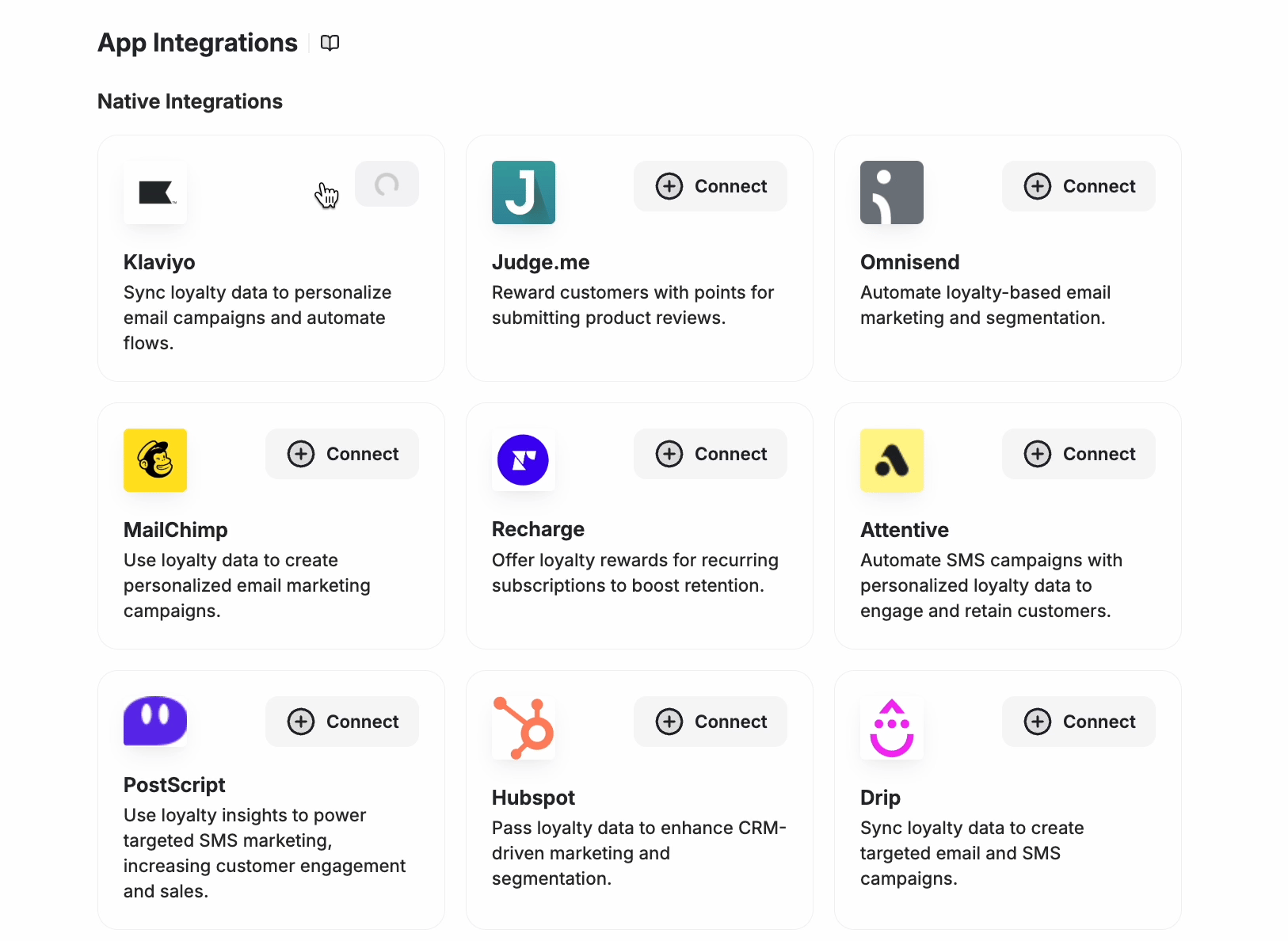
2
Click Connect on the Klaviyo Card
Find the Klaviyo card and click Connect. You will be redirected to a Klaviyo OAuth screen asking you to authorize the connection.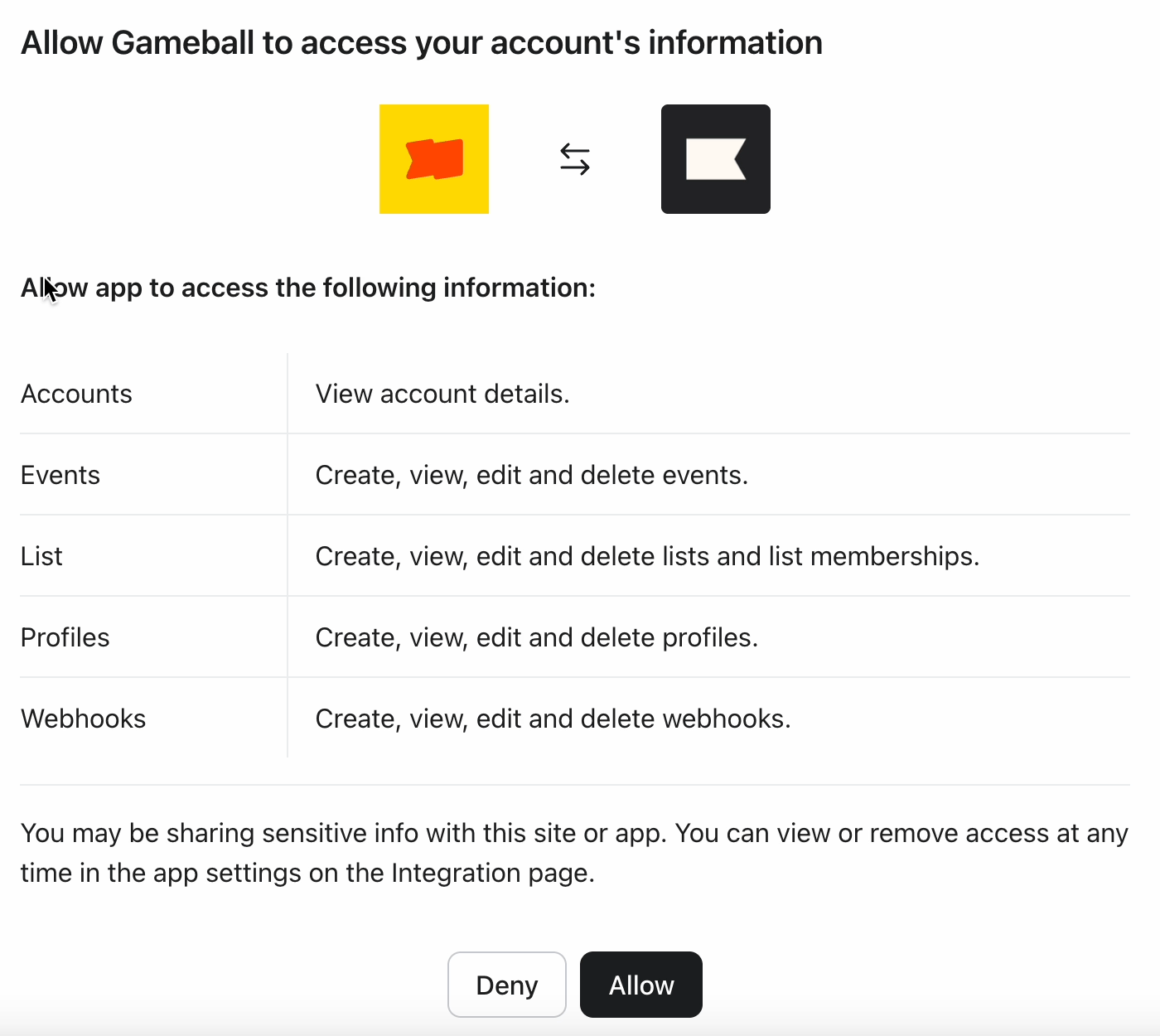
3
Authorize the Connection
Click Allow to grant Gameball access. You can revoke this access at any time from your Klaviyo app settings.Once authorized, the Klaviyo card will display a Connected badge confirming the integration is active.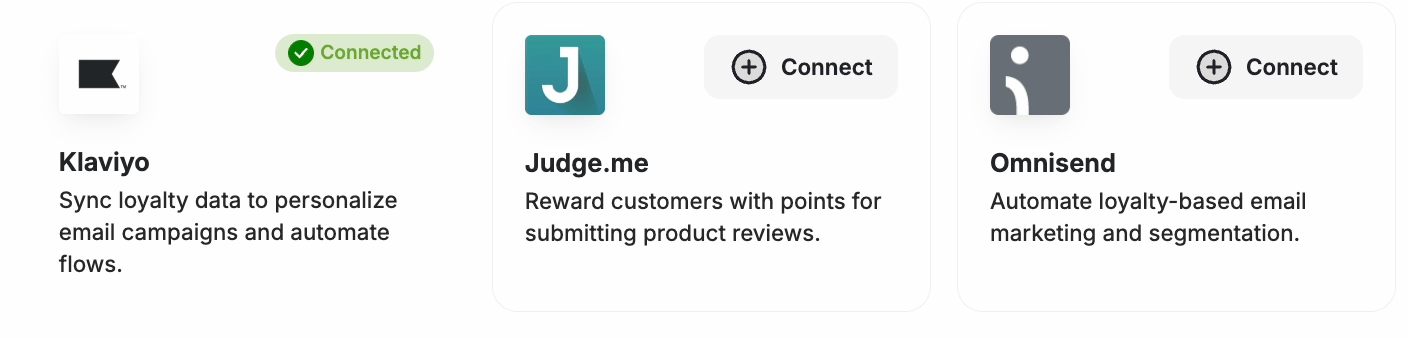
Using Gameball Data in Klaviyo
View Custom Properties
In Klaviyo, view Gameball customer attributes under Profile > Information > Custom Properties of a specific customer.Use Attributes in Campaigns
When creating a campaign in Klaviyo, insert Gameball attributes by selecting Insert Property.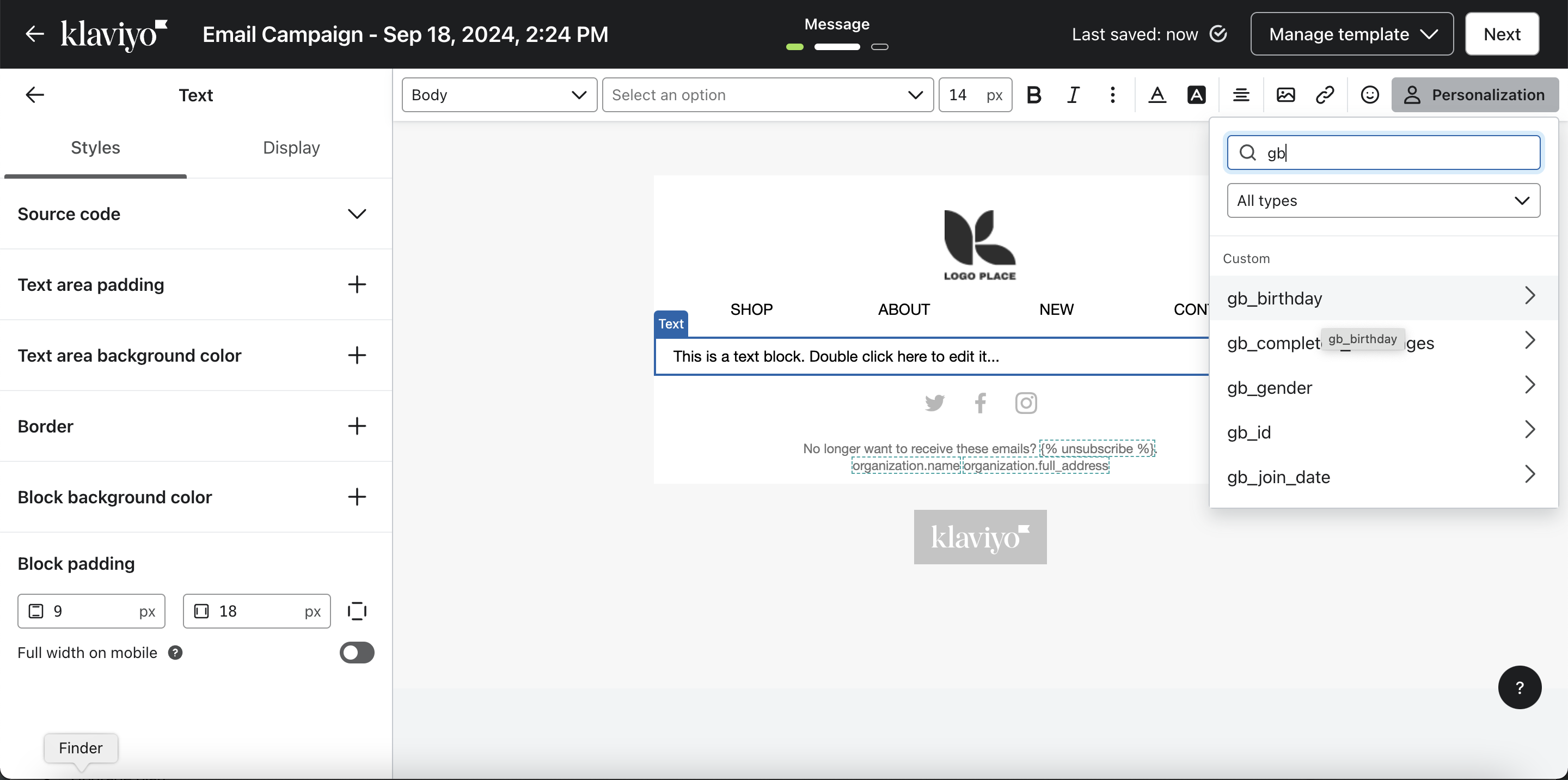
Trigger Flows Based on Events
You can trigger automated flows in Klaviyo based on real-time Gameball events such as Coupon Created, Coupon Redeemed, Reward Campaign Achieved, Order Placed, and Points Redeemed.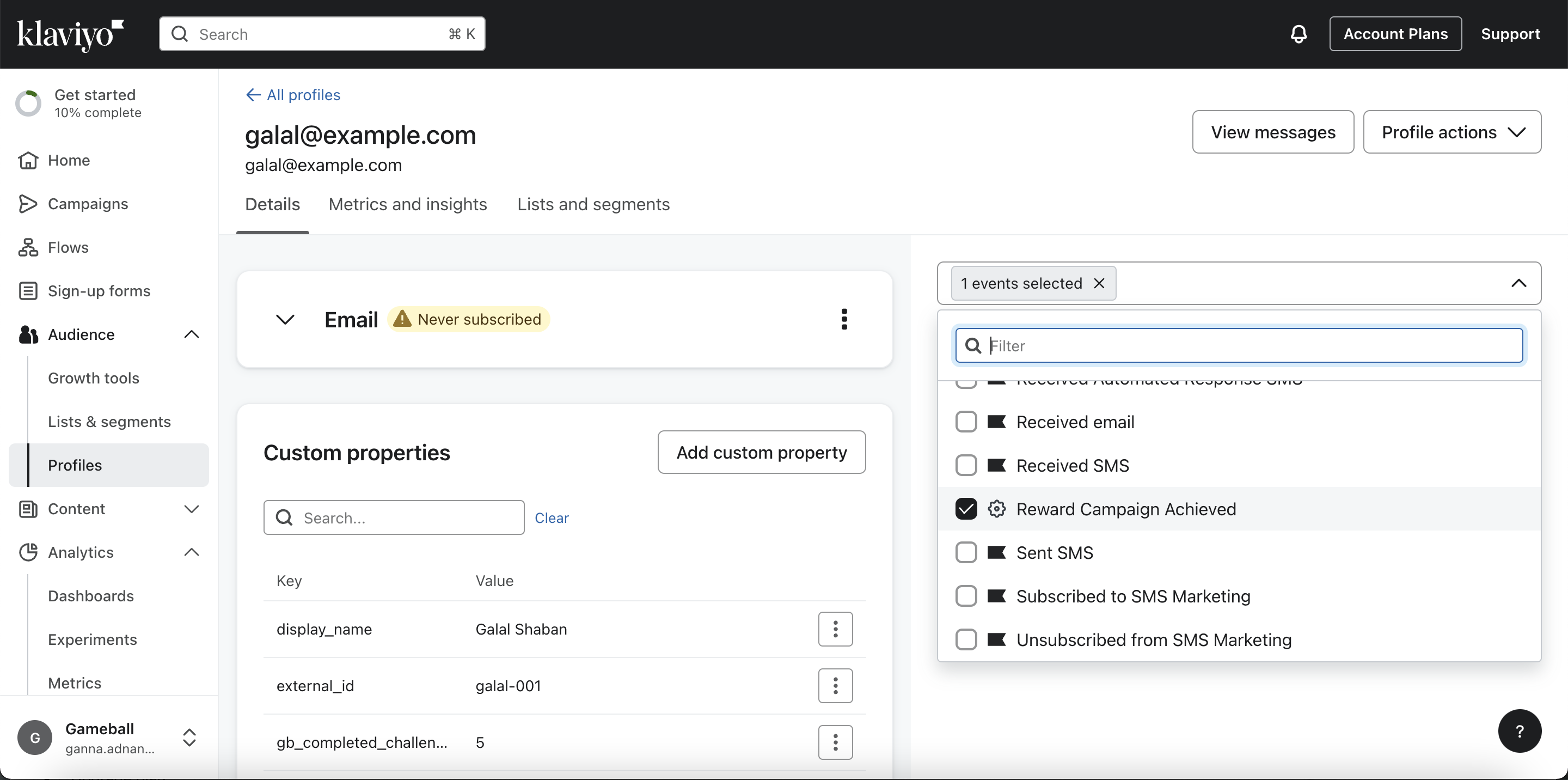
Gameball on MoEngage
Integrate Gameball with MoEngage for engagement campaigns.
Apps & Integrations Overview
Explore all available Gameball integrations.