

Why Integrate Judge.me with Gameball?
This integration allows you to reward your customers based on their placed reviews, driving more reviews for your business and building trust with your customers.How to Configure Judge.me on Gameball
1
Connect Judge.me
Go to Integrations on your Gameball Admin Dashboard and click Connect under Judge.me.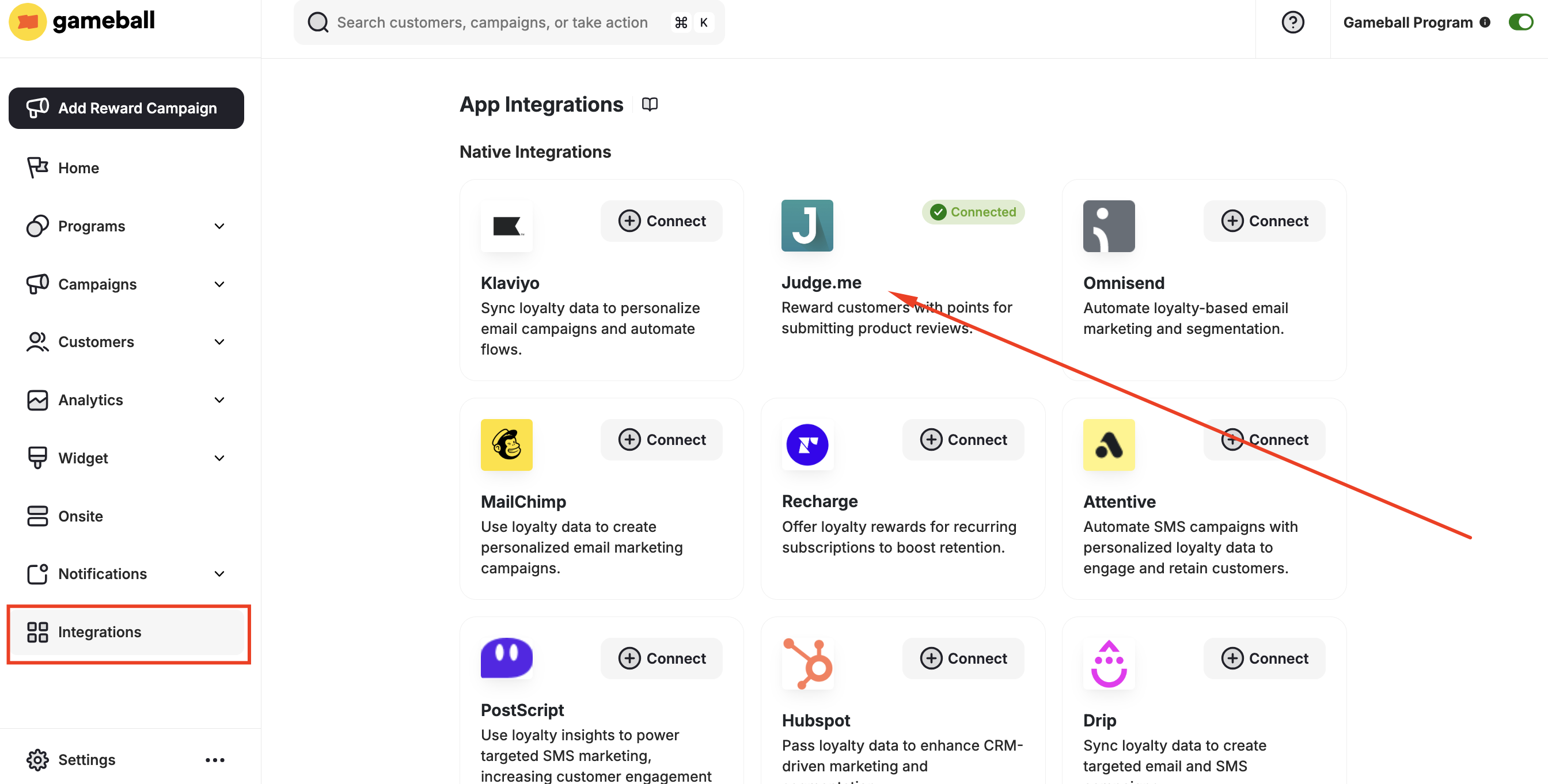
2
Get Your API Key
- Install Judge.me from the Shopify App Store.
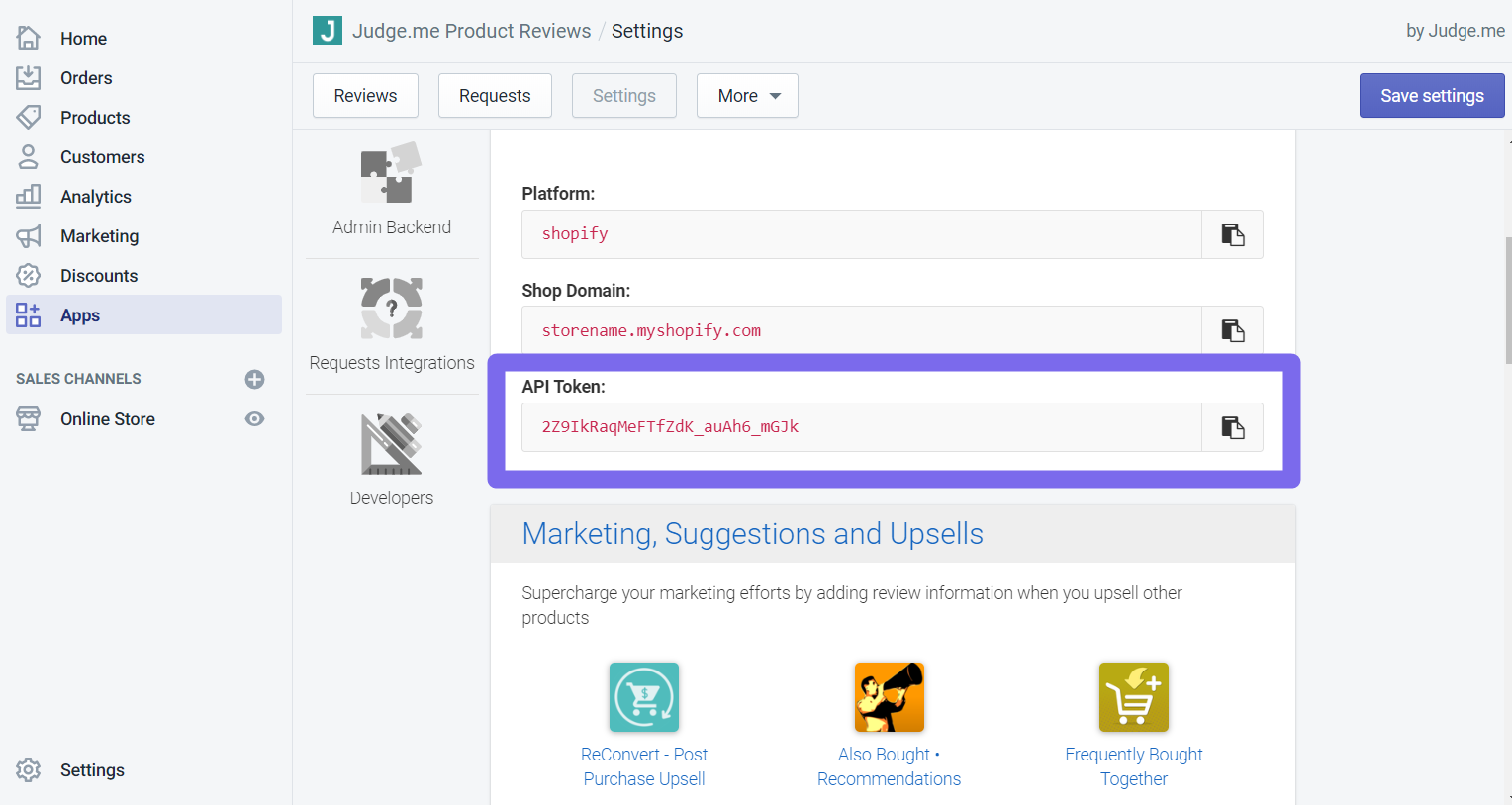
- In your Judge.me account, go to Settings > Integrations.
- Copy the API token.
3
Paste Credentials in Gameball
Paste the API key into your Gameball account and click Verify Key.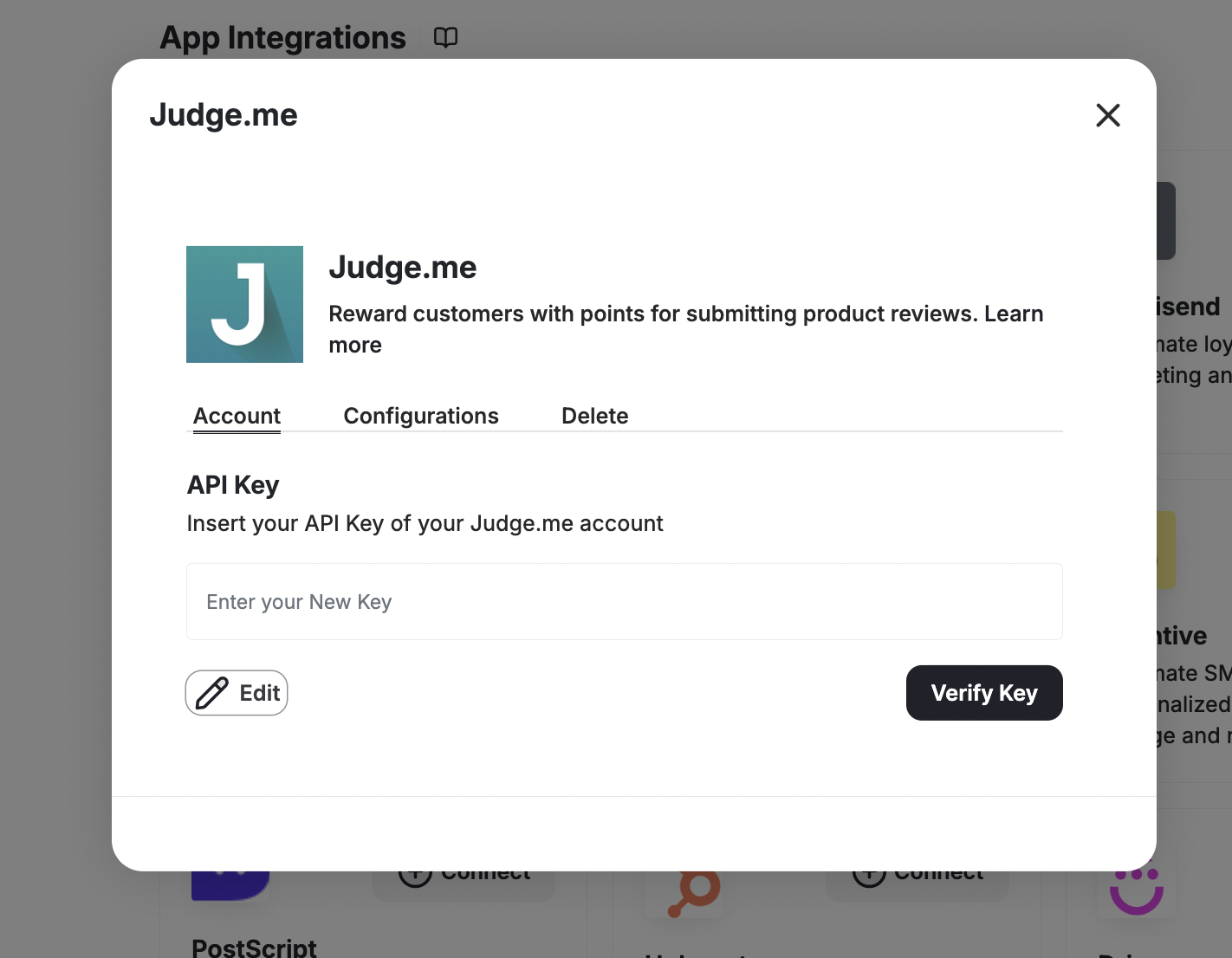
4
Add the Review Event
Click Add to automatically add the review event in the customers’ events section on your Gameball Admin Dashboard.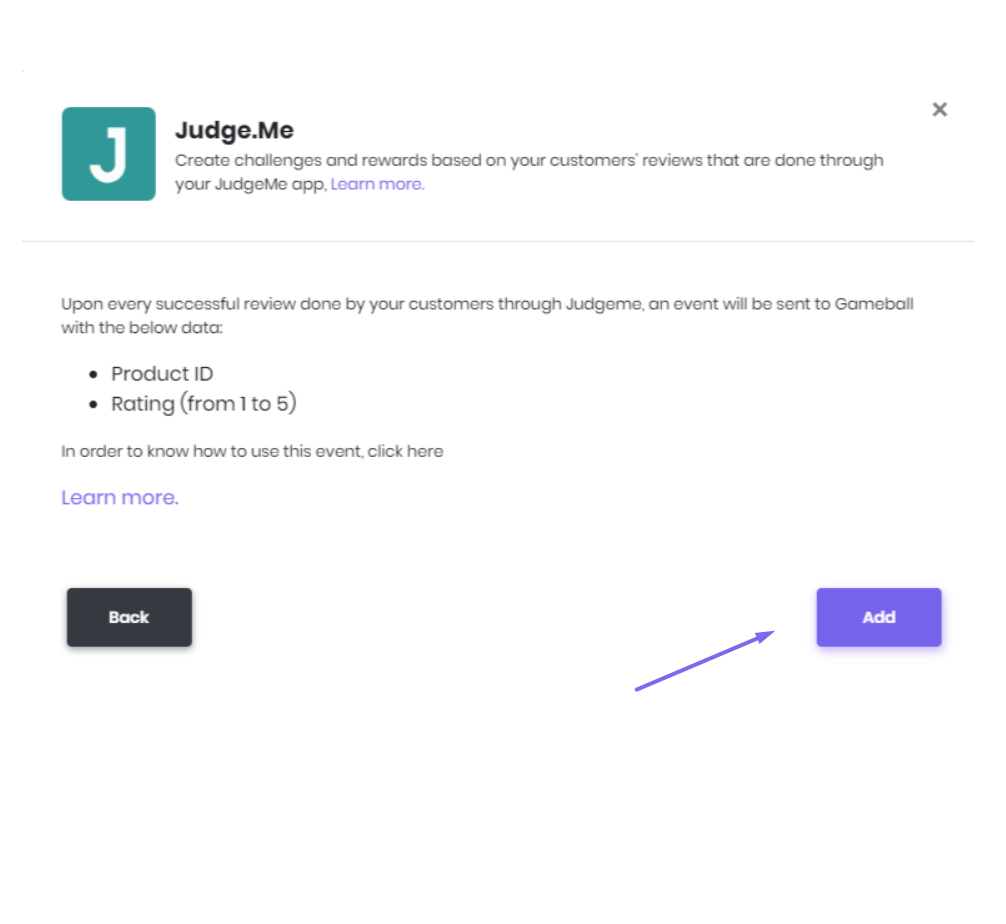
5
Create a Reward Campaign
Go to Rewards > Reward Campaigns and create the “review/judge me” campaign.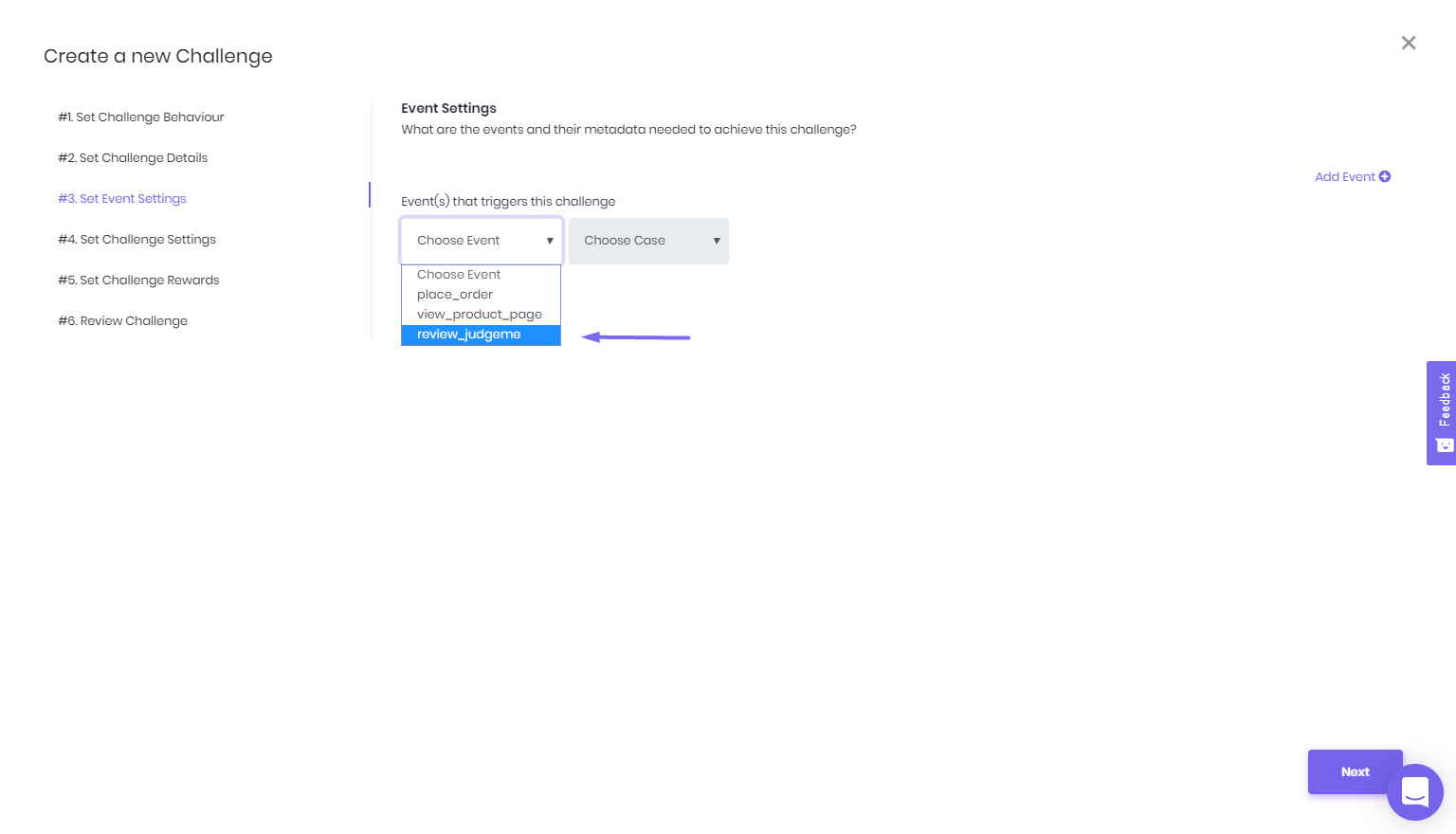
The
review_judgeme event includes the following metadata: Product ID, Product Title, Rating, has_pictures (true/false), and has_videos (true/false).To reward customers specifically for photo reviews, configure your campaign to filter on the has_pictures metadata property set to true. This lets you offer a higher reward for reviews that include a photo versus a text-only review.