

Overview of the Activities List
To access this, navigate to Customers > Activities.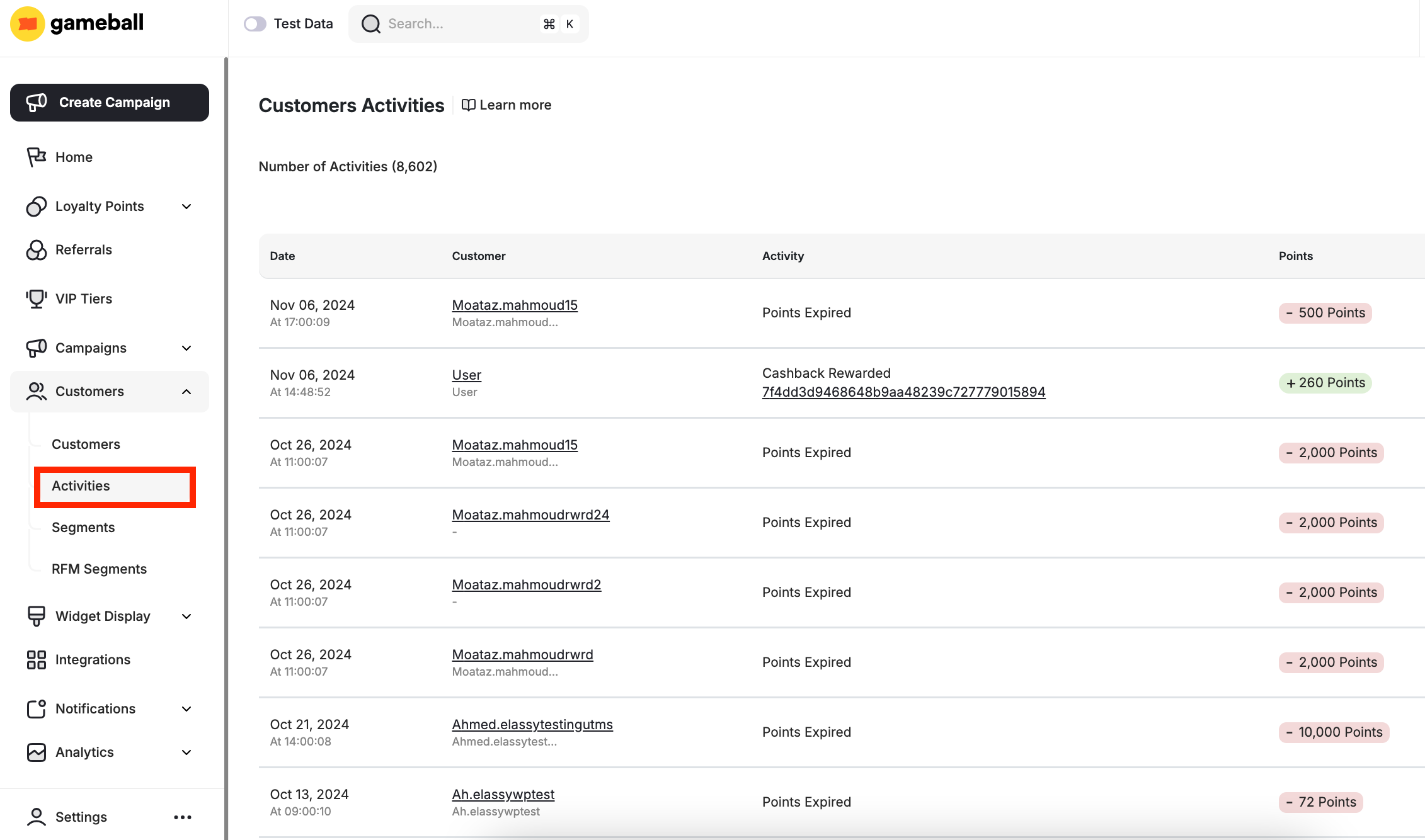
Understand the Columns in the Activities List
Each record includes: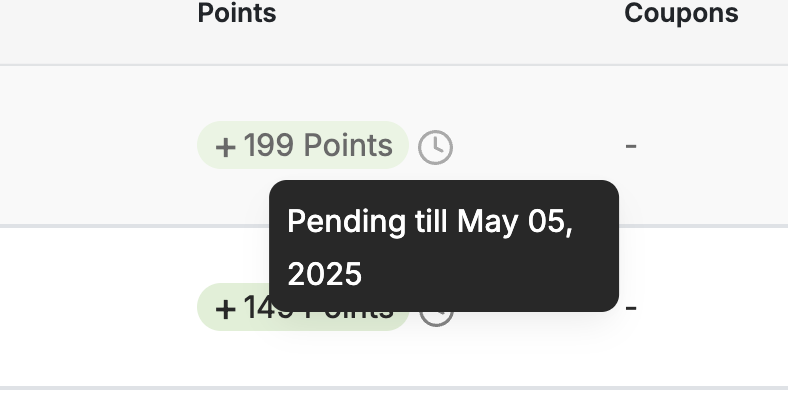
Pending points indicator with activation date
Types of Logged Activities
Below is a list of activity types you may encounter in this section:Some activities may include a “Manual” tag. This indicates that the action was performed manually by an admin, either on an individual customer or through a bulk action. Examples include Reward a Campaign manually, or Adjust Balance manually.
Customers Page-Level Actions
This section covers how to filter your customer activities list and how to export it.Apply Filters to Refine the View
You can filter the list based on any of the activities, and you can extract the full list or the filtered list.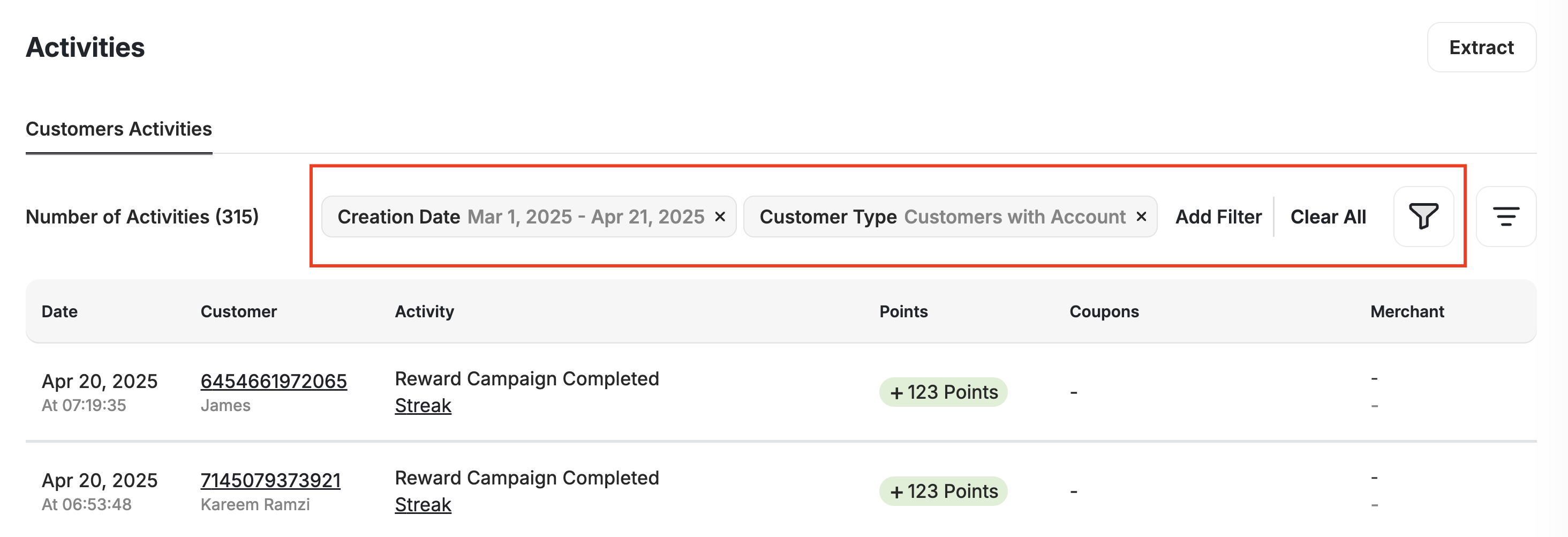
1
Open the filter panel
Click the Filter icon at the top of the Activities page.
2
Select filter options
Select from the available filter options listed below.
3
Define your criteria
Define your criteria (e.g., ranges, keywords, status).
4
Apply the filter
Click Apply Filter to view only the activities that match your selected criteria.
Available Filters
Export the Activities Log
1
Apply filters
Apply any filters you need.
2
Click Extract
Click the Extract button in the top right corner.
3
Download the file
Your filtered activities will be exported to a CSV file.
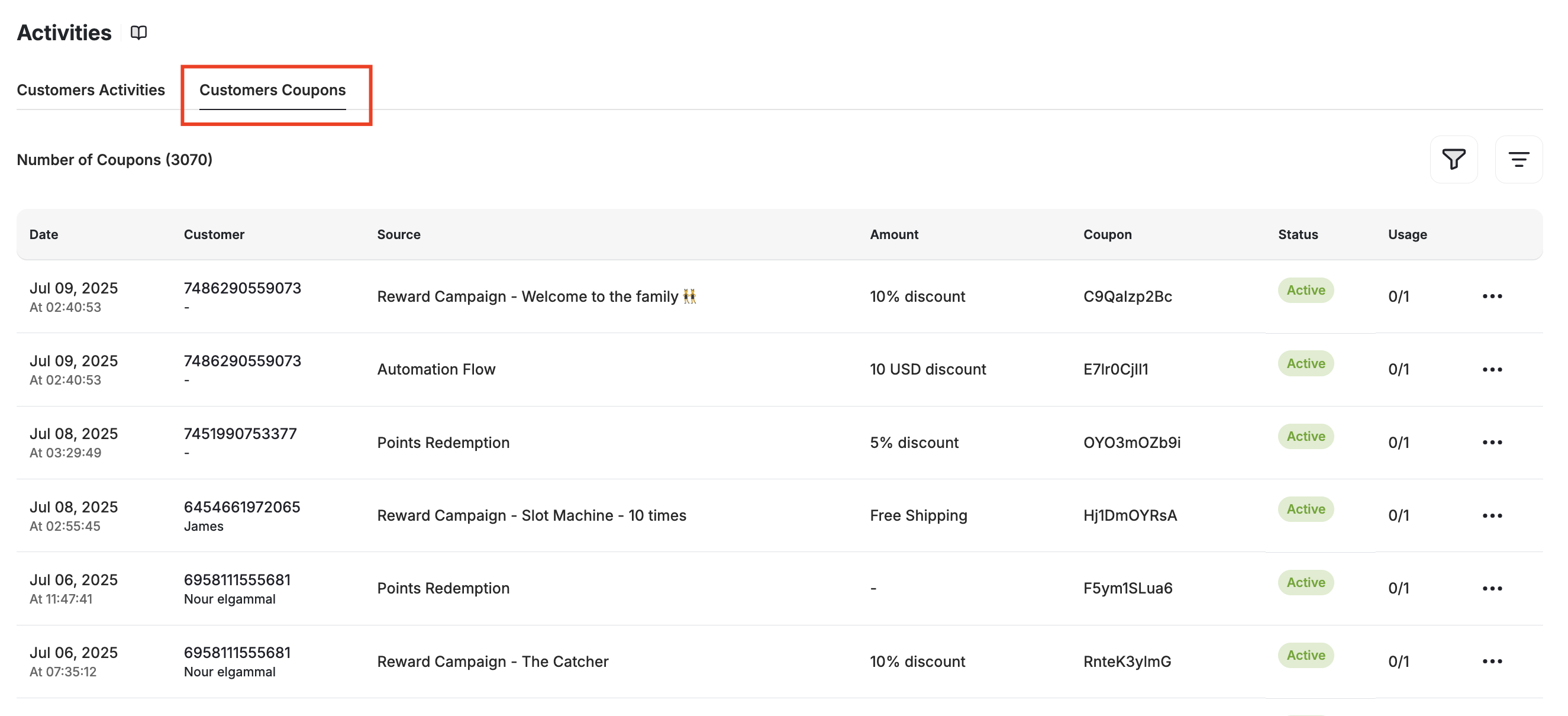
Rewarded Coupons Log
Why Use the Customer Activity Log?
Monitor Engagement
Monitor customer engagement and reward activity across your loyalty program.
Identify Trends
Identify trends in customer behavior to tailor your loyalty program more effectively.
Track Accuracy
Ensure that rewards, points, and tier statuses are accurately tracked for all customers.
Coupon Insights
Gain insights into the effectiveness of your campaigns, including how and when rewarded coupons are being utilized.
Related Articles
Explore a Customer Profile
View and manage individual customer data.
Group Customers by Tags
Use tags to group and target customers.