

Available Email Templates
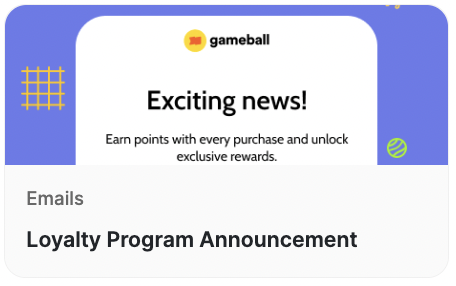
Loyalty Program Announcement Template
Loyalty Program Announcement Template
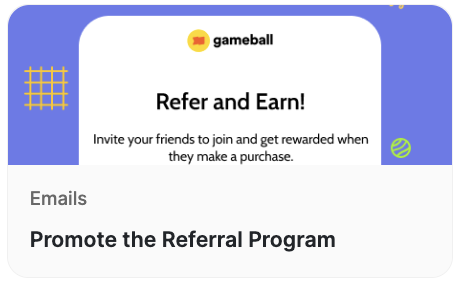
Promote the Referral Program
Promote the Referral Program
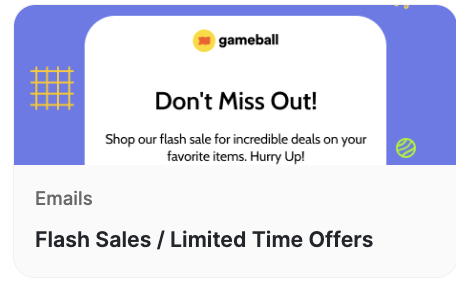
Flash Sales / Limited Time Offers
Flash Sales / Limited Time Offers
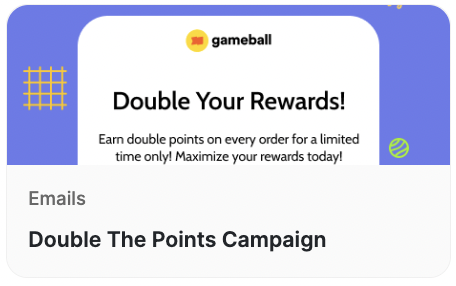
Double The Points Campaign
Double The Points Campaign
How to Use the Templates
1
Log in to Dashboard
Log in to your Gameball Dashboard and navigate to the Campaigns section.
2
Choose Communication Campaigns
Choose Communication Campaigns.
3
Select a template
Choose the desired template from the list.
4
Preview and adjust
Send a test email to preview the template and make any necessary adjustments.
5
Set live
Once satisfied, set the campaign live.
Benefits of Using Ready-Made Templates
Related Articles
Web Messages Templates
Explore pre-built web message templates for on-site customer engagement.
Push Notification Templates
Explore push notification templates to re-engage your mobile audience.