

Available Web Messages Templates
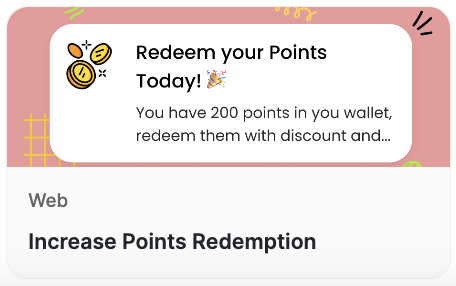
Increase Points Redemption
Increase Points Redemption
How to Use the Templates
1
Log in to Dashboard
Log in to your Gameball Dashboard and navigate to the Campaigns section.
2
Choose Communication Campaigns
Choose Communication Campaigns.
3
Select a template
Choose the desired template from the list.
4
Preview and adjust
Check the preview, and make any necessary adjustments.
5
Set live
Once satisfied, set the campaign live.
Benefits of Using Web Message Templates
Related Articles
Email Templates
Explore email templates to reach customers directly in their inbox.
Push Notification Templates
Explore push notification templates to re-engage your mobile audience.