

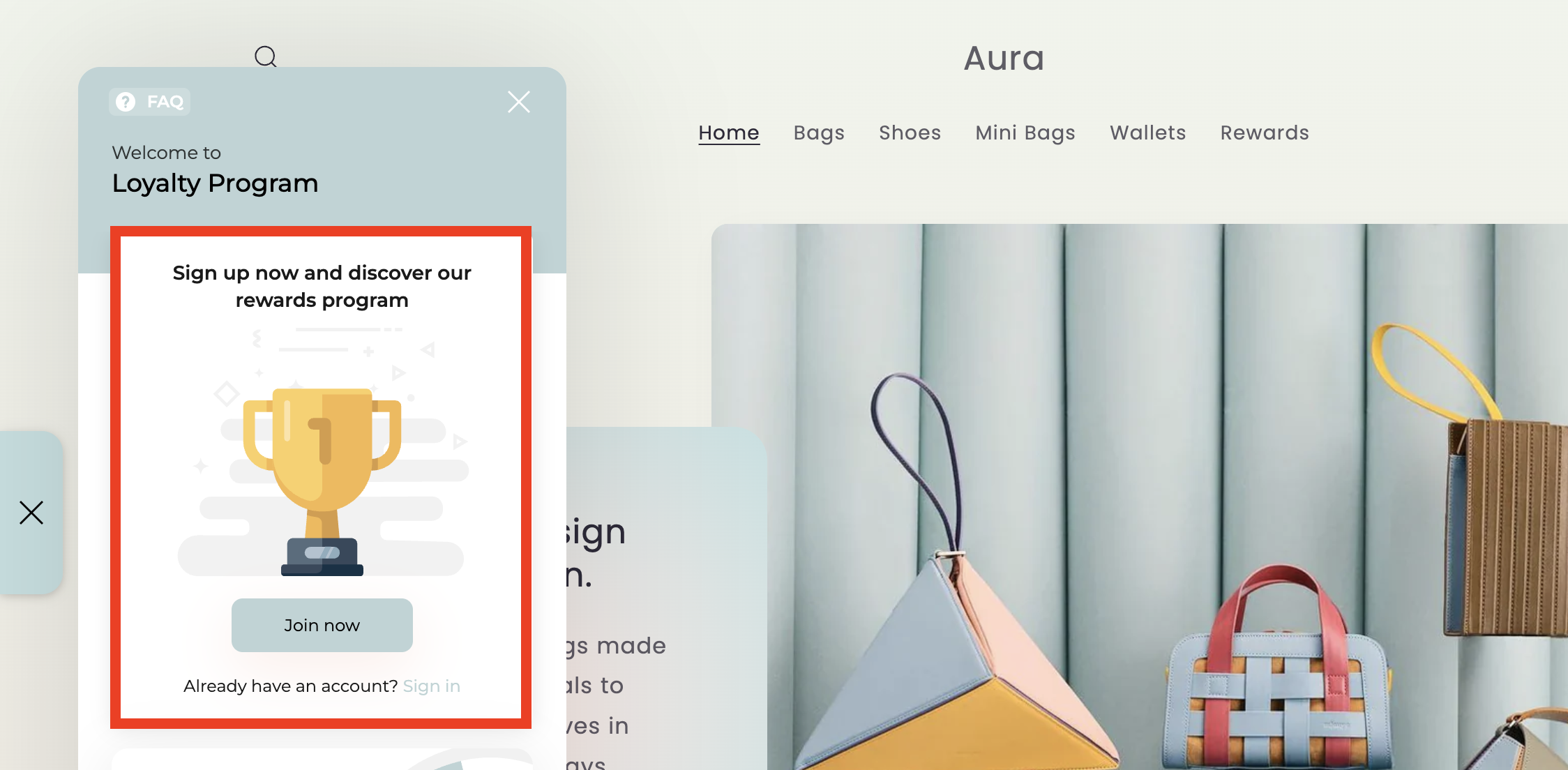
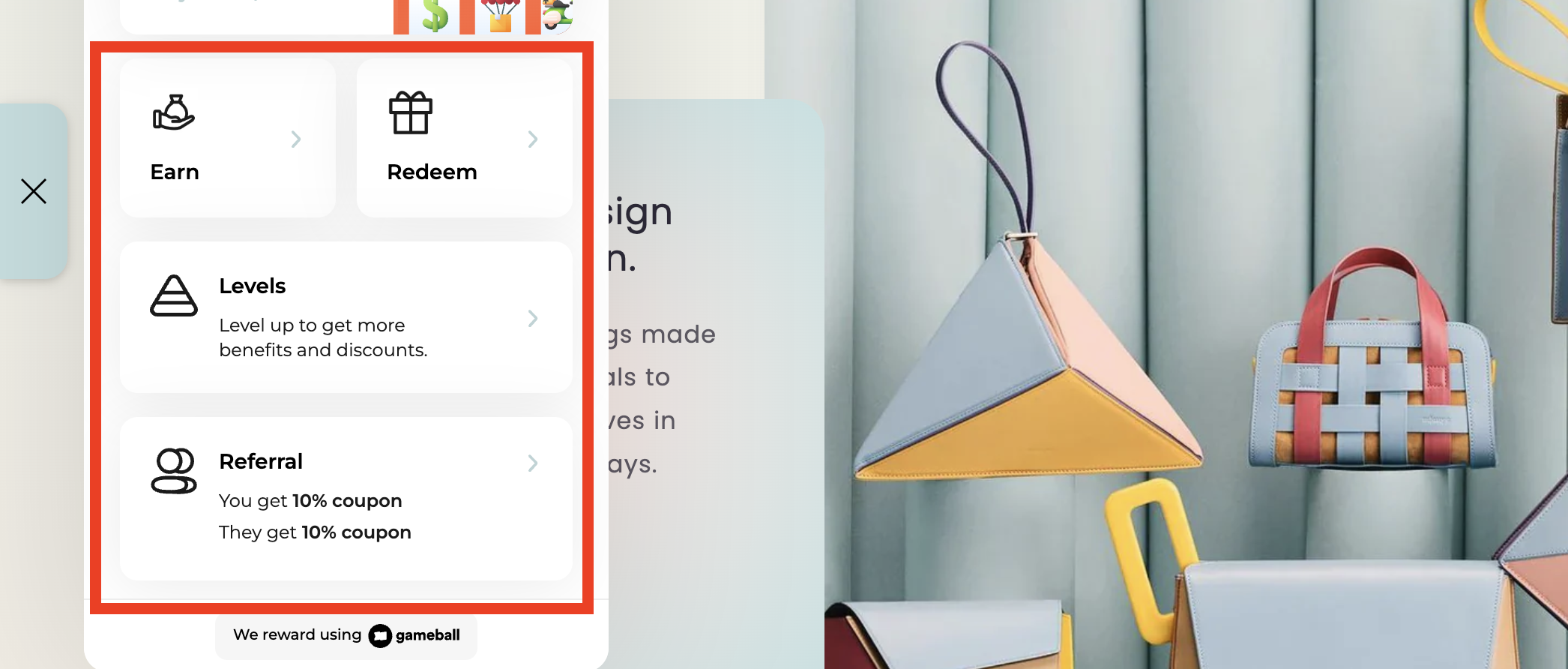
- The guest view content shown to visitors who have not yet signed in.
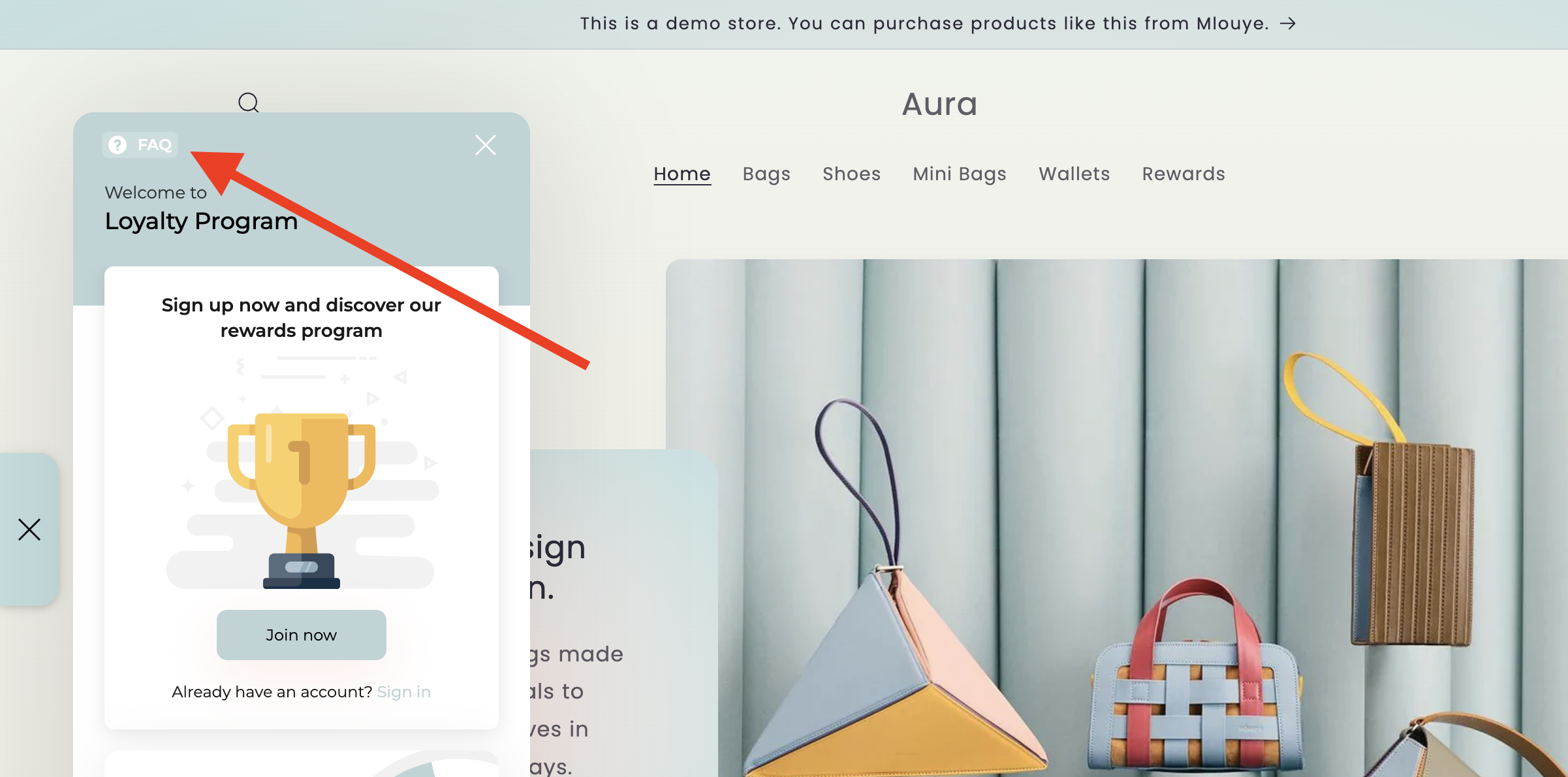
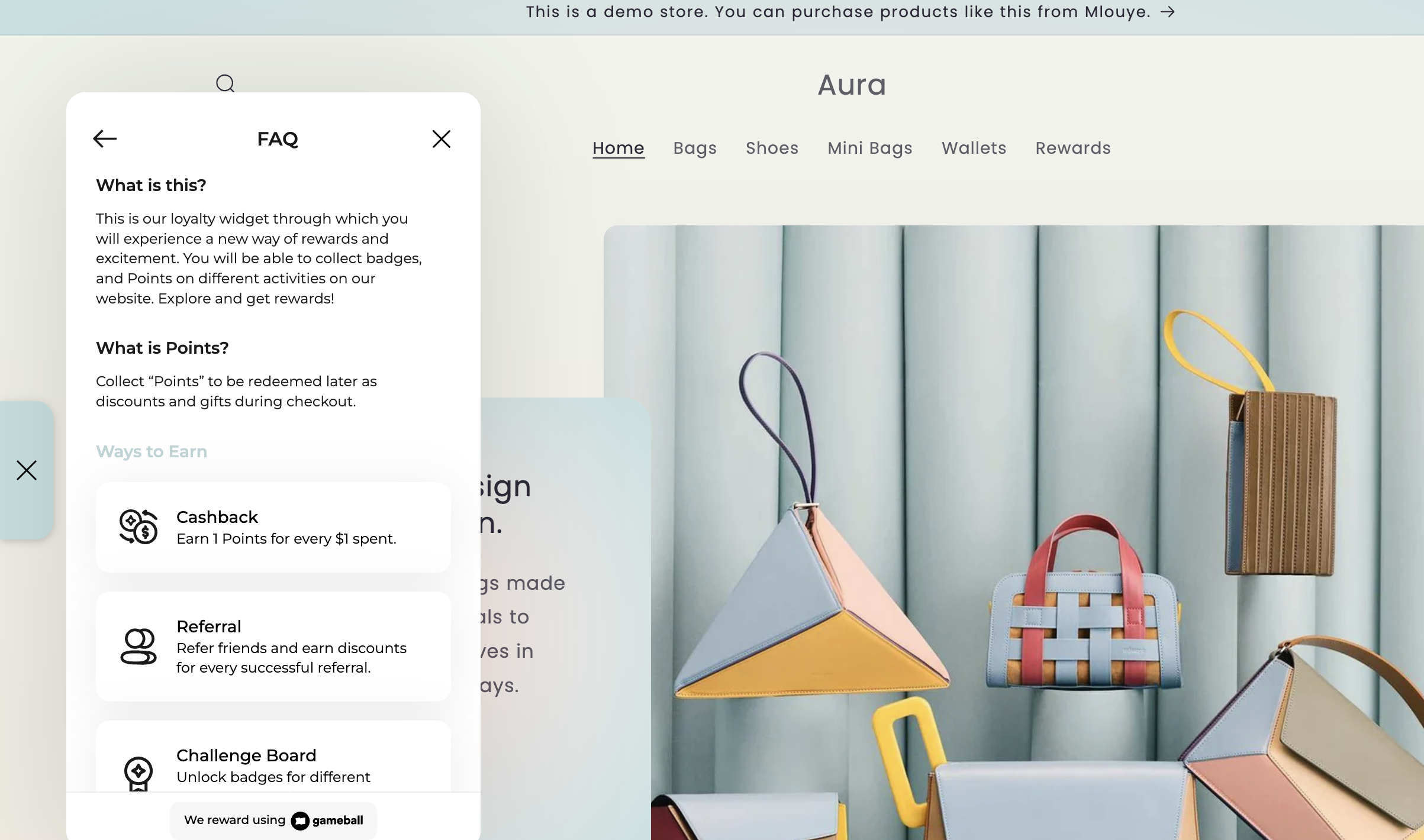
- The FAQ section found at the top of the widget.
Editing the Guest View Content
1
Navigate to Guest Content Settings
On the Gameball Admin Dashboard, go to Widget > Content: Guests.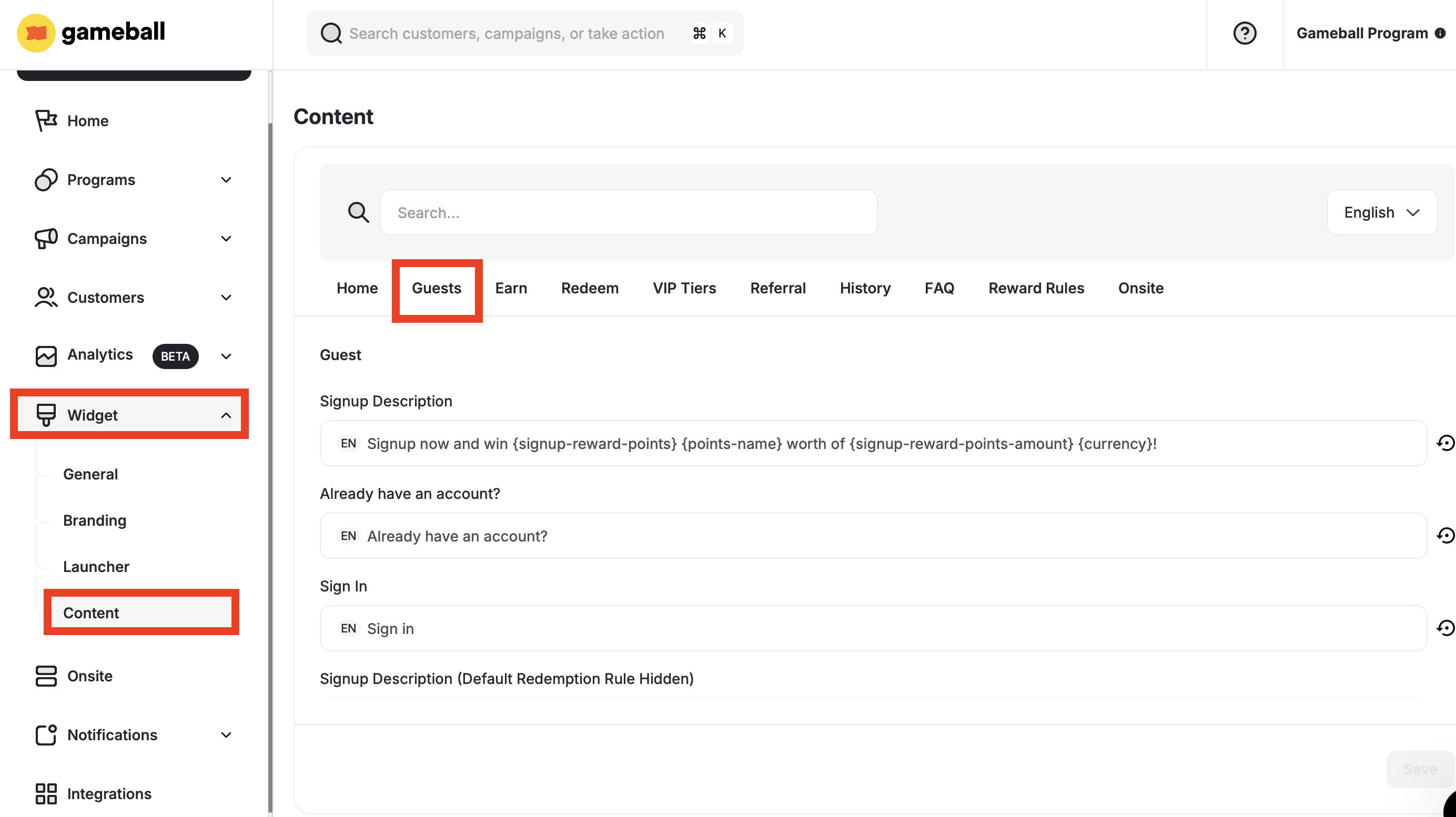
2
Fill in the Guest View Fields
The following fields are available to customize:
3
Save Changes
Fill in the needed information and click Save.
Editing the FAQ Section
1
Navigate to FAQ Content Settings
On the Gameball Admin Dashboard, go to Widget > Content: FAQ.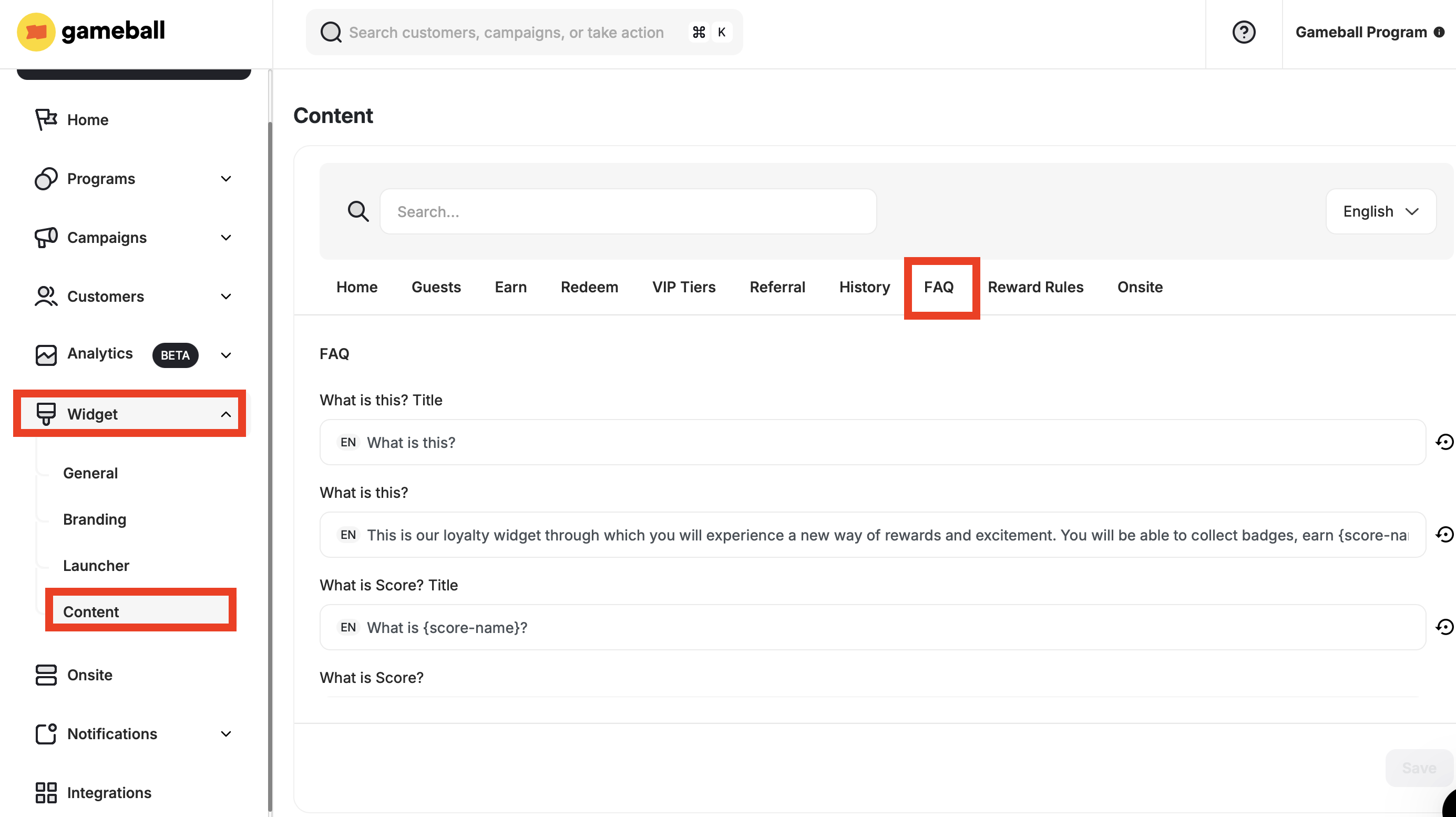
2
Fill in the FAQ Fields
The following fields are available to customize:
3
Save Changes
Fill in the needed information and click Save.
Related Articles
Guest Profile Configuration for Web
Configure the guest experience, including images, sign-up URLs, and login redirects.
Customize Tabs Visibility and Order
Control which tabs appear in your widget and in what order they are displayed.