

Turn a major sporting event into a month of daily engagement. Predict & Win lets customers forecast match scores before kickoff, earn points based on prediction accuracy, and climb a live leaderboard — giving you a daily reason to bring shoppers back throughout the event.
Creating a Predict & Win Campaign
1
Open Gameball and Create Campaign
Open Gameball and click Add Reward Campaign.
2
Select the Template
Select the Predict & Win template.
3
Edit Campaign Setup
Edit the campaign’s setup (see configuration sections below).
4
Go Live
Click Set Live to activate the campaign.
Campaign Configuration
Audience
Audience
- All Customers: Every registered customer in your program.
- Specific Customers: Filter by segment, tag, or customer attributes to limit who can participate.
Trigger
Trigger
The trigger for this campaign is Customer Predict match and collect score — customers earn the reward each time they submit a prediction for an open match.A dedicated Predict & Win banner appears in the loyalty widget. You can also share a deep link directly to the game for use in emails, banners, or push notifications.
Activation
Activation
- Always Active: The campaign runs continuously while live.
- Scheduled: Set a start and end date to align the campaign with the event window.
Platform Visibility
Platform Visibility
Choose whether the game campaign is shown on web, mobile, or both, giving you better control over engagement strategies across platforms.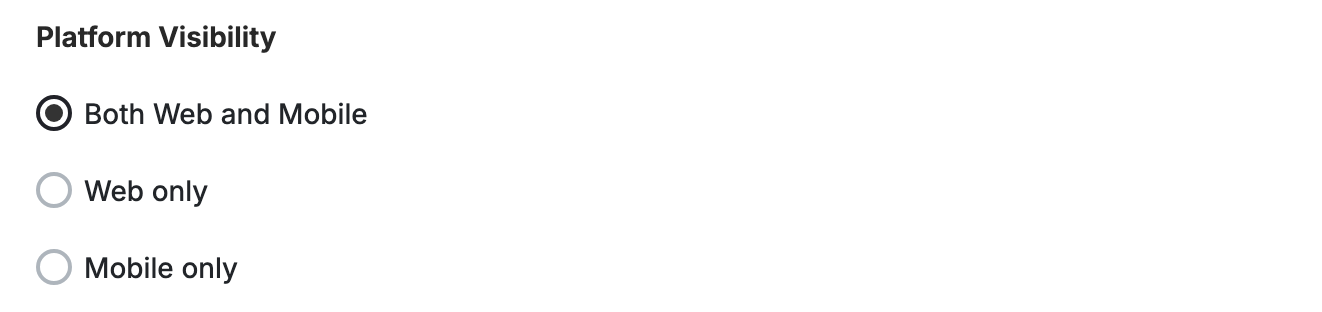
This template uses the standard reward campaign setup. See the Generic Setup Guide for details.
Matches Selection
Choose which matches customers can predict on.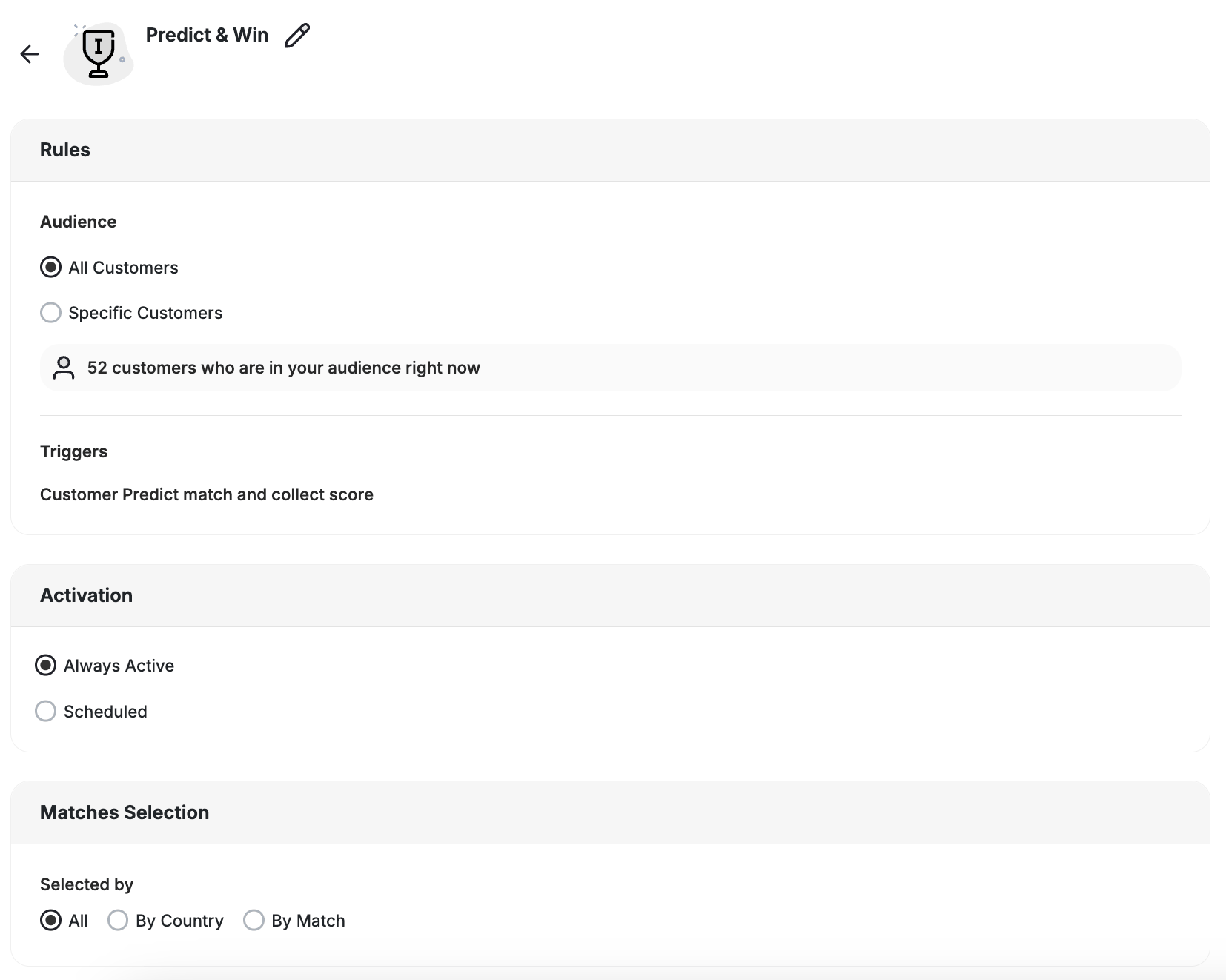
Only matches you enable are visible to customers in the widget.
Scoring Model
Configure how many points customers earn per prediction. The model is fully customizable, with World Cup default rules pre-filled:
You can also enable a knockout timing bonus that awards extra points for predictions submitted close to kickoff during knockout-stage matches.
Knockout Stage Predictions
Predict & Win runs through the final. Knockout matches can’t end in a draw, so the match card adapts to what the customer predicts:- Level score predicted: The customer is asked who wins the penalty shootout.
- Decisive score predicted: The customer gets a 90 minutes / extra time toggle.
Rewards & Leaderboard
Predict & Win supports two independent reward tracks:- Per-match rewards — awarded based on prediction accuracy after each match result is confirmed
- Rank-based leaderboard rewards — awarded to the top-ranked customers at the end of the campaign (up to 10 positions)
Advanced Options
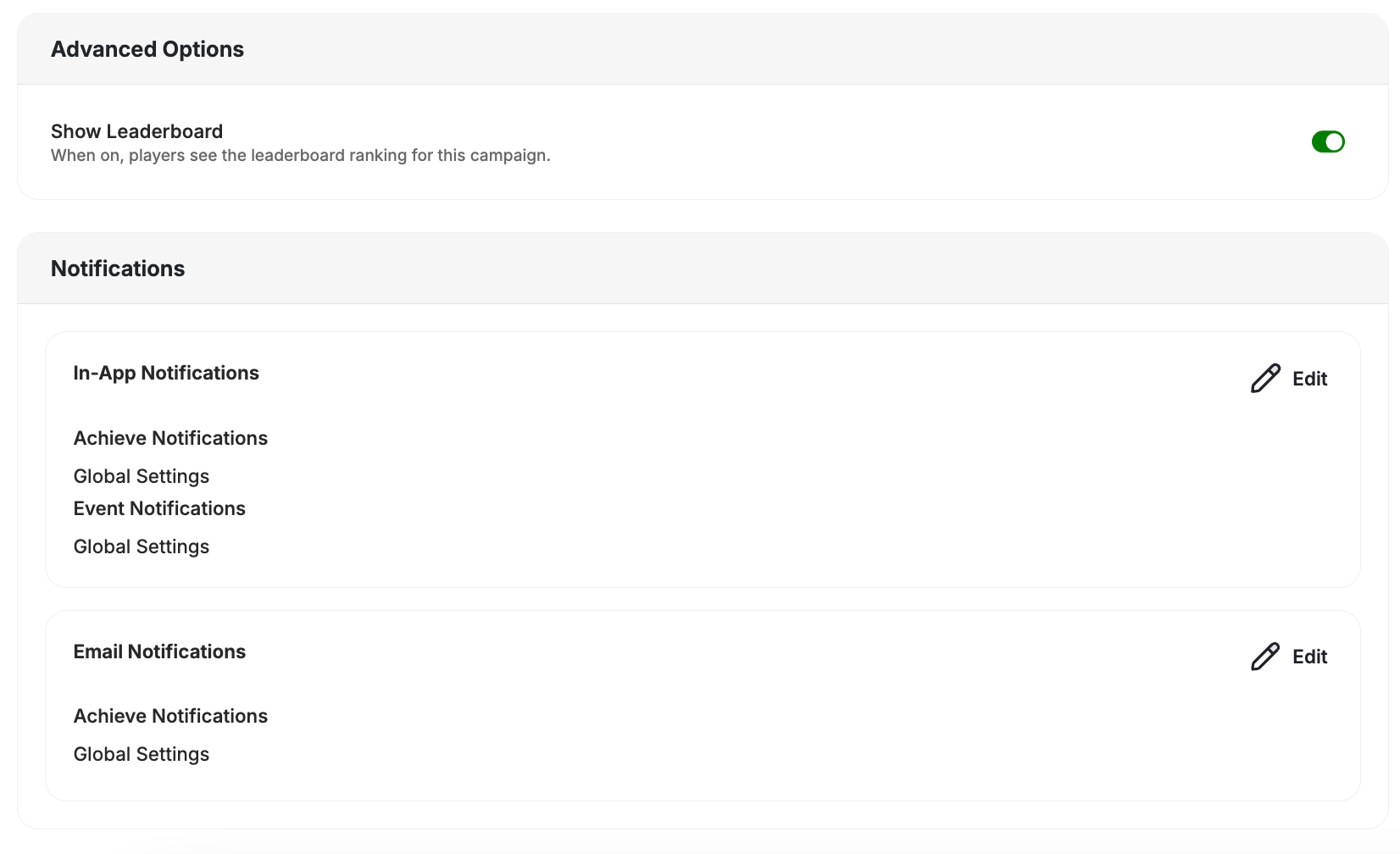
- In-App Notifications: Achieve Notifications and Event Notifications both follow Global Settings by default.
- Email Notifications: Achieve Notifications follow Global Settings by default.
End User Experience
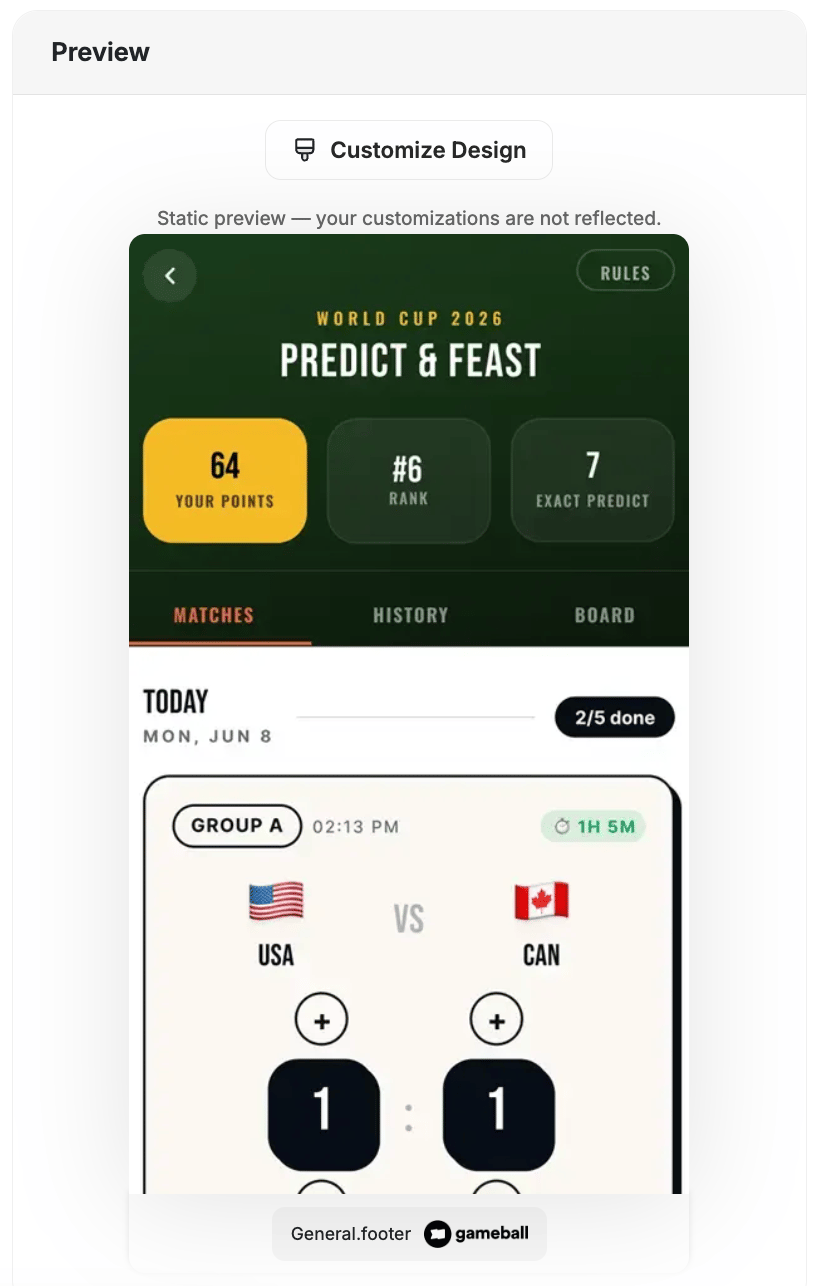
Widget preview — click Customize Design to personalize colors, text, and branding for each screen.
1
Open the Game
Customers tap the Predict & Win banner in the loyalty widget or follow a shared deep link.
2
Submit Predictions
On the Matches tab, customers enter their predicted score for each open match before kickoff.
3
Track Results
After matches are played, customers check their accuracy on the History tab and see their overall standing on the Board tab.
4
Earn Points & Rewards
Points are awarded based on prediction accuracy. Top-ranked customers earn leaderboard rewards at the end of the campaign.
Insights & Export
The Predict & Win insights panel labels its participation metric Total Predictions — the count of both scored and unscored predictions submitted. The distinct customer count matches the number of players shown on the widget, counting anyone who made a prediction, scored or not. The Insights leaderboard lets you export participant lists filtered by result category or rank. Use the export to:- Reward top-ranked customers manually
- Segment football-fan customers for follow-up campaigns
- Tag participants for future targeting
Important Notes
Customer EligibilityGames in the widget update dynamically based on customer eligibility, ensuring customers only see games they can still participate in.Games are hidden when customers become ineligible.If a customer no longer belongs to the game’s target segment, the game is automatically removed from the widget and will not reappear unless eligibility is restored.
Related Articles
Set Up a Reward Campaign
Step-by-step guide to configuring any reward campaign.
Reward Types in Gameball
Explore the different reward types you can offer customers.
Notification After Earning a Reward
Configure how customers are notified when they earn a reward.