

Supported Platforms
Customers can share their achieved badges and progress directly to their Facebook profiles.
Customers can share their achievements on Twitter, including a default sharing text.
How It Looks in the Widget
Below is how badge sharing looks on your customer widget. Once a customer clicks on one of the icons — Facebook or Twitter — a new window will pop up so that they can log in to their accounts and share their progress.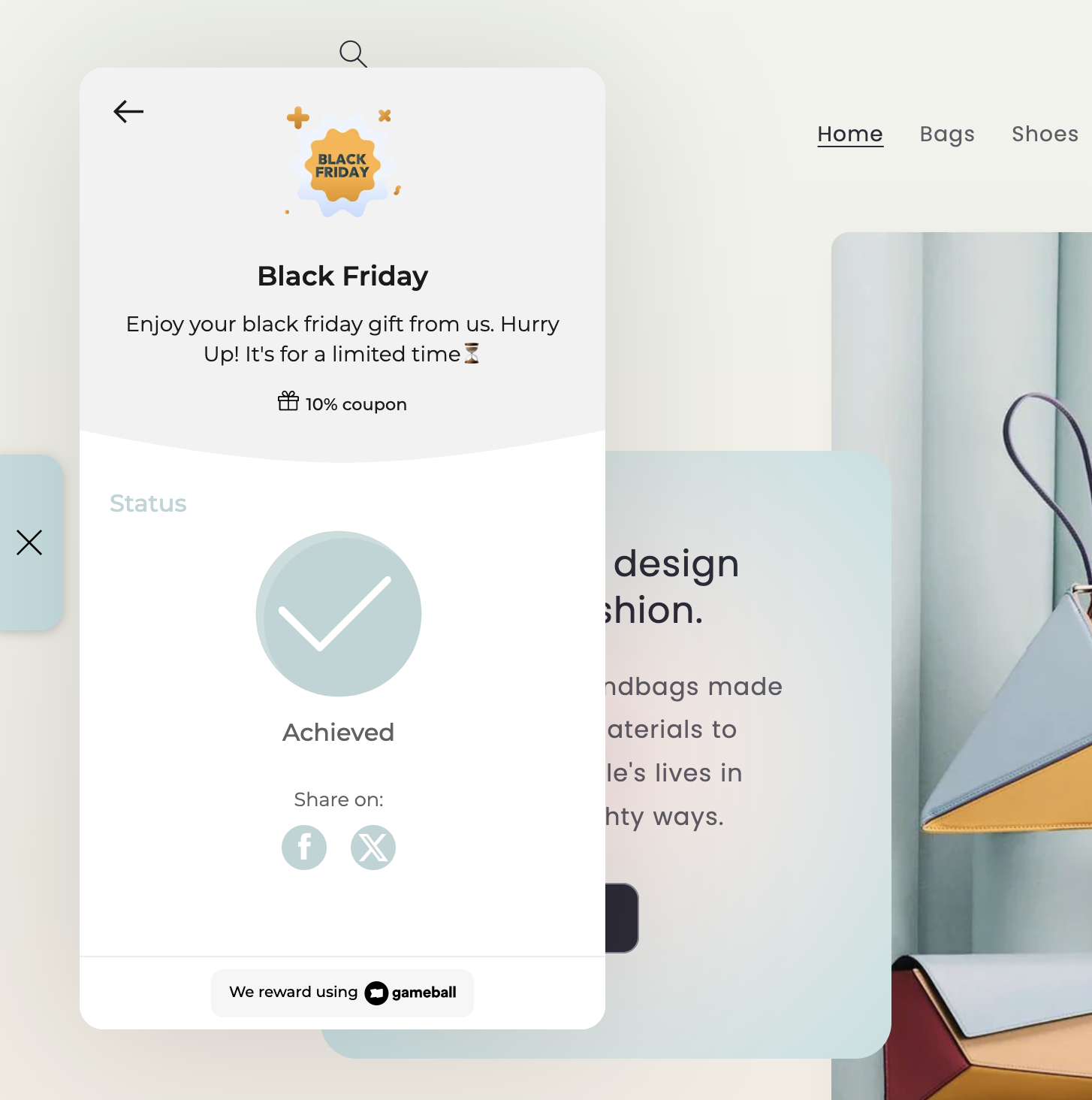
What Appears on Social Media
When customers share their achieved badge, the following will appear on social media:For best use, ensure all badge icon sizes are a maximum of 1200x1200.
Related Articles
Gameball Customer Widget
Learn about the Gameball customer-facing widget and its capabilities.
Customer Widget General Configurations
Customize tabs, visibility, and order in the Gameball widget settings.
Configure Widget Language
Set the display language of the Gameball widget on your platform.
Creating a Social Media Reward Campaign
Reward customers for social media engagement actions.