

Adding and Deducting Points from All Customers
1
Navigate to the Customers Section
On the Gameball Admin Dashboard, go to the Customers Section, do not select any customer, and click Add/Deduct Points.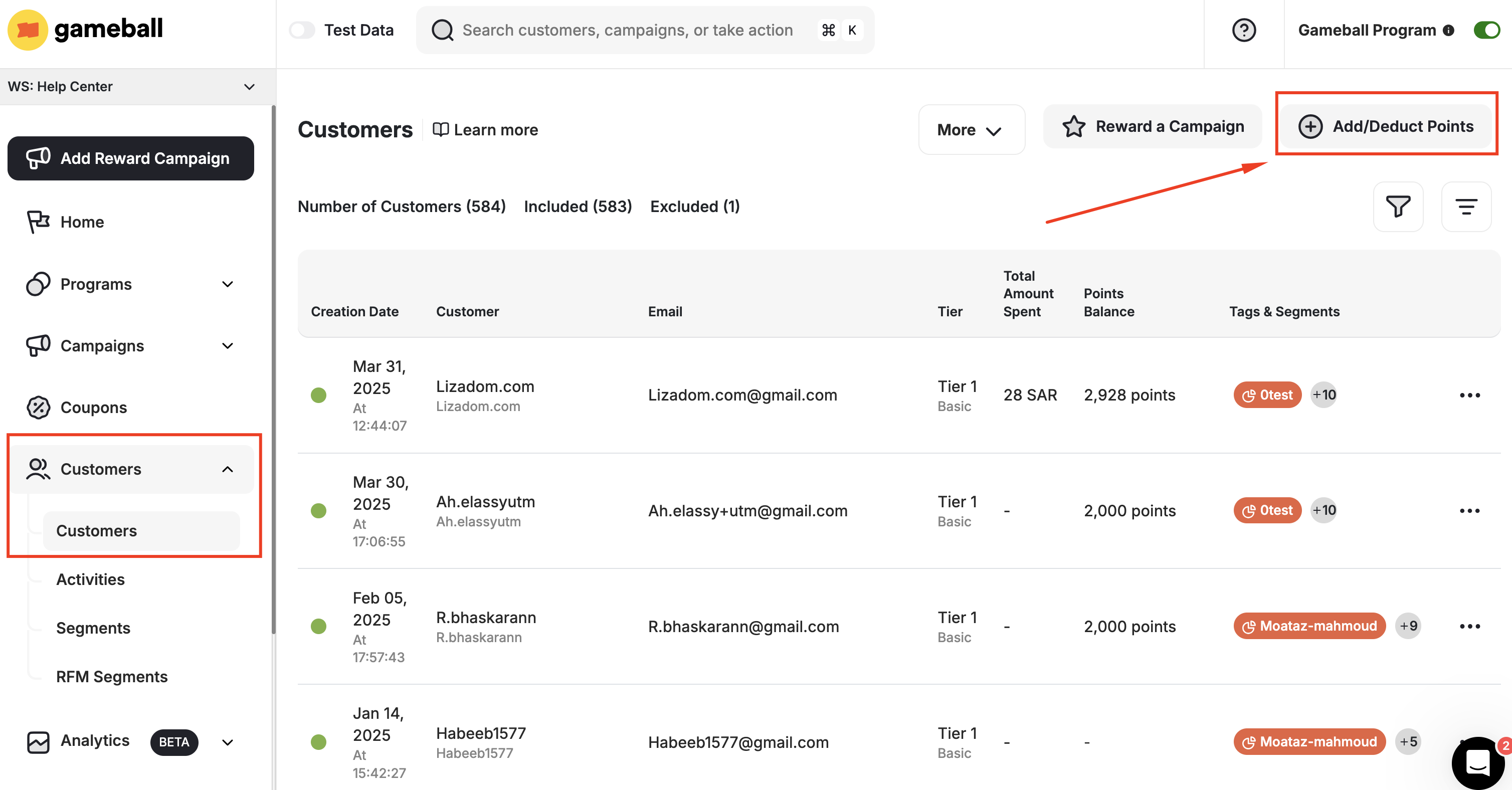
2
Choose the Method
You can complete the add or deduction process using the Gameball internal system or via a CSV file.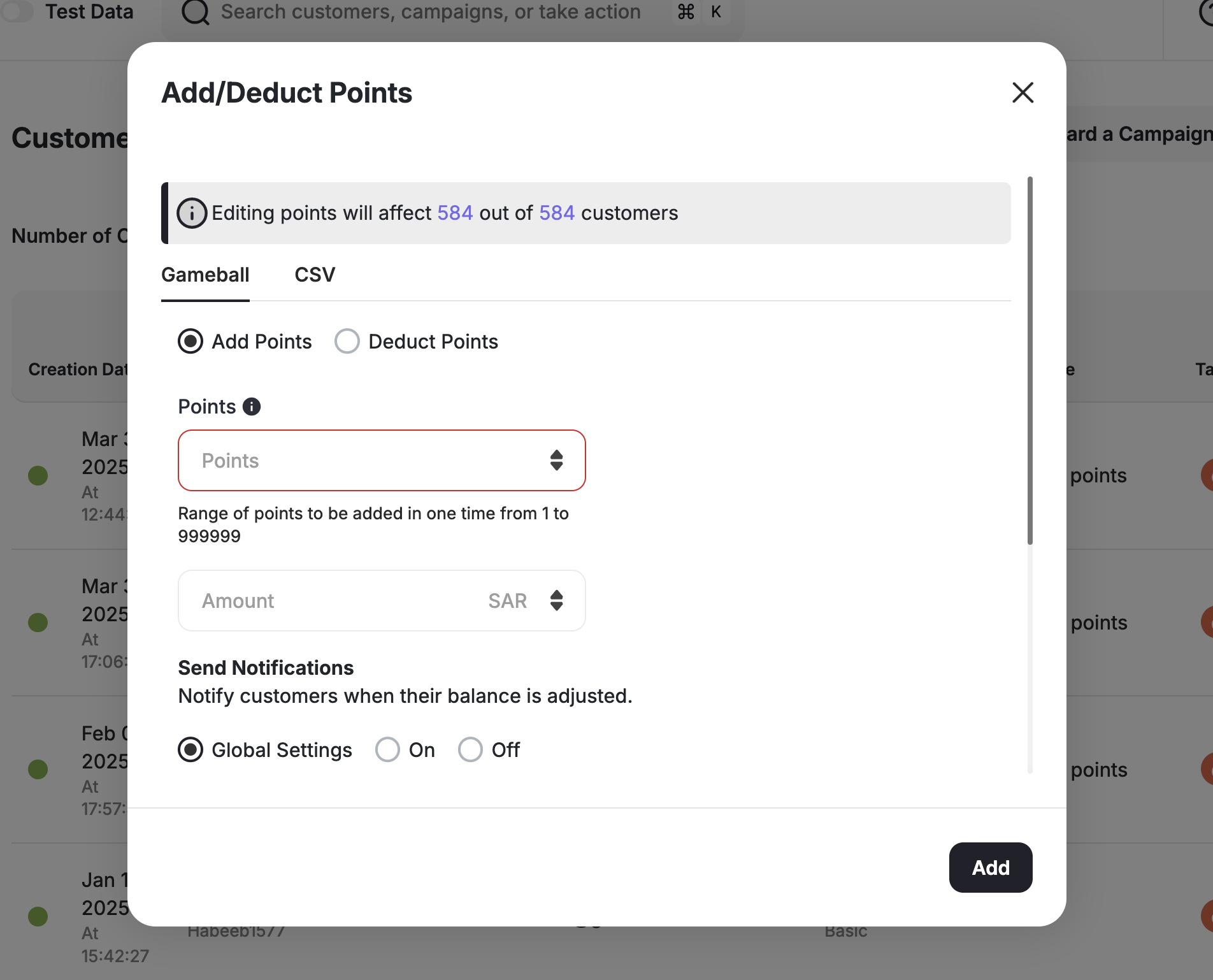


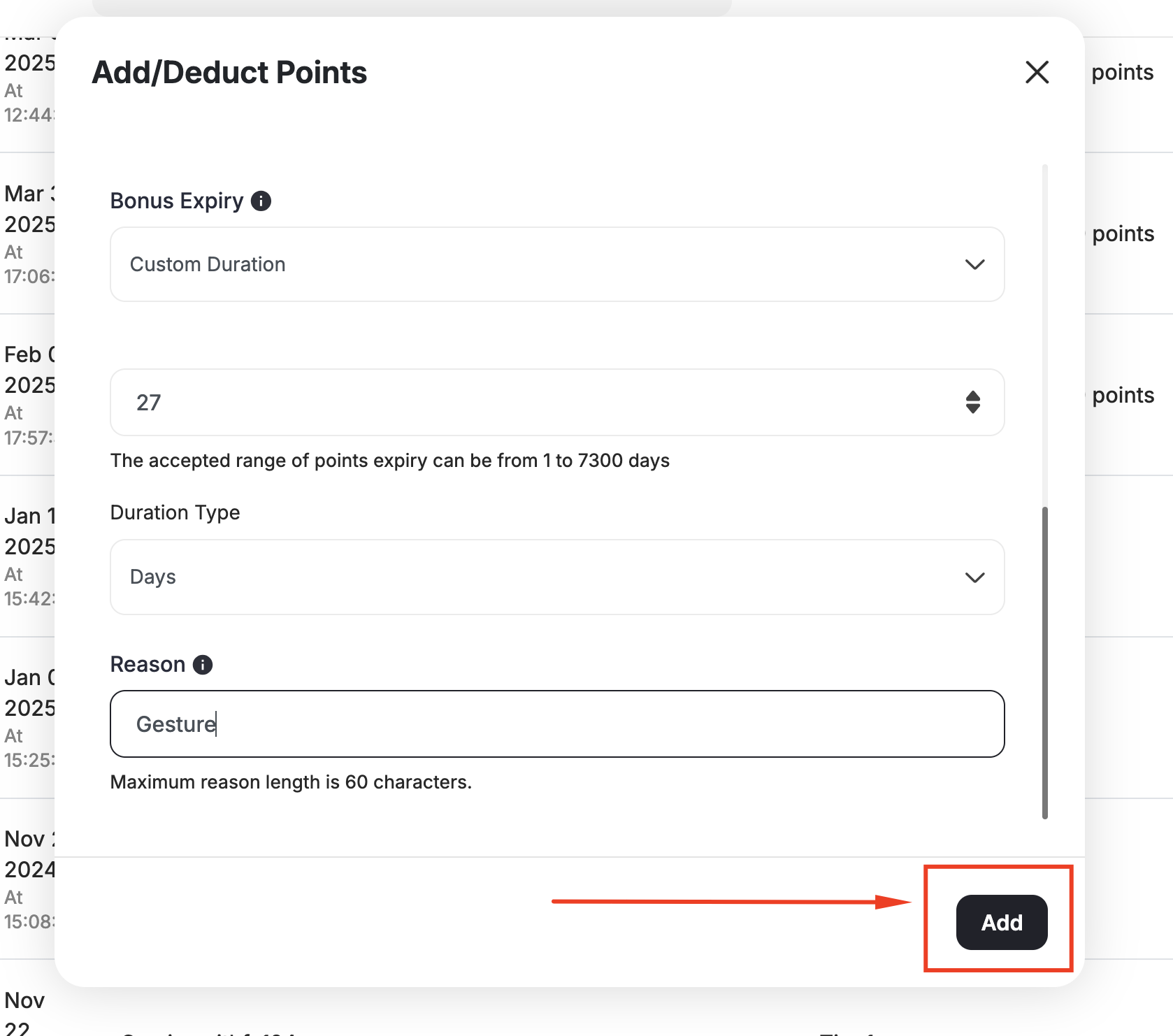
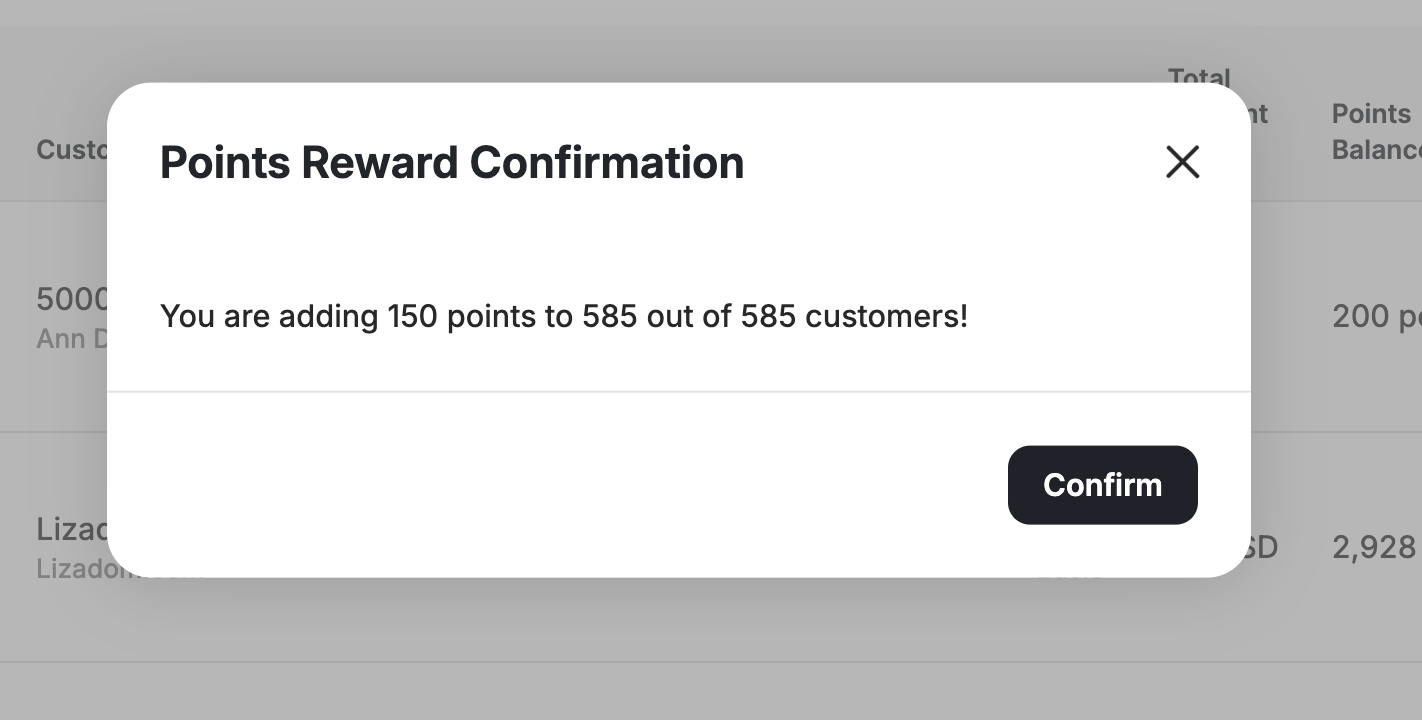
- Internal System
- CSV File
- Choose between Add points and Deduct points.
- Add the number of points you want to add/deduct.
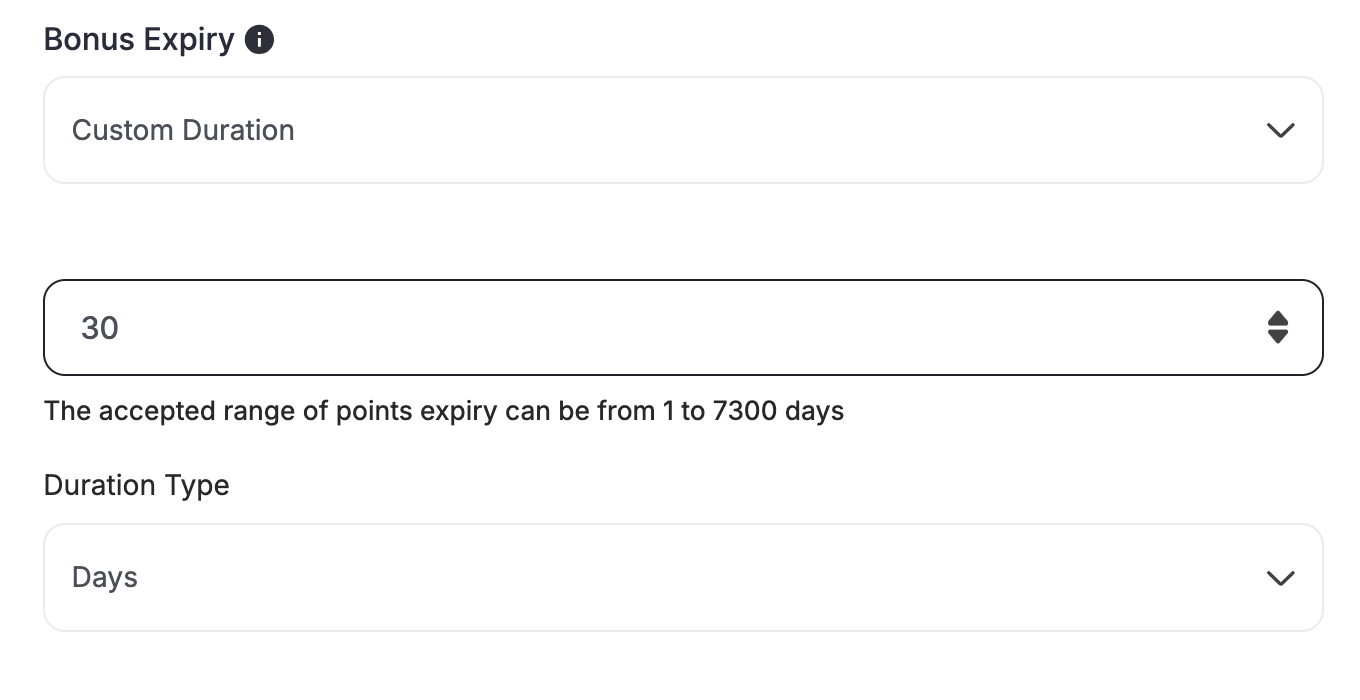
- If you are adding points, choose the expiry date of the added points.
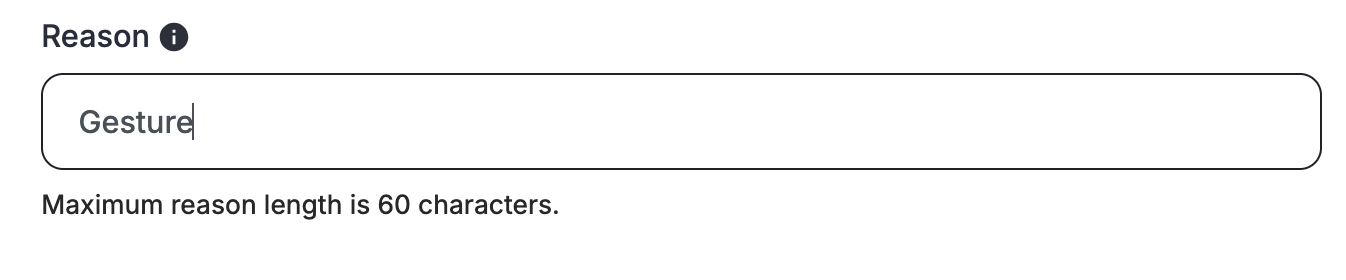
- State the reason why these points were added or deducted.
- Click Add or Deduct depending on which action you have initially chosen.
- Then click Confirm.
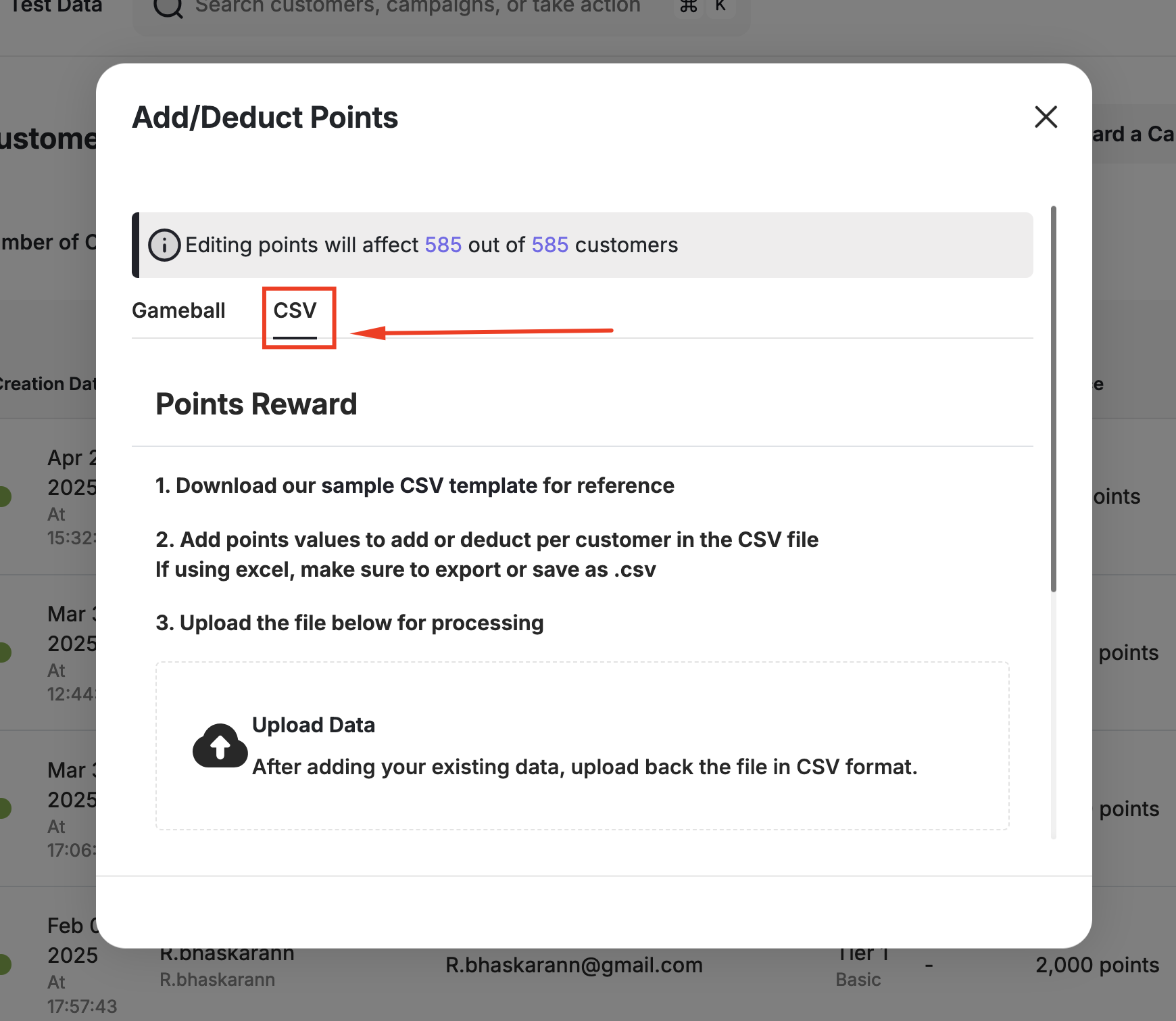
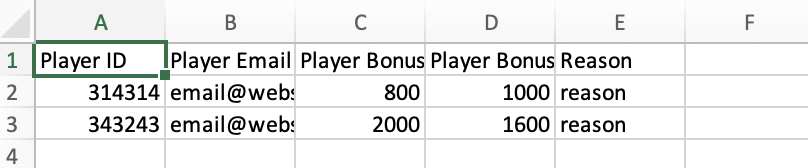

Adding and Deducting Points from One Customer
1
Find the Customer
On the Gameball Admin Dashboard, go to the Customers section, search for and choose the customer you want to adjust their points for.
2
Adjust Their Balance
On the customer overview page, click Adjust Balance.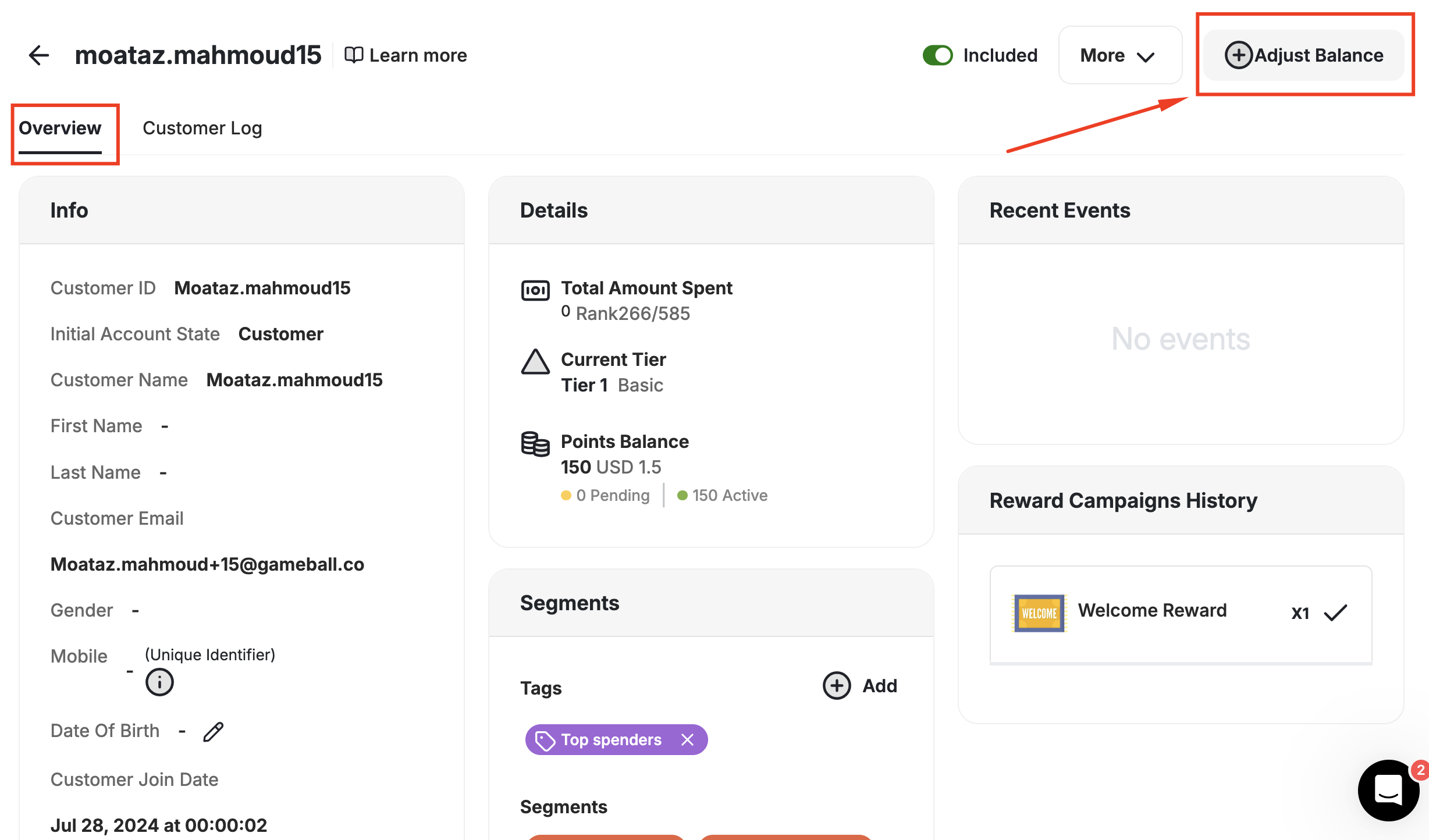
Related Articles
Customer Activity Log
Review all actions and transactions on any customer’s profile.
Manually Reward a Customer with a Reward Campaign
Learn how to manually assign a reward campaign to specific customers.