

Plan Availability
All Gameball customers can access the data deletion feature. If you want to delete some or all data related to your loyalty program, Gameball allows you to do that through a few steps.Types of Data You Can Delete
Reset Customer Progress
Reset Customer Progress
Clears all per-customer activity while keeping every customer profile intact. This is useful for program relaunches or handing over a test environment without losing your customer base.What is cleared: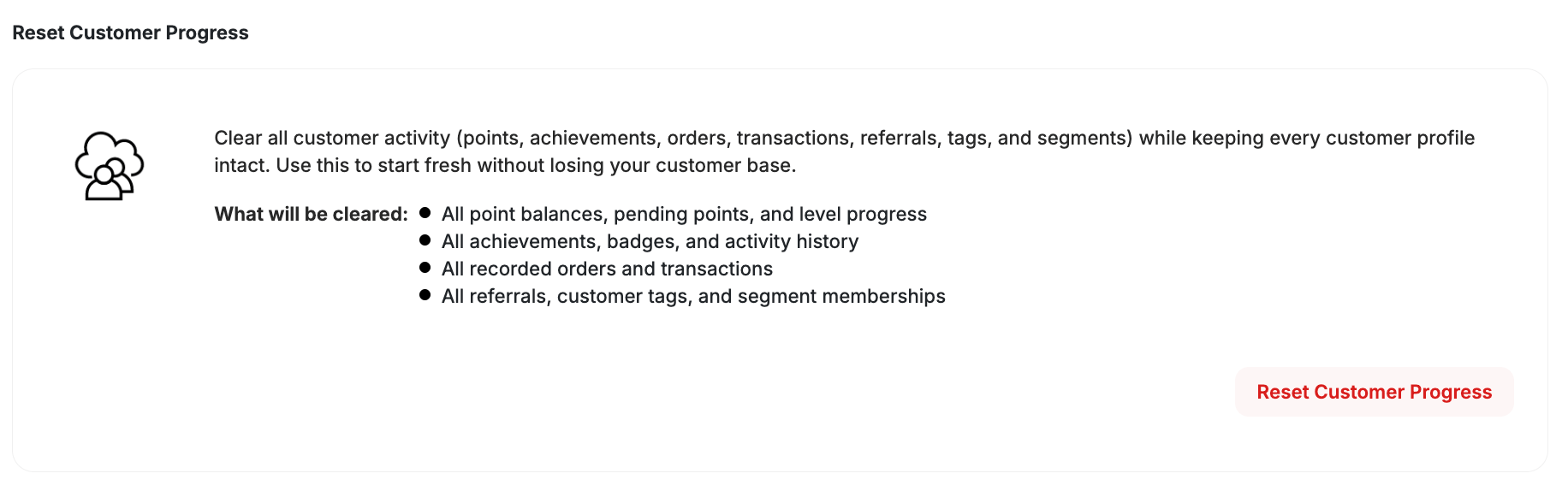
- Points balances and redemptions
- Achievements
- Events and activities
- Orders and transactions
- Referrals
- Tags
- Segment memberships
- Customer profiles (IDs, names, emails, phones, and custom attributes)
- All program definitions and workspace configuration
Delete All Customers
Delete All Customers
Permanently deletes all customer data across both live and test environments. This includes:
- Customer profiles
- Points balances and redemptions
- Achievements
- Events and activities
- Orders and transactions
- Referrals
- Audit records
Delete Programs Data and All Customers
Delete Programs Data and All Customers
Permanently deletes all program definitions and all customer data.Program data removed:
- All loyalty program configurations
- Earning and redemption rules
- VIP tier definitions
- Campaign setups
- Widget configurations
- Customer profiles, points, achievements, events, orders, transactions, referrals, and audit records
How to Delete Your Data
1
Navigate to Delete Data
On Gameball Admin Dashboard, go to Settings > Admin Settings > Delete Data.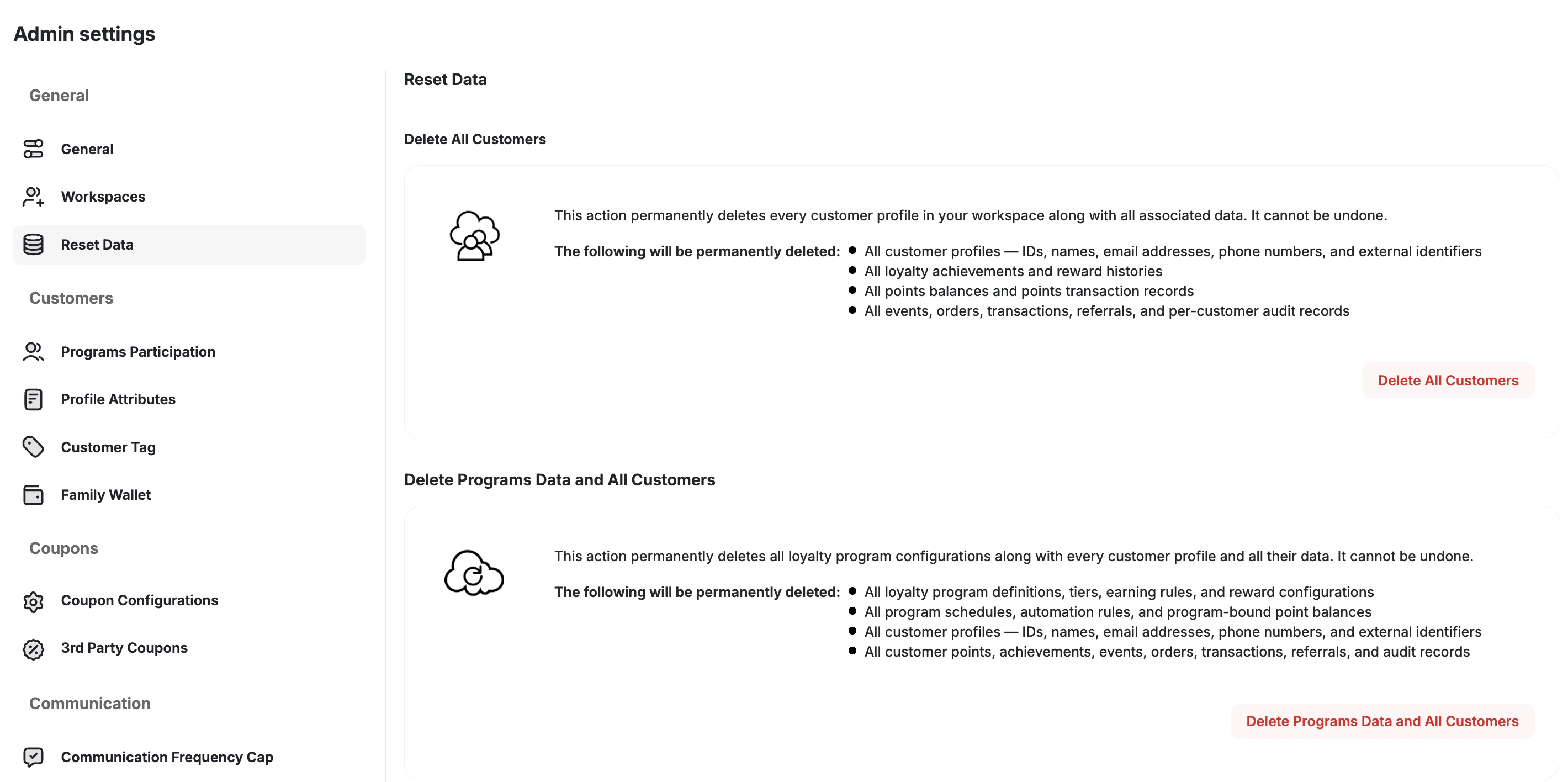
2
Select What to Reset or Delete
Click the relevant button — Reset Customer Progress, Delete All Customers, or Delete Programs Data and All Customers. Destructive actions are styled in red to indicate they are irreversible.
3
Complete the Two-Step Confirmation
A two-step confirmation is required before Gameball proceeds:
- Review the summary of everything that will be permanently removed.
- Type your workspace name to confirm.
This action is restricted to super-admin and owner roles. A full audit log entry is recorded each time a deletion is triggered.