

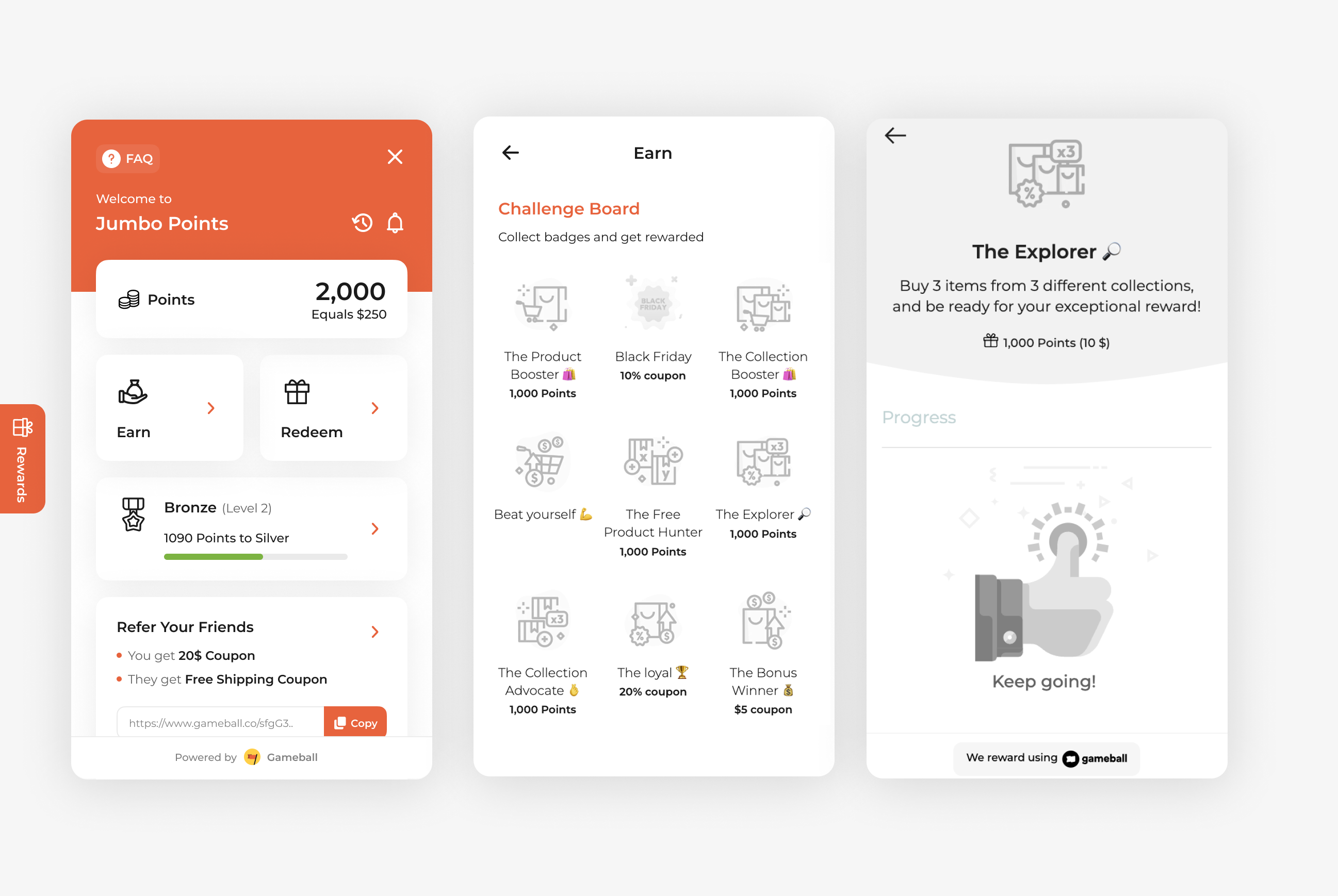
Encourage product discovery and increase average order value by rewarding customers who shop across multiple collections. The Buy from 3 Different Collections campaign is perfect for cross-selling and promoting variety in customer purchases. By targeting collection diversity, you can guide customers to explore more of what your store offers.
How to Set Up
1
Open Gameball
Log in to your Gameball Admin Dashboard.
2
Add a New Reward Campaign
Click Add Reward Campaign.
3
Select the Template
Select the Buy from 3 Different Collections template.
4
Edit the Campaign Setup
Configure your campaign’s audience, rewards, and other settings.
5
Set Live
Click Set Live to activate your campaign.
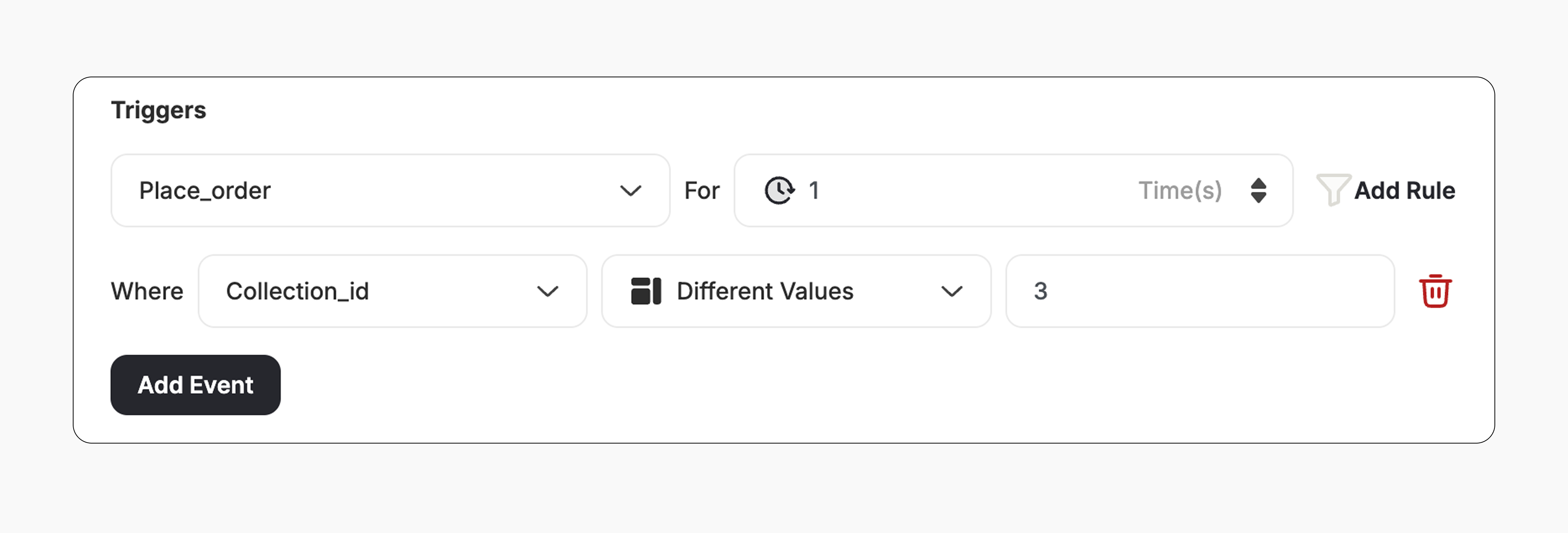
Campaign Trigger
The campaign trigger is configured as follows:- Action: Place Order
- Times: 1 (Number of orders required with this condition)
- Rule:
- Field: Collection ID
- Operator: Different values
- Value: 3 (Number of different collections required in a single order)
How It Works for Customers
1
Customer Places an Order
A customer places an order that includes products from three different collections.
2
Reward is Triggered
Gameball automatically triggers the reward.
3
Customer Receives the Reward
The customer receives the reward immediately (points, discount, badge — based on your setup).
4
Reward Notification
The customer is notified via the widget or email, depending on your configuration. Learn more
Important Notes
Collection Diversity RequiredThe order must include products from three different collections to trigger the reward.
Related Articles
Set Up a Reward Campaign
Learn the full setup process for creating and launching reward campaigns.
Reward Types in Gameball
Explore the different reward types available in Gameball campaigns.
Notification After Earning a Reward
Configure how customers are notified when they earn a reward.