

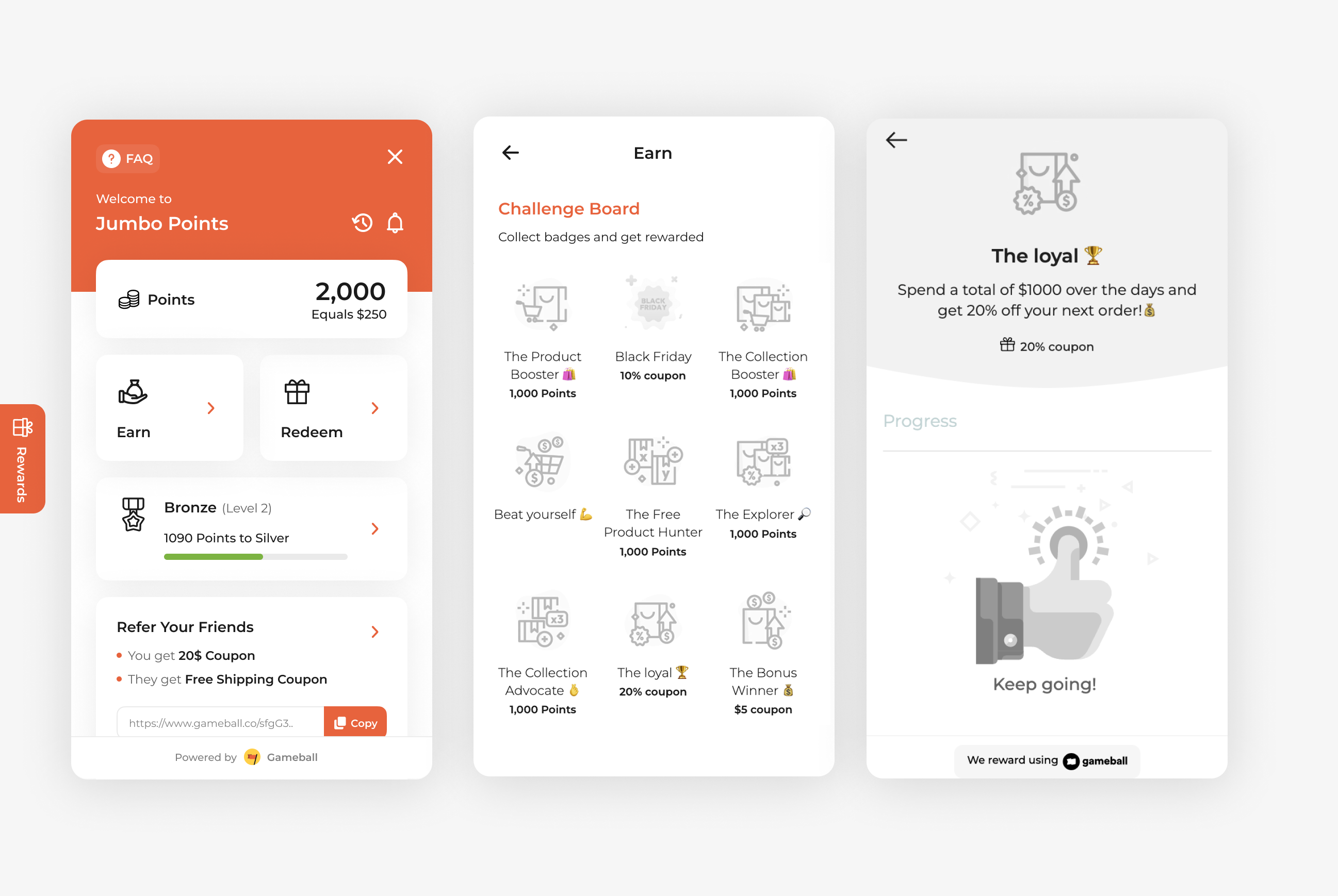
Reward your high spenders and loyal customers with a special coupon when they hit a spending milestone. The Spend $1000 to Get 20% Off campaign is perfect for driving long-term engagement and showing appreciation to your most valuable customers. It encourages larger purchases over time and reinforces customer loyalty through meaningful rewards.
How to Set Up
1
Open Gameball
Log in to your Gameball Admin Dashboard.
2
Add a New Reward Campaign
Click Add Reward Campaign.
3
Select the Template
Select the Get 20% coupon after spending a total of $1000 template.
4
Edit the Campaign Setup
Configure your campaign’s audience, rewards, and other settings.
5
Set Live
Click Set Live to activate your campaign.
Campaign Trigger
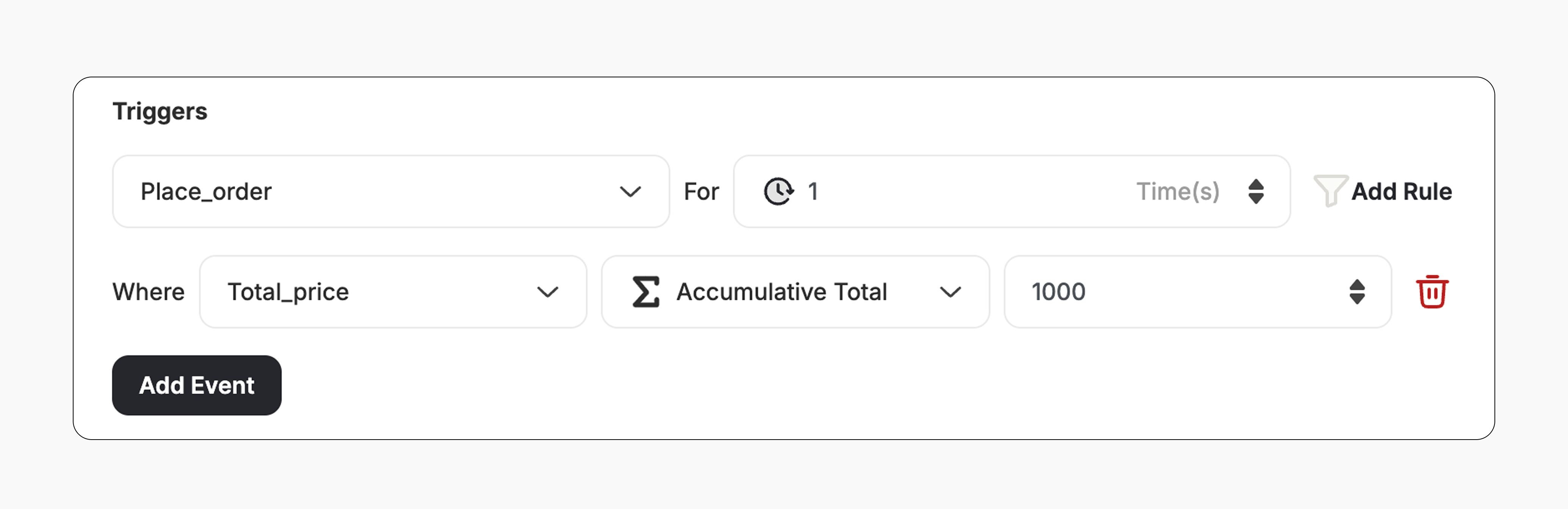
The campaign trigger is configured as follows:- Action: Place Order
- Times: 1 (Number of times the trigger condition should be occurred)
- Rule:
- Field: Total Price (Order value)
- Operator: Accumulative Total (Tracks the total value of all orders placed)
- Value: 1000 (Customer must reach $1000 in total spend)
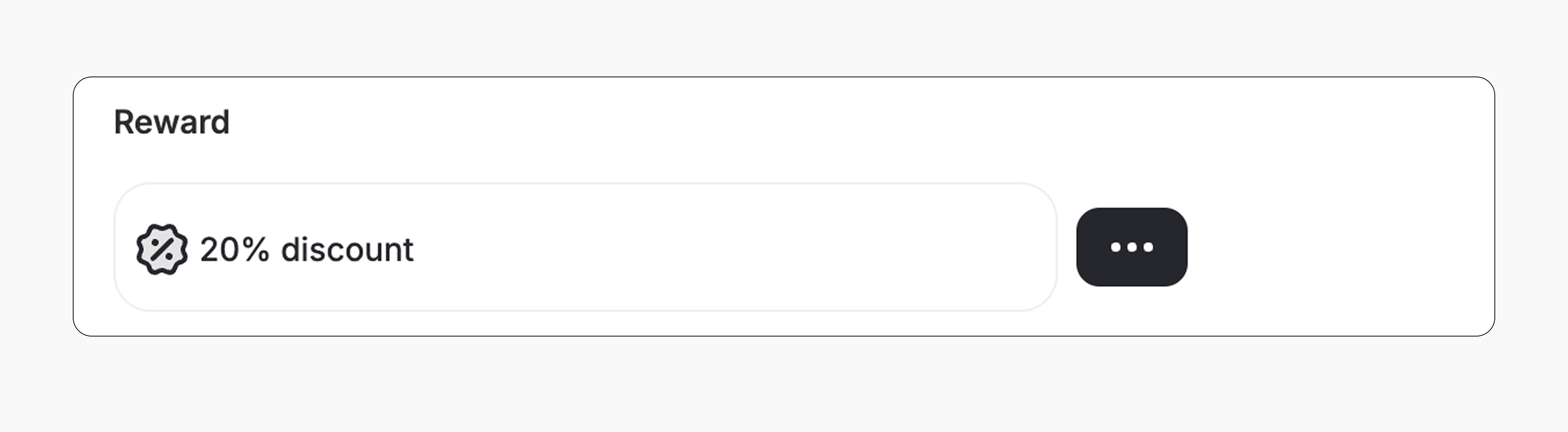
- The customer gets a 20% coupon.
- The reward value can be adjusted from the campaign.
How It Works for Customers
1
Customer Reaches the Spending Milestone
A customer reaches a total spend of $1000 over any number of purchases.
2
Reward is Triggered
Gameball automatically triggers the reward.
3
Customer Receives the Reward
The customer receives the reward immediately (points, discount, badge — based on your setup).
4
Reward Notification
The customer is notified via the widget or email, depending on your configuration. Learn more
Important Notes
Cumulative SpendThe $1000 spend is calculated cumulatively across all orders. It does not need to be a single transaction.
Starts from Activation OnlyThe accumulation begins only from the moment the campaign is set live. Any orders placed before activation are not counted toward the total spend.
Using Other Operators ( = or >= )If you change the operator to = or >=, the customer must reach the specified spend in one order.
Related Articles
Set Up a Reward Campaign
Learn the full setup process for creating and launching reward campaigns.
Reward Types in Gameball
Explore the different reward types available in Gameball campaigns.
Notification After Earning a Reward
Configure how customers are notified when they earn a reward.