

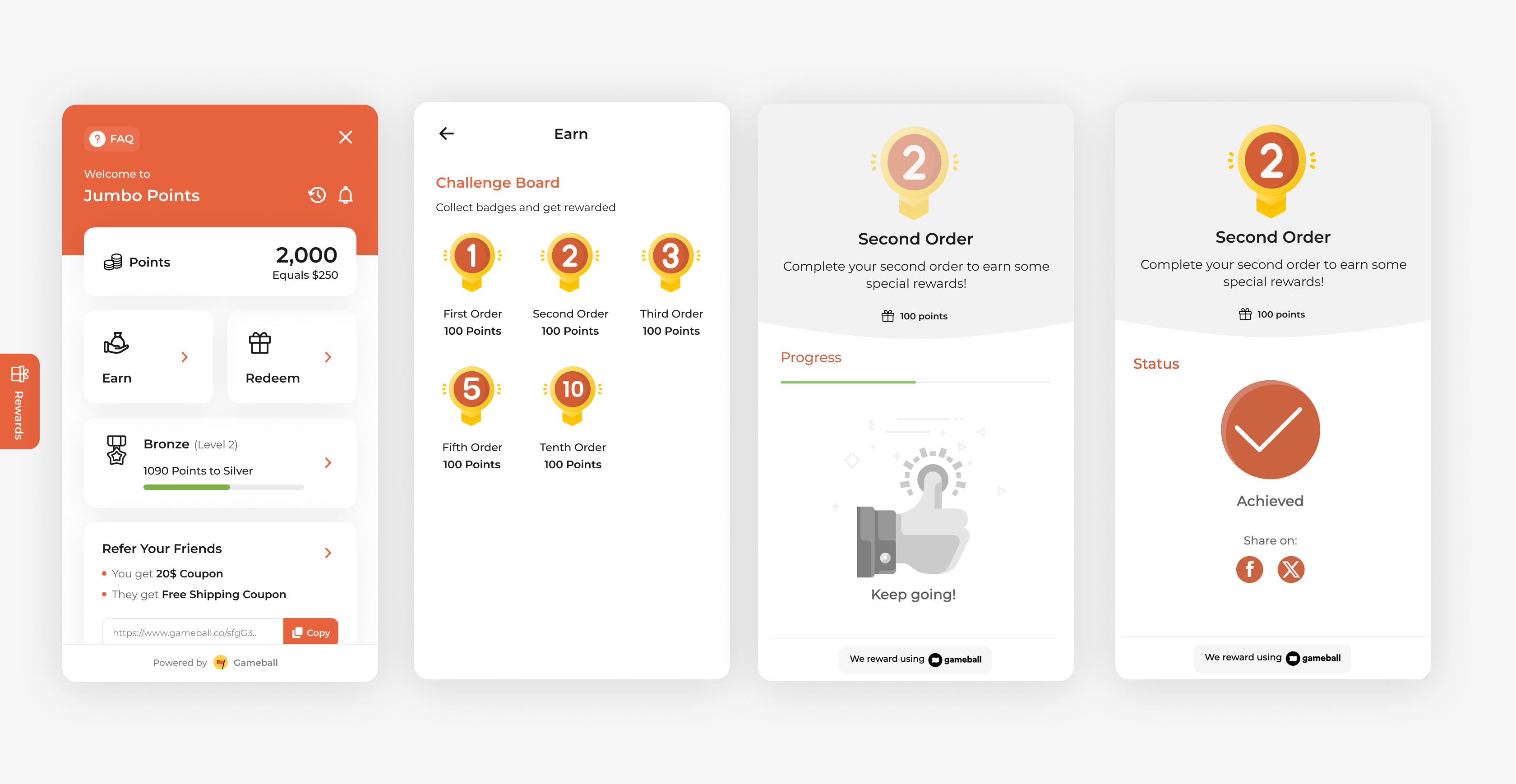
Rewarding customers for their second order is a great way to turn first-time buyers into loyal customers. While the first purchase shows interest, the second confirms trust. This campaign helps boost retention and encourages consistent buying behavior early in the customer journey.
How to Set Up
1
Open Gameball
Log in to your Gameball Admin Dashboard.
2
Add a New Reward Campaign
Click Add Reward Campaign.
3
Select the Template
Select the Second Order Template.
4
Edit the Campaign Setup
Configure your campaign’s audience, rewards, and other settings.
5
Set Live
Click Set Live to activate your campaign.
Campaign Trigger
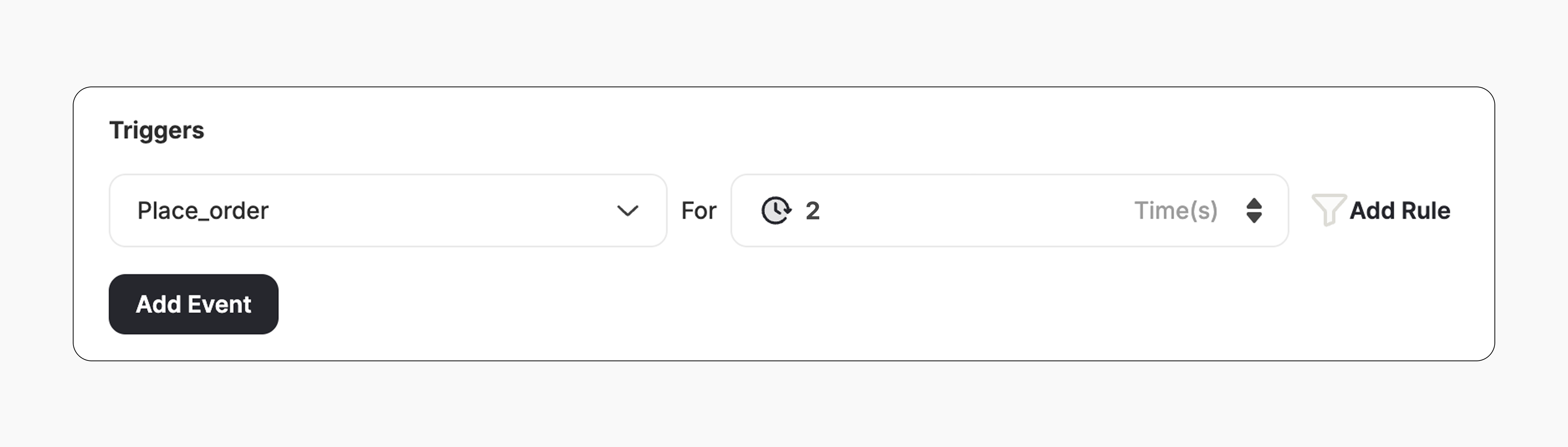
The campaign trigger fires when the customer places two orders on your platform:- Action: Place Order
- Times: 2
How It Works for Customers
1
Customer Places 2 Orders
A customer places 2 orders after the campaign is activated.
2
Reward is Triggered
Gameball automatically triggers the reward.
3
Customer Receives the Reward
The customer receives the reward immediately (points, discount, badge — based on your setup).
4
Reward Notification
The customer is notified via the widget or email, depending on your configuration. Learn more
Important Notes
New Orders OnlyOnly customers who place two new orders after the campaign is activated will be rewarded.
No Retro RewardingOrders placed before the campaign is activated will not be counted. The customer must place two new orders after activation to receive the reward.
Related Articles
Set Up a Reward Campaign
Learn the full setup process for creating and launching reward campaigns.
Reward Types in Gameball
Explore the different reward types available in Gameball campaigns.
Notification After Earning a Reward
Configure how customers are notified when they earn a reward.