

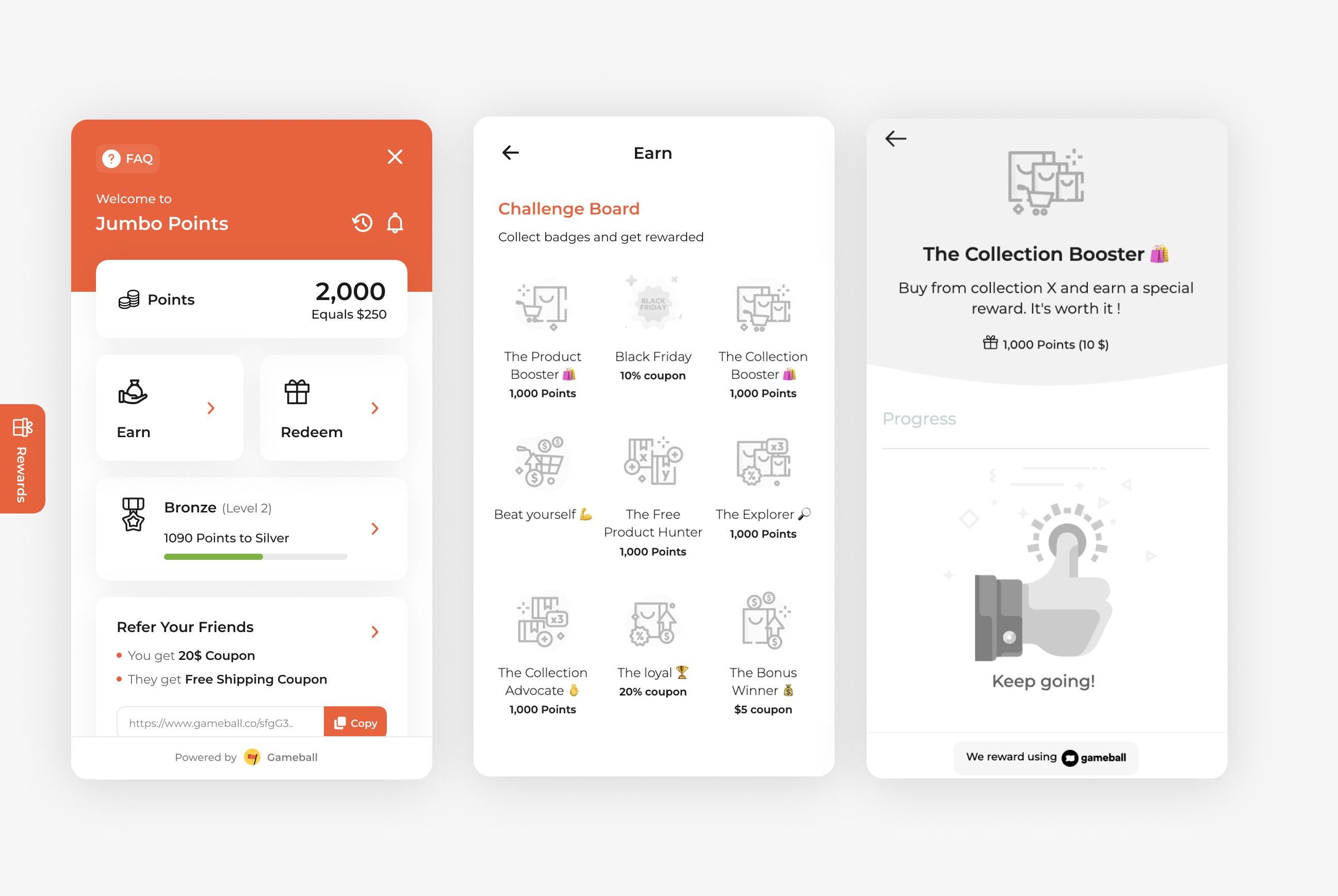
Use the Buy from a Specific Collection campaign to promote entire product categories by rewarding customers who shop from selected collections. This is a great way to boost seasonal sales, highlight new arrivals, or push slower-moving inventory by creating targeted incentives for collection-based purchases.
How to Set Up
1
Open Gameball
Log in to your Gameball Admin Dashboard.
2
Add a New Reward Campaign
Click Add Reward Campaign.
3
Select the Template
Select the Buy from a Specific Collection template.
4
Edit the Campaign Setup
Configure your campaign’s audience, rewards, and other settings.
5
Set Live
Click Set Live to activate your campaign.
Campaign Trigger
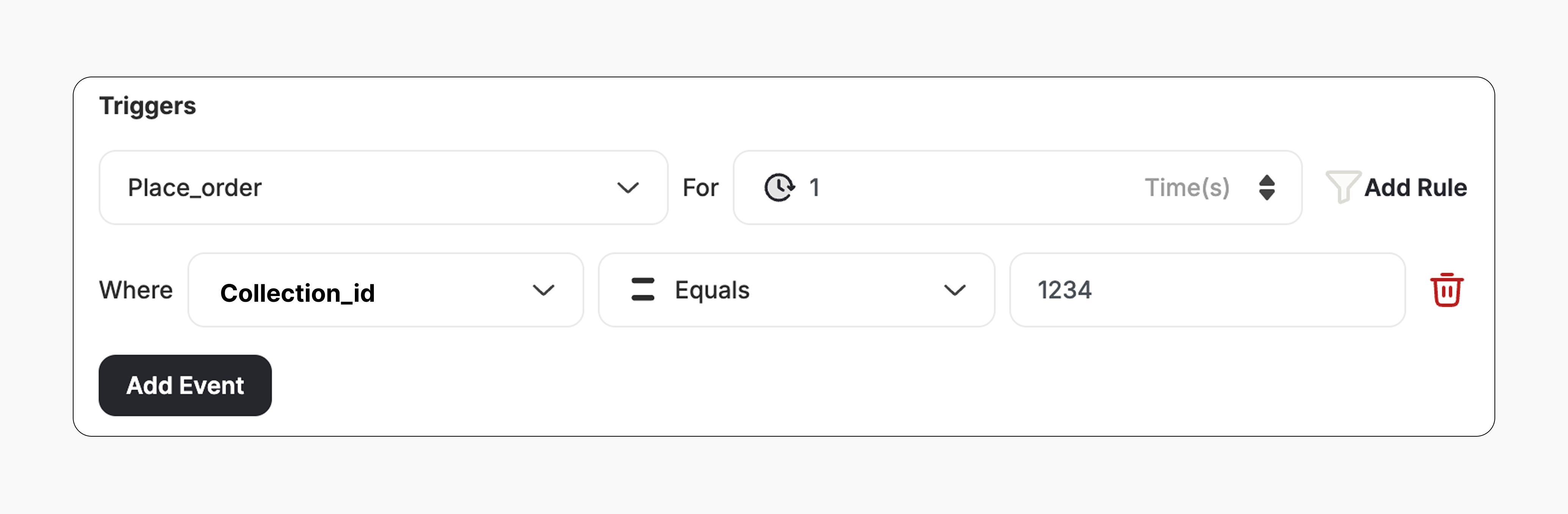
The campaign trigger is configured as follows:- Action: Place Order
- Times: 1 (Number of orders required with this condition)
- Rule: Add the Collection ID to the trigger to define which collection(s) qualify.
How It Works for Customers
1
Customer Places an Order
A customer places an order that includes at least one product from the configured collection.
2
Reward is Triggered
Gameball automatically triggers the reward.
3
Customer Receives the Reward
The customer receives the reward immediately (points, discount, badge — based on your setup).
4
Reward Notification
The customer is notified via the widget or email, depending on your configuration. Learn more
Important Notes
Collection-Specific OnlyThe reward will only trigger if the customer’s order includes a product that belongs to the specified collection/s.
Multiple Collections
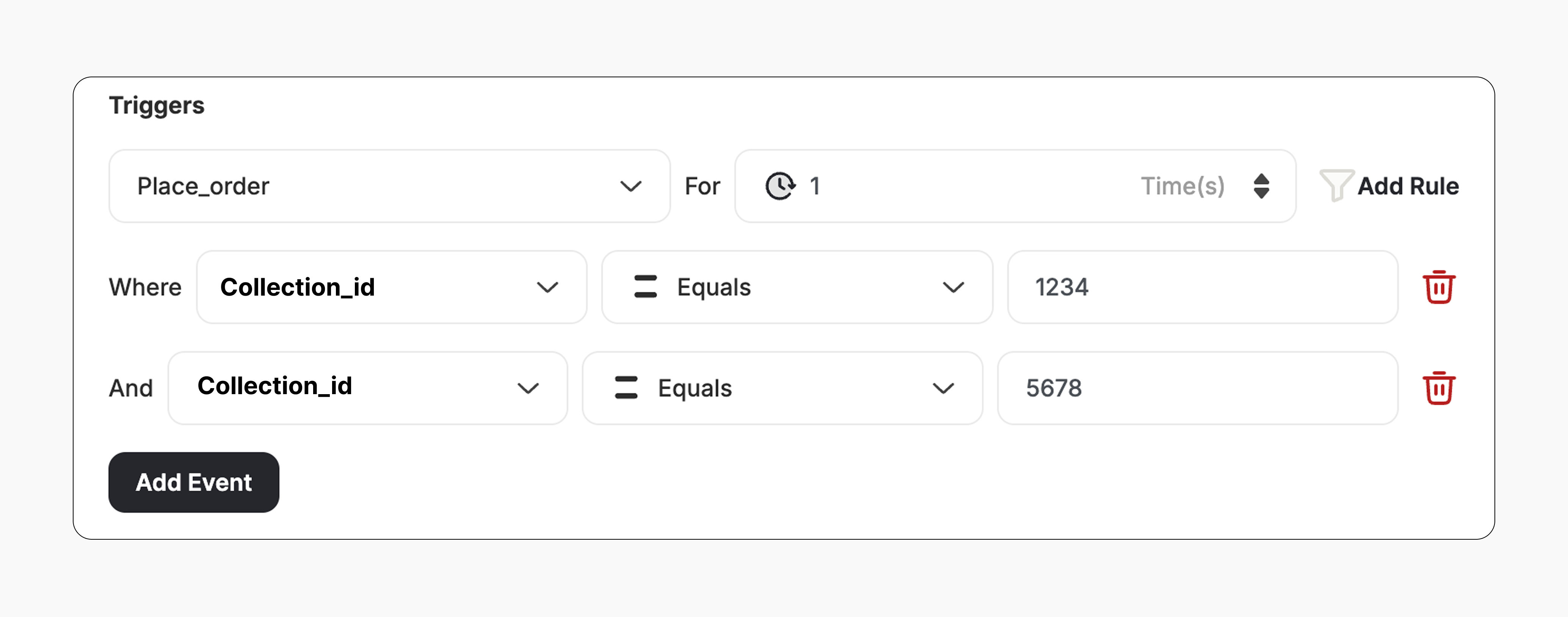
- You can add several collection IDs if you want to reward purchases that contain products from all the configured collections.
- To do this: Click Add Rule -> Select Collection ID -> Choose “Equals” -> Enter the Collection ID for each collection you want to include.
- The reward will only trigger when the customer’s order includes at least one product from every collection ID listed in the campaign setup.
Related Articles
Set Up a Reward Campaign
Learn the full setup process for creating and launching reward campaigns.
Reward Types in Gameball
Explore the different reward types available in Gameball campaigns.
Notification After Earning a Reward
Configure how customers are notified when they earn a reward.