

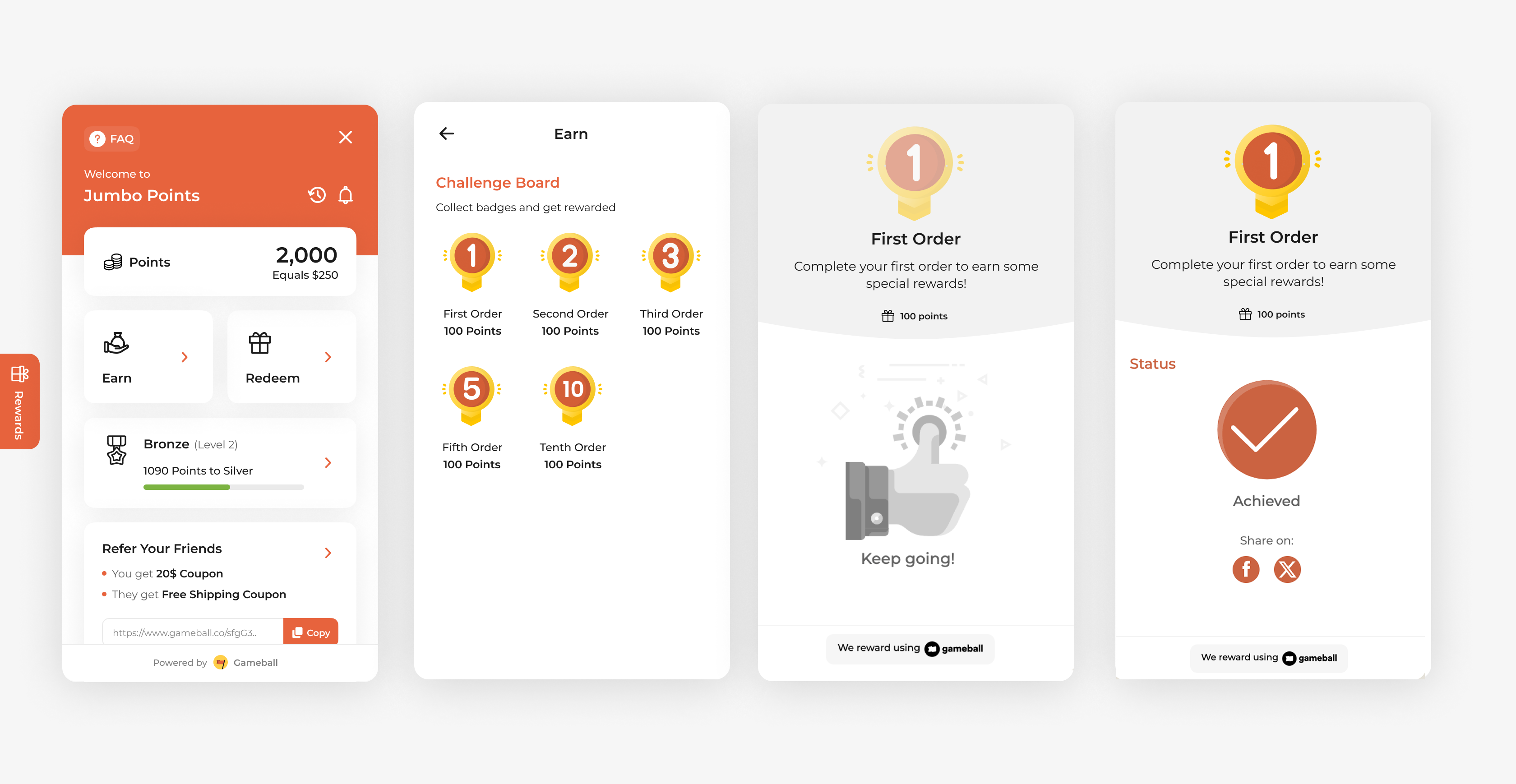
Rewarding customers for placing their first order is a great way to drive conversions and turn new signups into paying customers. This campaign is perfect for encouraging first-time purchases and strengthening early-stage customer relationships.
How to Set Up
1
Open Gameball
Log in to your Gameball Admin Dashboard.
2
Add a New Reward Campaign
Click Add Reward Campaign.
3
Select the Template
Select the First Order Template.
4
Edit the Campaign Setup
Configure your campaign’s audience, rewards, and other settings.
5
Set Live
Click Set Live to activate your campaign.
Campaign Trigger
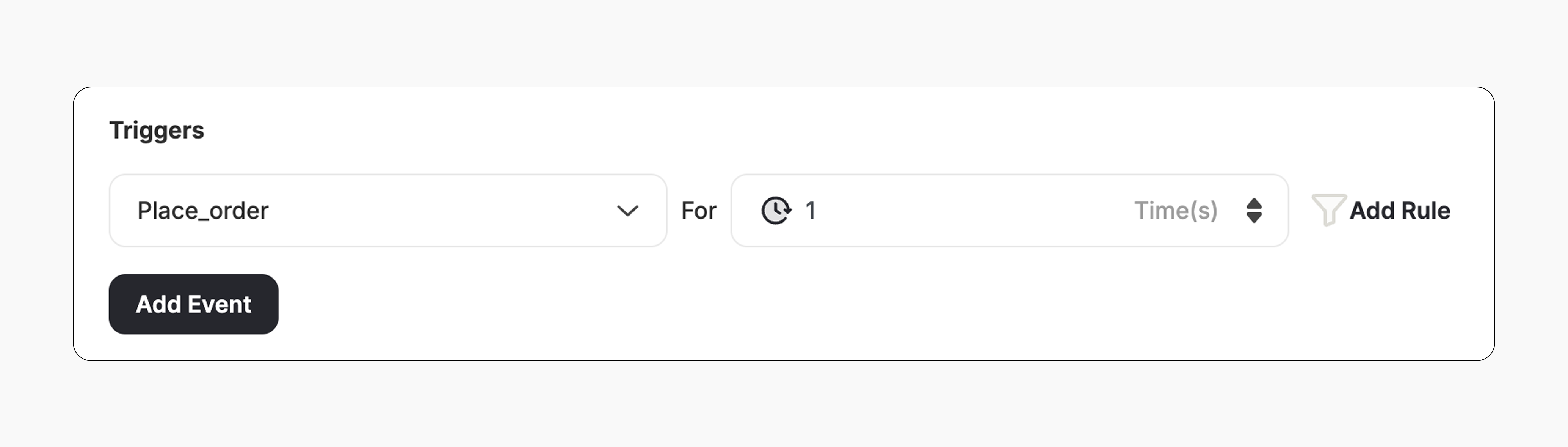
The campaign trigger fires when the customer places their first order on your platform:- Action: Place Order
- Times: 1
How It Works for Customers
1
Customer Places an Order
A customer places a new order after the campaign is activated.
2
Reward is Triggered
Gameball automatically triggers the reward.
3
Customer Receives the Reward
The customer receives the reward immediately (points, discount, badge — based on your setup).
4
Reward Notification
The customer is notified via the widget or email, depending on your configuration. Learn more
Important Notes
New Orders OnlyOnly customers who place a new order after the campaign is activated will be rewarded.
No Retro RewardingOrders placed before the campaign is activated will not be counted. The customer must place a new order after activation to receive the reward.
Related Articles
Set Up a Reward Campaign
Learn the full setup process for creating and launching reward campaigns.
Reward Types in Gameball
Explore the different reward types available in Gameball campaigns.
Notification After Earning a Reward
Configure how customers are notified when they earn a reward.