

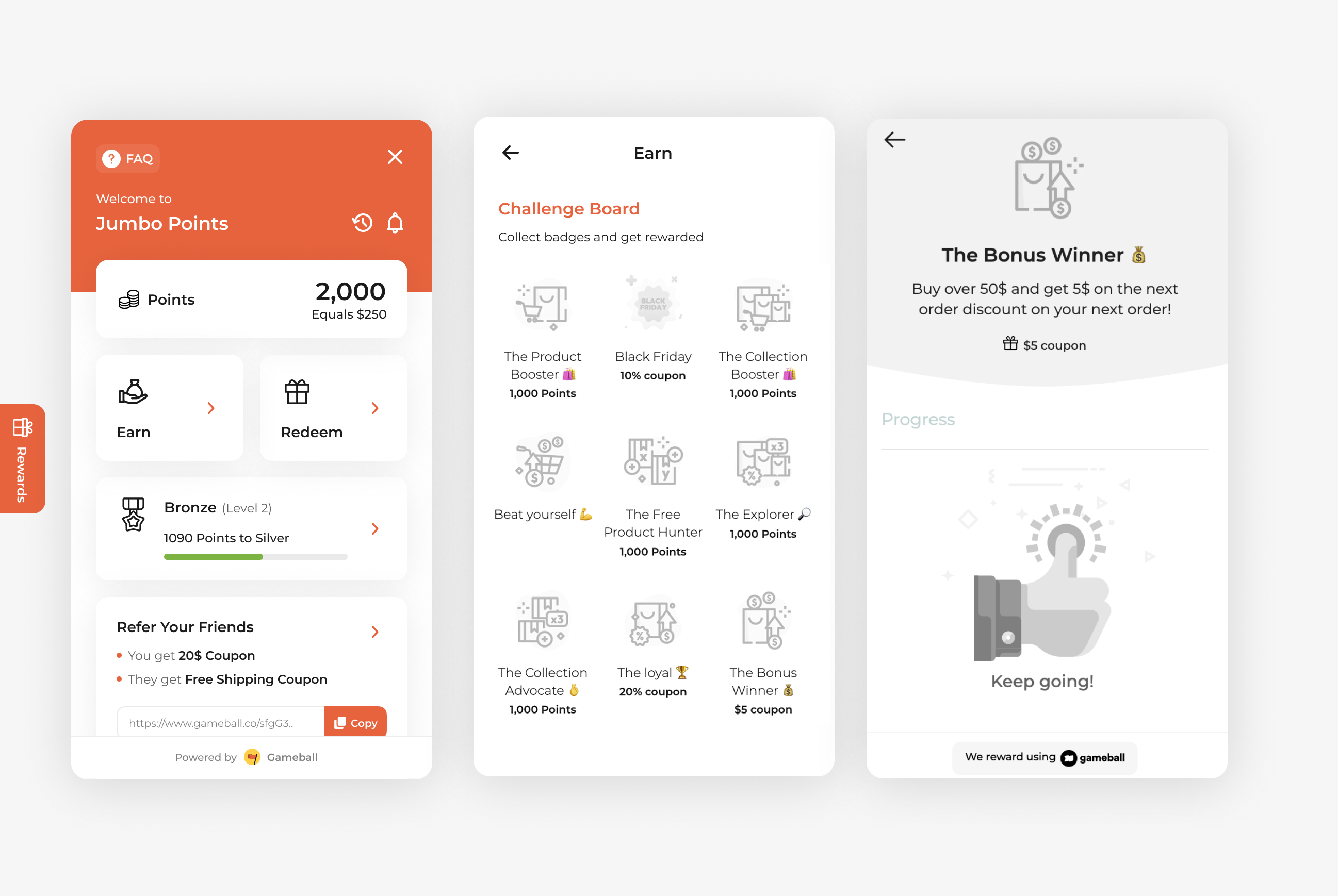
Encourage higher-order values and repeat purchases with the Buy Over $50 and Get $5 on the Next Order campaign. This setup is perfect for motivating customers to spend more now in exchange for a clear reward they can redeem later, helping you boost both short-term revenue and long-term retention.
How to Set Up
1
Open Gameball
Log in to your Gameball Admin Dashboard.
2
Add a New Reward Campaign
Click Add Reward Campaign.
3
Select the Template
Select the Buy Over $50 and Get $5 template.
4
Edit the Campaign Setup
Configure your campaign’s audience, rewards, and other settings.
5
Set Live
Click Set Live to activate your campaign.
Campaign Trigger
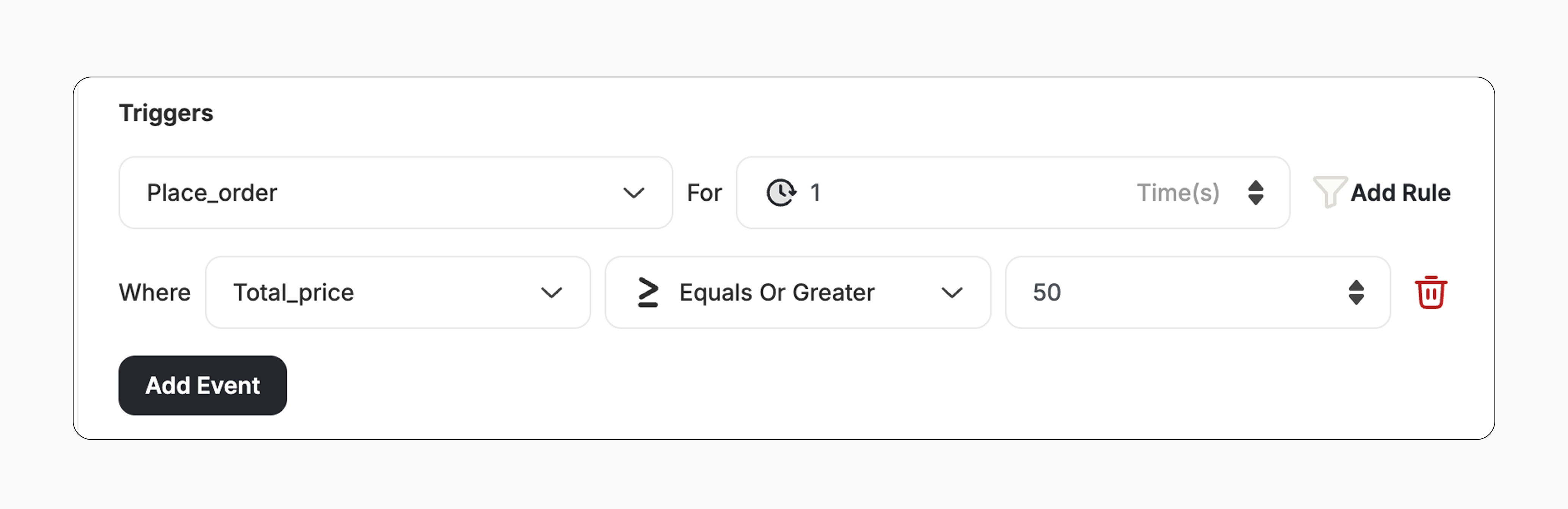
The campaign trigger is configured as follows:- Action: Place Order
- Times: 1 (Number of orders required with this condition)
- Rule:
- Field: Total Price
- Operator: >= (Greater than or equal)
- Value: 50
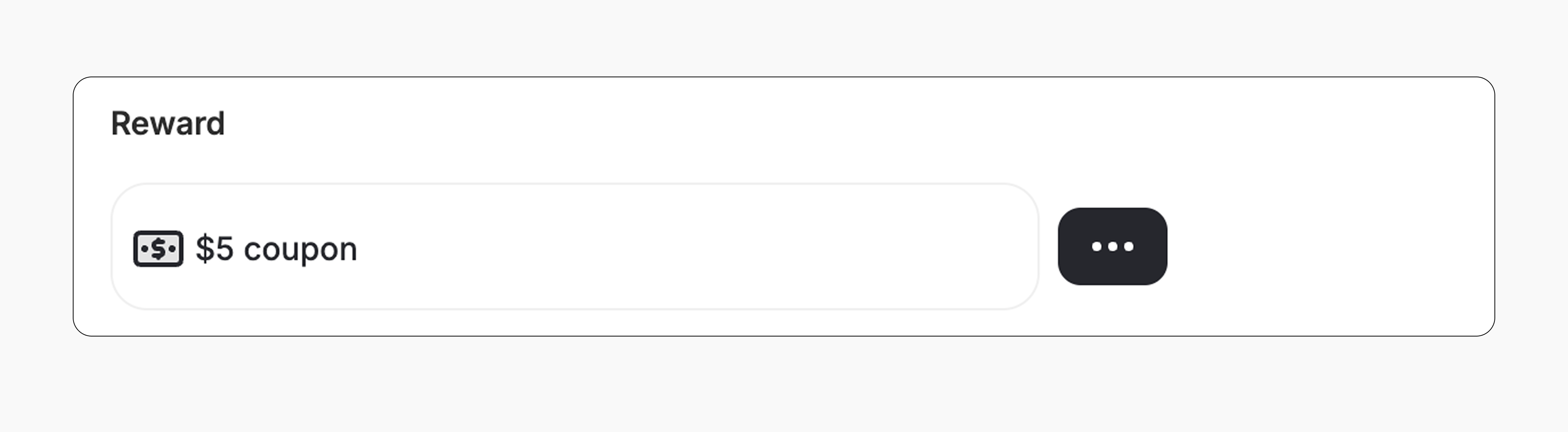
- The customer gets a $5 coupon.
- The reward value can be adjusted from the campaign.
How It Works for Customers
1
Customer Places an Order
A customer places an order worth $50 or more.
2
Reward is Triggered
Gameball automatically triggers the reward.
3
Customer Receives the Reward
The customer receives a $5 discount, which can be applied to their next order.
4
Reward Notification
The customer is notified via the widget or email, depending on your configuration. Learn more
Important Notes
Minimum Order Value RequiredOnly orders with a total price of $50 or more will trigger the reward.
Related Articles
Set Up a Reward Campaign
Learn the full setup process for creating and launching reward campaigns.
Reward Types in Gameball
Explore the different reward types available in Gameball campaigns.
Notification After Earning a Reward
Configure how customers are notified when they earn a reward.